The complete Ambetter Health email collection
1. Thank You For Creating Your Login Account
Objective
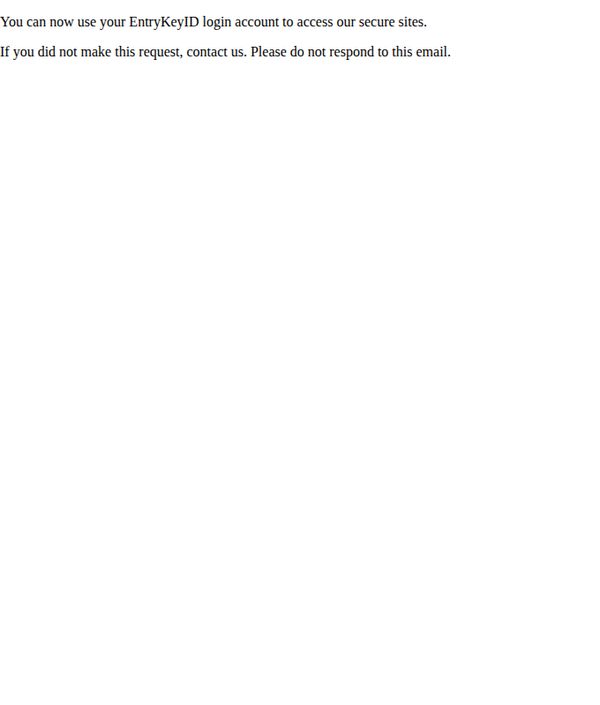
To confirm the successful creation of a user’s login account and guide them toward accessing secure member services, while also providing fraud prevention instructions for unauthorized requests.
Why this works
The email immediately reassures the recipient by confirming their action was successful, reducing anxiety and reinforcing trust in the brand’s digital onboarding process.
How to implement
Including a clear fraud alert with specific instructions to contact support if the request was unauthorized adds a layer of security and customer care that builds long-term confidence.
Pro Tip
Add a primary CTA button labeled 'Log In Now' to drive immediate action toward the secure portal, rather than relying solely on passive text links or instructions. • Include a brief 'Next Steps' section with bullet points explaining what members can do after logging in, such as viewing benefits, finding a doctor, or downloading the mobile app.
2. EntryKeyID Verification Code: j8aw4ti0
Objective
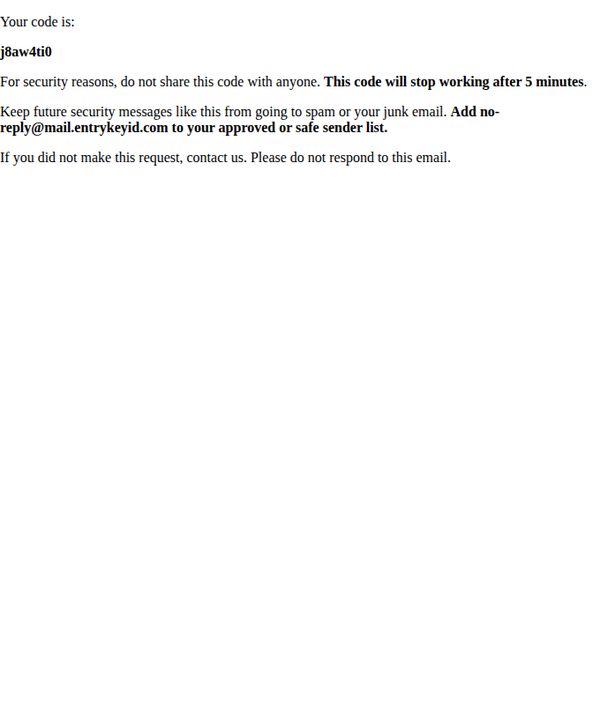
This email serves as a security verification message to confirm the recipient’s identity by delivering a time-sensitive, one-time code. It aims to prevent unauthorized access while guiding users on how to safeguard future communications.
Why this works
The email immediately delivers the critical verification code in bold, large font to reduce cognitive load and ensure users can act quickly without scanning unnecessary text.
How to implement
By clearly stating the code expires in five minutes, the message creates urgency while reinforcing security protocols, which encourages immediate action without confusion or delay.
Pro Tip
Add a visual countdown timer or bold expiration notice near the code to reinforce urgency and reduce the chance users miss the 5-minute window. • Include a direct link or button labeled 'Verify Now' that redirects to the login or verification page, reducing friction for users who may not know where to enter the code.
3. EntryKeyID: Authentication Verification Code
Objective
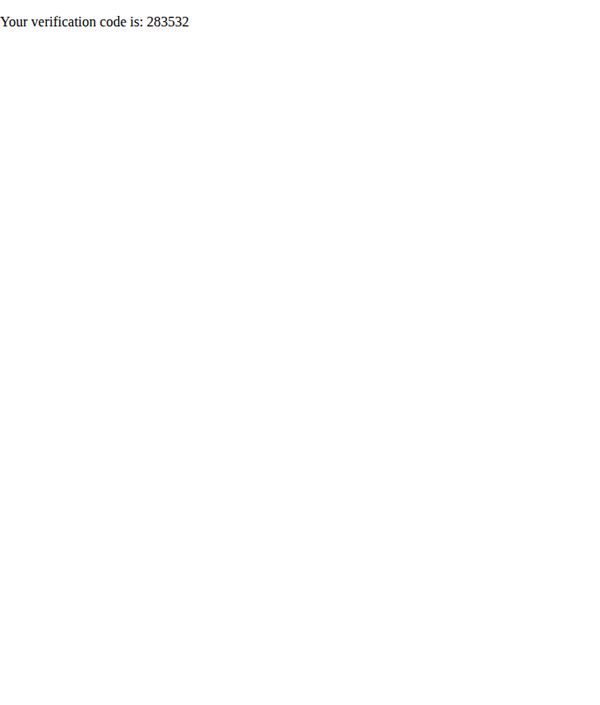
This email serves as a security verification step, delivering a one-time authentication code to confirm the user’s identity during a login or account action. It aims to protect user accounts by ensuring only authorized individuals can proceed.
Why this works
The email cuts through noise by delivering only the essential information, the verification code, with zero distractions, ensuring users can act quickly and securely without confusion or cognitive overload.
How to implement
By using a clean, minimalist layout with high contrast between text and background, the email prioritizes accessibility and readability, making it easy for users of all ages and abilities to locate and use the code instantly.
Pro Tip
Add a brief, reassuring sentence below the code (e.g., 'This code expires in 10 minutes. Do not share it with anyone.') to reduce user anxiety and reinforce security best practices without cluttering the design. • Include a small, non-intrusive footer note with a link to customer support or a help article on 'What to do if you didn’t request this code' to preemptively address user concerns and reduce support tickets.