Canny email gallery from real brands
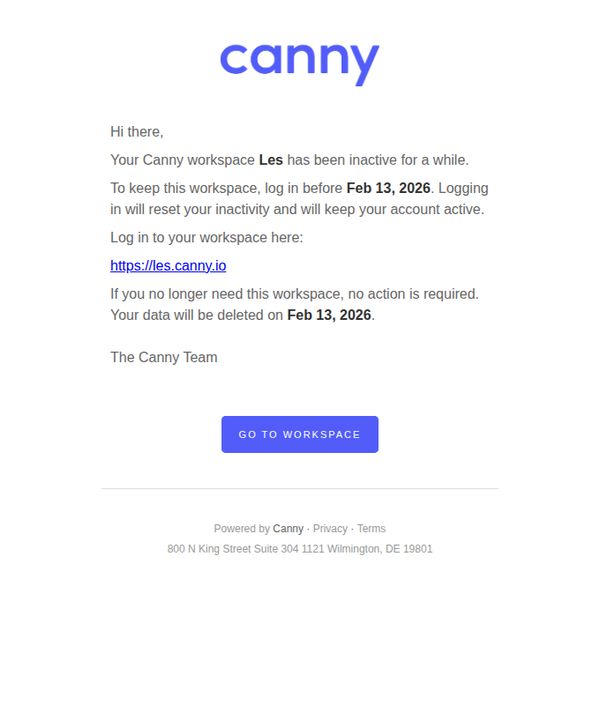
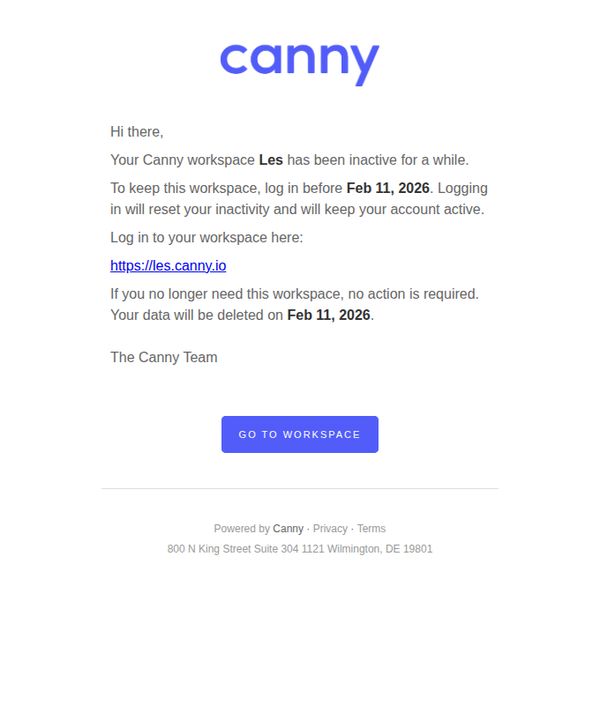
1. Your Canny workspace "Les" is scheduled for deletion
Objective
This email aims to re-engage inactive users by warning them their workspace is scheduled for deletion, encouraging immediate login to preserve their data and reactivate their account before the deadline.
Why this works
The email creates urgency without being pushy by clearly stating the deletion date and offering a simple, frictionless path to prevent it, a perfect balance of consequence and control for the user.
How to implement
It respects user autonomy by explicitly stating that no action is needed if they no longer want the workspace, reducing perceived pressure and building trust through transparency and user-centered phrasing.
Pro Tip
Add a secondary CTA or link near the top for users who want to immediately delete their workspace, this reduces friction for users who’ve already decided to leave and prevents them from ignoring the email entirely. • Include a brief, one-line reminder of what data or features they’ll lose (e.g., 'You’ll lose 12 feedback threads and 3 custom roadmaps') to increase emotional stakes and motivate action beyond just a date deadline.
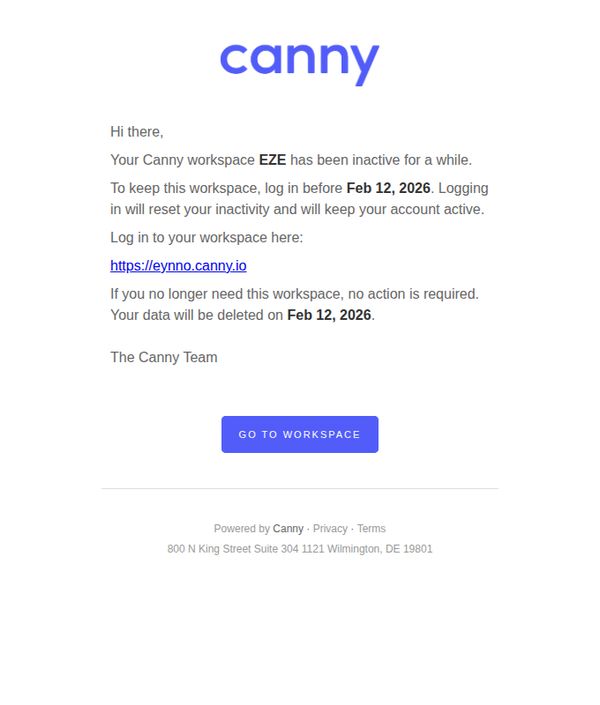
2. Your Canny workspace "EZE" is scheduled for deletion
Objective
This email aims to re-engage inactive users by warning them their workspace is scheduled for deletion, encouraging immediate login to preserve their data and maintain account activity.
Why this works
The email creates urgency without being aggressive by clearly stating the deletion date and tying account survival to a simple, single action, logging in, which lowers the barrier to re-engagement.
How to implement
It respects user autonomy by explicitly stating that no action is required if the workspace is no longer needed, which reduces friction and builds trust by acknowledging user intent rather than assuming it.
Pro Tip
Add a secondary CTA or link offering a quick export option for users who want to save data before deletion, reducing anxiety and increasing perceived value even for those choosing to leave. • Include a brief, one-line reminder of what’s at stake, e.g., 'Your feedback, votes, and roadmap items will be permanently lost', to strengthen emotional motivation to act.
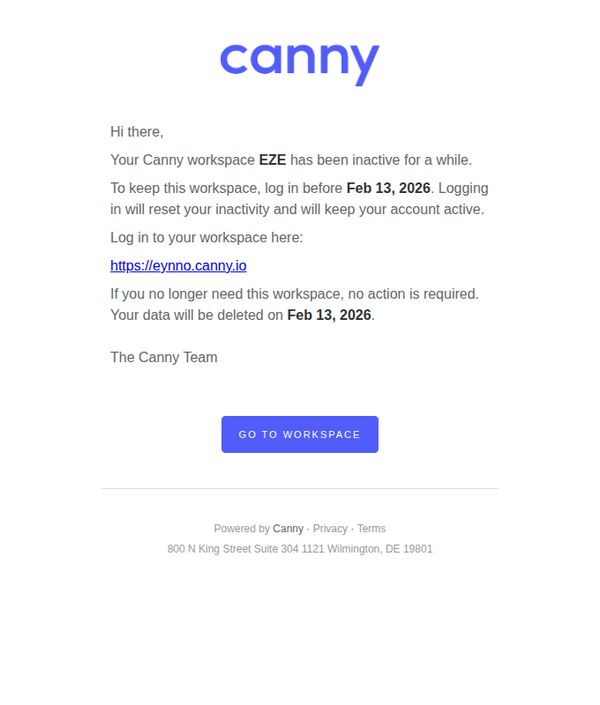
3. Your Canny workspace "EZE" is scheduled for deletion
Objective
This email aims to alert the user that their Canny workspace 'EZE' is scheduled for deletion due to inactivity and encourages them to log in before February 13, 2026, to preserve their data and maintain account activity.
Why this works
The email clearly communicates urgency by specifying a hard deadline, February 13, 2026, while offering a simple, actionable path to prevent data loss, which reduces friction and increases compliance.
How to implement
By explicitly stating that no action is needed if the workspace is no longer required, the message respects user autonomy and reduces perceived pressure, which can enhance brand trust even during account deactivation scenarios.
Pro Tip
Add a brief explanation of what data will be lost upon deletion (e.g., feedback threads, analytics, integrations) to increase emotional stakes and motivate action beyond just preserving the workspace. • Include a secondary CTA or link offering to archive or export data before deletion, giving users a graceful exit option that aligns with retention strategy while still respecting their intent to disengage.
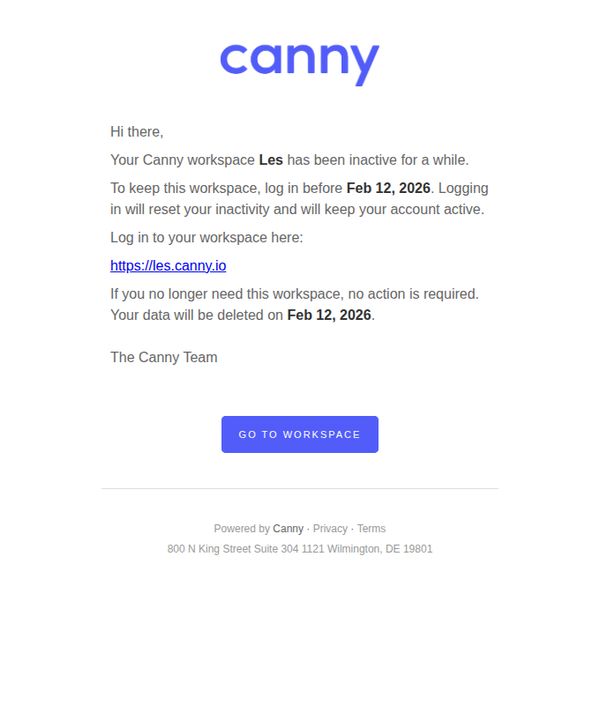
4. Your Canny workspace "Les" is scheduled for deletion
Objective
This email aims to re-engage inactive users by warning them their workspace is scheduled for deletion, encouraging immediate login to preserve their data and reactivate their account before the deadline.
Why this works
The email creates urgency without being aggressive by clearly stating the deletion date and offering a simple, frictionless path to prevent it, turning a warning into a reactivation opportunity.
How to implement
It respects user autonomy by explicitly stating that no action is needed if the workspace is no longer wanted, reducing perceived pressure and building trust through transparency and user control.
Pro Tip
Add a secondary CTA or link offering a quick export option for users who want to save data before deletion, reducing friction for those who don’t intend to reactivate but still value their content. • Include a brief, one-line reminder of what the workspace contains (e.g., 'Your workspace includes 12 feedback threads and 3 product roadmaps') to emotionally reinforce value and increase reactivation likelihood.
5. Your Canny workspace "Les" is scheduled for deletion
Objective
To alert the user that their Canny workspace 'Les' is scheduled for deletion due to inactivity and to encourage them to log in before the deadline to preserve their data.
Why this works
The email uses urgency effectively by clearly stating the deletion date upfront, creating a time-sensitive reason for the user to act without sounding alarmist or pushy.
How to implement
It balances empathy and clarity by offering two paths, reactivation or graceful exit, which reduces friction and makes the user feel in control rather than penalized for inactivity.
Pro Tip
Add a brief explanation of what data will be lost (e.g., feedback, votes, comments) to strengthen emotional urgency and help users weigh the consequence of inaction. • Include a secondary CTA or link offering to export data before deletion, giving users a graceful exit path that still engages them with the platform’s value.
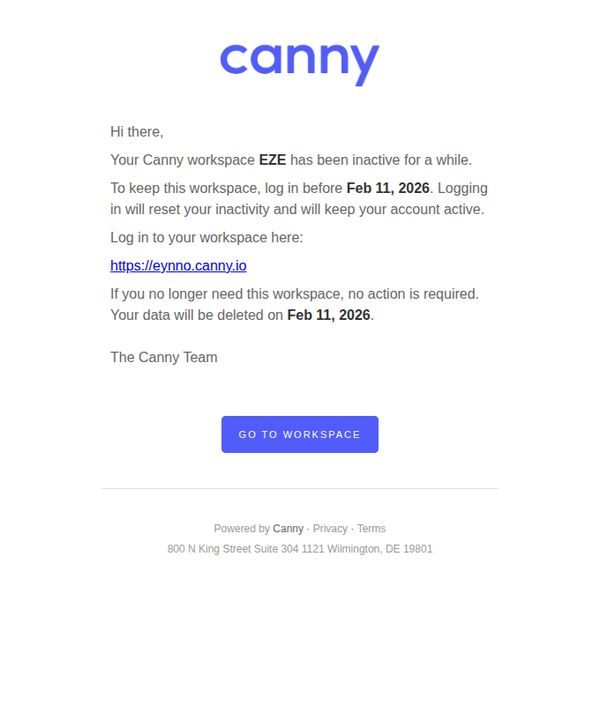
6. Your Canny workspace "EZE" is scheduled for deletion
Objective
This email aims to re-engage inactive users by warning them their workspace will be deleted unless they log in before the deadline, encouraging immediate action to retain their account and data.
Why this works
The email creates urgency without being aggressive by clearly stating the deletion date and offering a simple, frictionless path to prevent it, a model for retention-focused comms that respect user autonomy while prompting action.
How to implement
By personalizing the workspace name and giving users the option to do nothing if they no longer need it, the message reduces defensiveness and positions the brand as considerate, not pushy, a subtle but powerful trust-building tactic.
Pro Tip
Add a brief, empathetic sentence acknowledging the user’s time away, e.g., 'We miss you!', to soften the tone and reinforce that the goal is to help, not penalize, which could increase emotional engagement and click-through. • Include a secondary CTA or link near the bottom offering to export data before deletion, reducing anxiety for users who may want to preserve content even if they don’t plan to reactivate, this builds goodwill and reduces support inquiries.