The complete Project Management email collection


1. monday.com: Invite the team to try it with you!
Objective
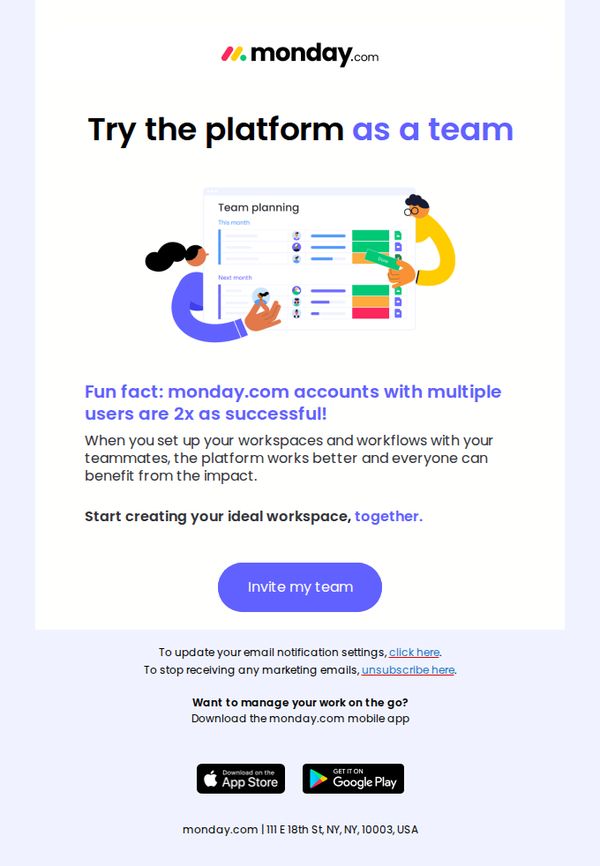
The email aims to encourage existing users to invite their teammates to join monday.com, emphasizing that collaborative adoption increases success rates and enhances workflow impact across the team.
Why this works
Positioning team adoption as a success multiplier, not just a feature, transforms the invitation from a courtesy into a strategic advantage, making users feel they’re unlocking greater value by including others.
How to implement
Using a simple, friendly illustration of two people collaborating on a shared workspace visually reinforces the emotional and functional benefits of teamwork, making abstract value feel tangible and inviting.
Pro Tip
Add a subtle countdown or progress indicator (e.g., 'Join 5,000+ teams who invited colleagues this week') near the CTA to create urgency and normalize the behavior through social momentum. • Include a micro-testimonial or quote from a real user who saw results after inviting their team, even one sentence would humanize the stat and strengthen emotional resonance before the CTA.
2. monday.com: Why we built our monday.com community
Objective
To position monday.com as more than a productivity platform by highlighting its community-driven knowledge-sharing culture, encouraging new sign-ups through a compelling origin story and free trial offer.
Why this works
monday.com brilliantly reframes its product as a living community by spotlighting its transparency-driven podcast origin story, making the platform feel human, relatable, and mission-driven rather than just another SaaS tool.
How to implement
The email leverages emotional storytelling to position the free trial not as a transactional offer but as an invitation to join a movement, subtly shifting user perception from ‘trying software’ to ‘becoming part of something bigger.’
Pro Tip
Add a testimonial or user quote from an existing community member right after the podcast backstory to reinforce social proof and validate the ‘community’ claim with real voices. • Include a subtle visual indicator like a progress bar or countdown timer near the CTA to create urgency around the 7-day free trial, increasing conversion likelihood without disrupting the narrative flow.
3. Connecteam: Nedvon, get inspired from others
Objective
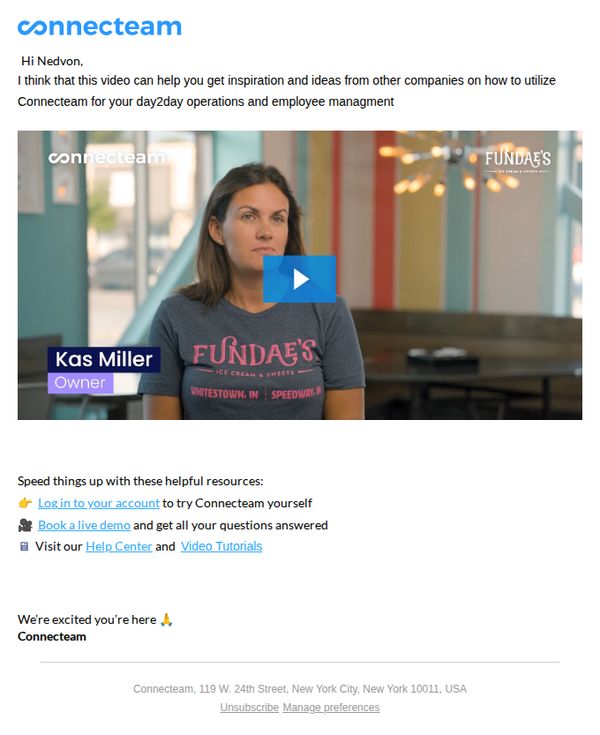
This email aims to inspire Nedvon by showcasing a real customer story, demonstrating how another business uses Connecteam for daily operations and employee management, while encouraging immediate engagement through account access, demo booking, or resource exploration.
Why this works
By personalizing the greeting and framing the video as a tailored source of inspiration, the email immediately positions itself as helpful rather than promotional, building trust before asking for action.
How to implement
Featuring a real customer with visible branding and title creates authentic social proof that resonates emotionally and operationally, helping prospects visualize themselves succeeding with the platform.
Pro Tip
Add a brief testimonial quote from Kas Miller directly under her video thumbnail to reinforce credibility and give skimmers a reason to engage without watching the full video. • Include a visual progress indicator or time-sensitive cue (e.g., 'Join 5,000+ teams using Connecteam this week') near the CTAs to create gentle urgency and reduce decision inertia.
4. monday.com: Empowering employees to job craft in 2026
Objective
This email aims to position monday.com as a thought leader in modern workplace trends by delivering actionable insights on job crafting, AI’s impact on employment, and employee engagement, encouraging leaders to rethink team dynamics and performance management in 2026.
Why this works
The email masterfully reframes job crafting not as a HR perk but as a strategic leadership tool, helping managers turn employee passions into team growth through intentional, iterative conversations that align personal fulfillment with business outcomes.
How to implement
By anchoring advice in real-world examples, like Amazon’s shift to results-only evaluations and Spain’s social media ban, the campaign builds credibility and urgency, making abstract workplace trends feel immediate and relevant to decision-makers.
Pro Tip
The primary CTA to download the mobile app feels disconnected from the email’s educational content; replacing it with a more contextually relevant CTA, like 'Download our Job Crafting Toolkit', would better align with the campaign’s leadership-focused objective. • The 'Question of the Week' section lacks a clear mechanism for user interaction, adding a clickable poll or link to submit answers would transform passive readers into active participants, increasing engagement and data capture.
5. monday.com: One more week of monday.com, on us
Objective
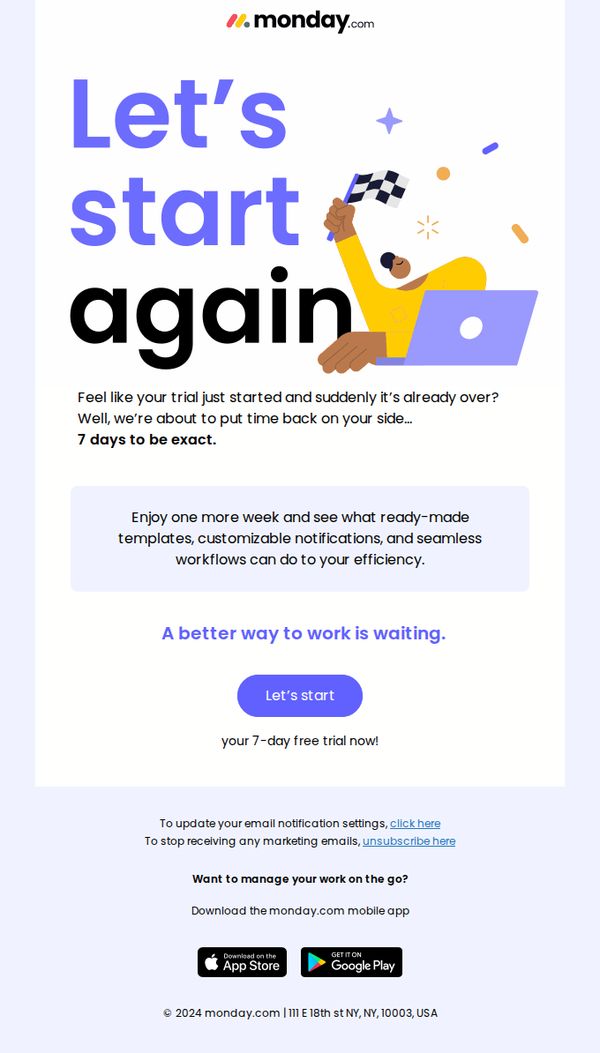
The email aims to re-engage trial users who may have felt their trial ended too soon by offering an additional 7-day extension, encouraging them to rediscover monday.com’s value through templates, notifications, and workflows before committing.
Why this works
The email brilliantly reframes trial expiration as an opportunity rather than a loss, using empathetic language like 'Feel like your trial just started and suddenly it’s already over?' to validate user sentiment and reduce friction.
How to implement
By highlighting concrete features, ready-made templates, customizable notifications, and seamless workflows, the email moves beyond vague promises and gives users a tangible reason to extend their trial with immediate, actionable value.
Pro Tip
Add a subtle countdown timer beneath the CTA to create urgency, since the offer is time-bound (7 days), visualizing the ticking clock could nudge procrastinators to act immediately instead of delaying. • Include a short testimonial or stat (e.g., '87% of users who extended their trial converted to paid') near the offer section to reinforce social proof and reduce perceived risk for hesitant users.
6. monday.com: [Confirm your email]
![6. monday.com: [Confirm your email]](https://nudge-growth-experimental.s3.amazonaws.com/nudge/email-screenshots/2871729.jpg)
Objective
This email aims to verify the user’s email address to confirm account ownership and prevent unauthorized signups, while gently reassuring them that no action is needed if they didn’t initiate the registration.
Why this works
The email opens with a clear, reassuring subject line and header that immediately tells the recipient why they’re receiving it, reducing confusion and building trust from the first glance.
How to implement
By including a polite disclaimer that users can safely ignore the email if they didn’t sign up, monday.com reduces friction and anxiety, making the verification feel like a helpful safeguard rather than a demand.
Pro Tip
Add a subtle countdown timer or expiration notice near the CTA to create gentle urgency, encouraging faster action without compromising the email’s calm, reassuring tone. • Include a brief, one-line value reminder beneath the CTA, such as 'Get started managing your team’s projects in minutes', to reinforce why confirming matters beyond just security.
7. monday.com: Explore these key monday.com resources
Objective
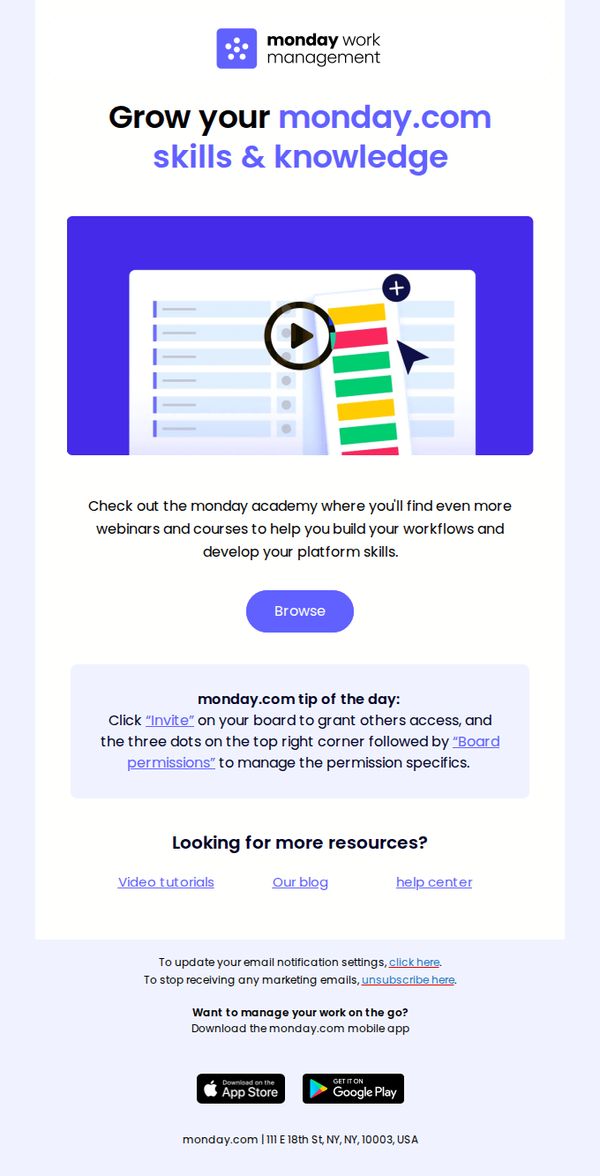
This email aims to encourage users to deepen their platform expertise by exploring educational resources like webinars and courses through the monday.com Academy, while also reinforcing product usage tips and driving app adoption.
Why this works
The email strategically positions learning as growth, framing the Academy not as training but as a way to build workflows and develop platform skills, making education feel like career advancement rather than a chore.
How to implement
Including a practical, bite-sized 'tip of the day' with actionable steps transforms passive reading into immediate product engagement, subtly reinforcing platform features while building user confidence through micro-successes.
Pro Tip
Add a countdown timer or urgency cue near the 'Browse' CTA to encourage immediate action, since the current design lacks time-sensitive motivation despite promoting educational content that benefits from timely engagement. • Include a short testimonial or user stat (e.g., '92% of users who complete Academy courses report faster workflow setup') to strengthen social proof and reinforce the value proposition of investing time in learning.
8. monday.com: Normalizing Vulnerable Leadership

Objective
This email aims to position monday.com as a thought leader in modern workplace culture by exploring the value of vulnerable leadership, while subtly promoting its platform as a tool to foster psychological safety and collaboration within teams.
Why this works
The email masterfully frames vulnerable leadership not as weakness but as a strategic strength, using data from Gallup and McKinsey to validate emotional intelligence as a measurable driver of team performance and psychological safety.
How to implement
By embedding actionable leadership prompts like 'How can you show your team you have their full attention?' the email transforms abstract concepts into practical, behavior-driven steps that resonate with time-strapped managers seeking real-world impact.
Pro Tip
Add a subtle visual cue or icon next to each 'Key question' to improve scannability and reinforce the interactive, reflective nature of the advice, helping readers mentally engage with each prompt without increasing cognitive load. • Include a short, bold statistic or quote from the 'Leading with vulnerability' section directly above the CTA button to strengthen the emotional-to-action transition and remind readers why this matters before they click.
9. monday.com: Starting strong in 2026

Objective
This email aims to position monday.com as a thought leader in workplace strategy by delivering timely, actionable insights for leaders preparing their teams for 2026, while subtly reinforcing the brand’s relevance in driving organizational clarity and growth.
Why this works
The email masterfully blends data-driven workplace trends with empathetic leadership advice, making complex organizational challenges feel approachable and actionable for time-strapped managers seeking to build resilient, forward-thinking teams.
How to implement
By anchoring the 2026 planning guide in real human experiences, like burnout, AI anxiety, and team alignment, the content transcends generic advice and positions monday.com as a trusted partner in navigating the emotional and strategic layers of modern work.
Pro Tip
The primary CTA to download the mobile app feels disconnected from the educational content; replacing it with a contextually relevant CTA like 'Get Your 2026 Team Planning Checklist' would better align user intent with conversion. • The 'Starting strong in 2026' section lacks visual hierarchy, breaking up dense paragraphs with subheadings, icons, or bullet points would improve scannability and help readers quickly identify actionable takeaways.
10. monday.com: Looking to ace monday.com 101? We’ve got you covered
Objective
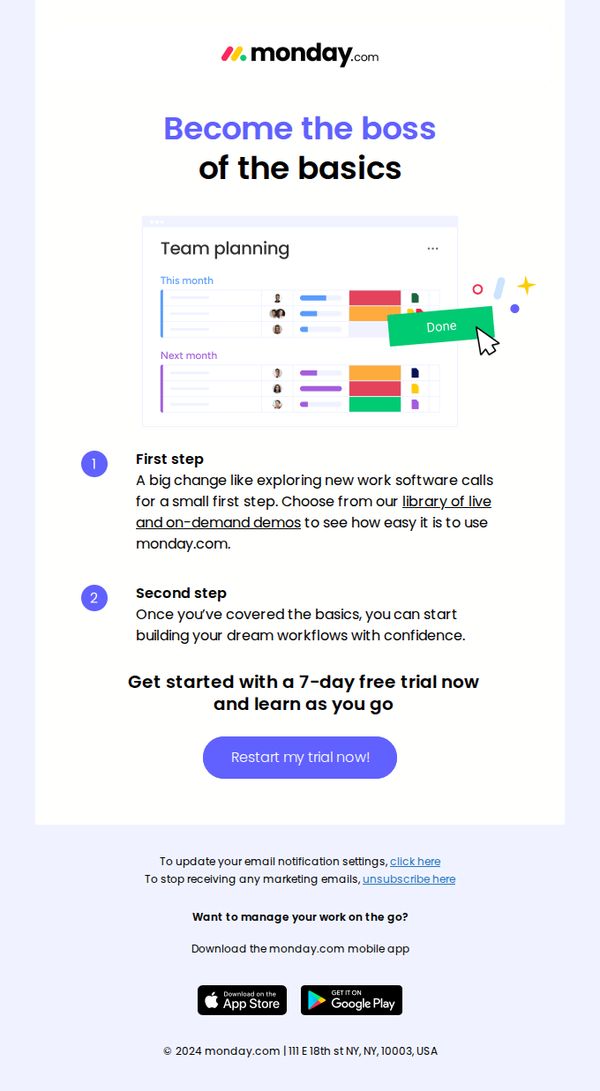
This email aims to re-engage users who may have started a trial but haven’t fully explored monday.com’s core features, guiding them back with a simplified onboarding path and encouraging immediate action through a free trial restart. It positions the platform as approachable for beginners while reinforcing confidence through structured learning steps.
Why this works
The email brilliantly reframes onboarding as a confidence-building journey, not a technical hurdle, by breaking it into digestible steps that reduce overwhelm and invite users to explore at their own pace without pressure.
How to implement
By anchoring the CTA to a '7-day free trial' and pairing it with a visual of a completed task (the 'Done' button), the email creates a subtle psychological nudge that progress is already within reach, making re-engagement feel effortless.
Pro Tip
Add a brief testimonial or social proof near the CTA to reinforce credibility, for example, '92% of new users complete onboarding in under 30 minutes', to reduce perceived risk and boost trial restarts. • Include a visual progress bar or checklist under the 'First step' and 'Second step' to gamify the onboarding journey, making users feel they’re advancing toward mastery rather than just restarting a trial.