Aircall campaign ideas that work
1. Welcome to Aircall! Allow us to introduce ourselves
Objective
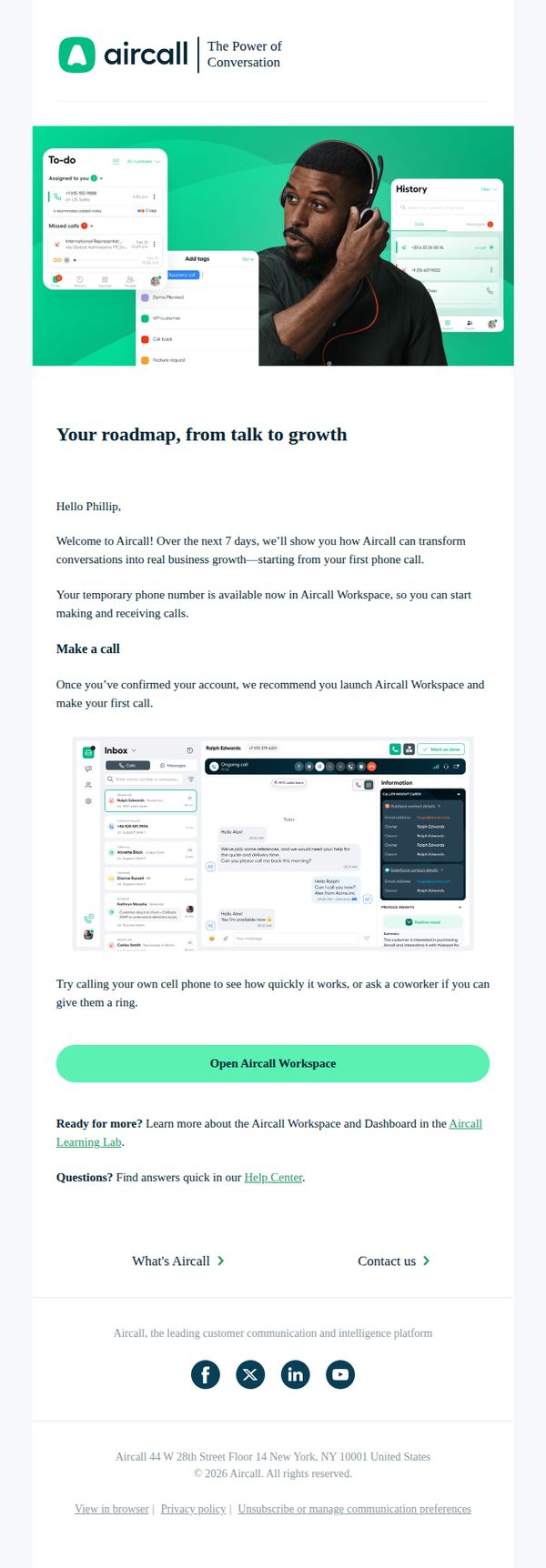
This email aims to warmly welcome new users to Aircall by guiding them through their first steps, encouraging immediate product engagement, and positioning the platform as a growth-enabling communication tool from day one.
Why this works
The email opens with a personalized greeting and a clear 7-day onboarding promise, which reduces new-user anxiety by setting predictable expectations and framing the platform as a growth partner from the very first interaction.
How to implement
Including a visual mockup of the Aircall interface directly beneath the call-to-action helps users mentally rehearse the next step, bridging the gap between instruction and action by showing exactly what they’ll see when they click.
Pro Tip
Add a subtle progress indicator or checklist (e.g., 'Step 1 of 7: Make Your First Call') to reinforce the 7-day roadmap and motivate users to complete onboarding milestones. • Include a short testimonial or social proof near the CTA, such as '92% of new users make their first call within 24 hours', to reduce hesitation and normalize immediate action.
2. Your Aircall Trial
Objective
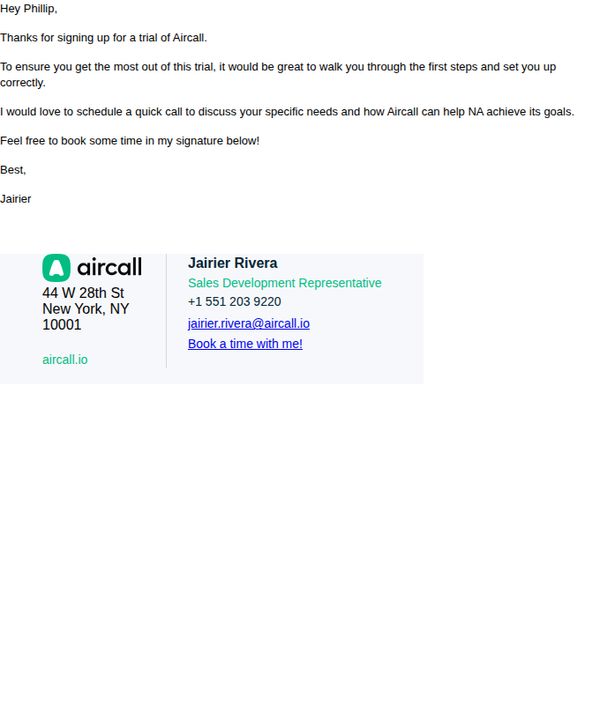
This email aims to guide a new trial user through onboarding by offering a personalized call to clarify their needs and demonstrate how Aircall can help them achieve their business goals, ultimately converting the trial into a paid subscription.
Why this works
The email opens with a warm, personalized greeting that immediately establishes rapport and acknowledges the user’s action, making them feel valued from the very first line instead of being treated like another lead in a database.
How to implement
By positioning the call as a collaborative discovery session focused on the user’s specific goals, not a sales pitch, the email reduces friction and frames the next step as helpful guidance rather than pressure, increasing the likelihood of engagement.
Pro Tip
Add a brief bullet-point list of what the user will gain from the call (e.g., 'Learn how to set up your first call flow,' 'See how to track team performance') to clarify value and reduce hesitation before clicking the CTA. • Include a small visual element like a calendar icon next to the 'Book a time with me!' CTA to reinforce the action and improve scannability, especially for users skimming the email on mobile.
3. Confirm your Aircall account
Objective
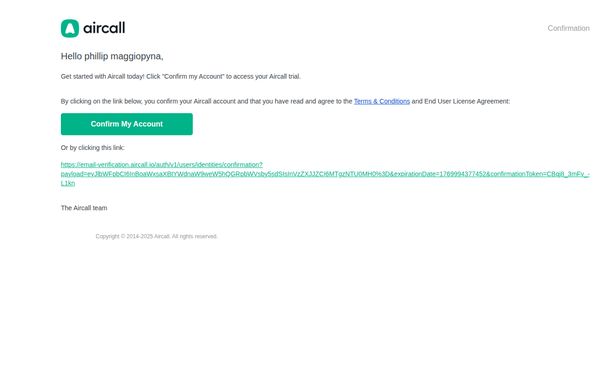
This email aims to prompt the recipient to confirm their Aircall account in order to activate their trial, ensuring legal compliance by securing agreement to terms and conditions before access is granted.
Why this works
The email opens with a personalized greeting that immediately establishes relevance and ownership, making the recipient feel addressed rather than targeted, which increases the likelihood of engagement and action.
How to implement
By clearly stating the purpose upfront, confirming the account to access the trial, the email eliminates ambiguity and reduces friction, helping users understand exactly what’s required and why it matters to them.
Pro Tip
Add a brief value reminder just above the CTA, such as 'Start your free trial and unlock seamless team calling in minutes', to reinforce motivation beyond compliance and reduce drop-offs. • Include a small trust indicator near the CTA, like a security badge or a note saying 'Used by 10,000+ teams', to alleviate hesitation around clicking links or sharing data during account confirmation.
4. Phillip, build better customer relationships with Aircall
Objective
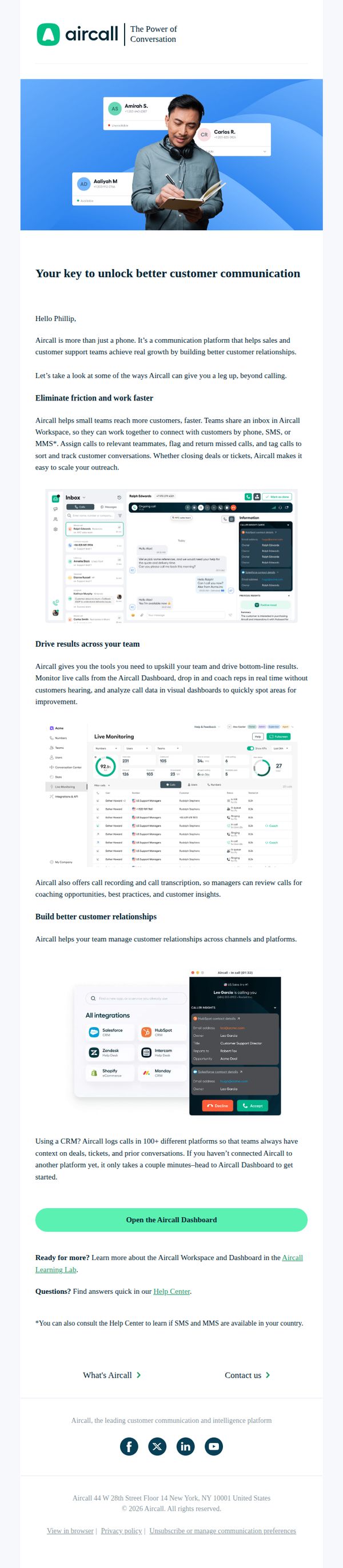
This email aims to convert Phillip into an active Aircall user by demonstrating how the platform enhances team communication, improves customer relationships, and drives measurable business results through intuitive tools and integrations.
Why this works
The email positions Aircall not as a phone system but as a relationship-building engine, which reframes the product’s value from utility to strategic growth, a powerful emotional hook for sales and support leaders.
How to implement
By embedding real interface screenshots alongside clear use cases, like live monitoring and CRM integrations, the email visually proves functionality without overwhelming the reader, making abstract features feel tangible and trustworthy.
Pro Tip
Add a subtle countdown timer or limited-time offer badge near the CTA to create urgency, since the current email lacks any time-based incentive that could nudge Phillip toward immediate action. • Include a short customer testimonial or stat (e.g., 'Teams using Aircall see 30% faster resolution times') near the 'Drive results across your team' section to reinforce credibility with social proof.