The complete Gusto email collection
1. Stay compliant and save with our best offer yet
Objective
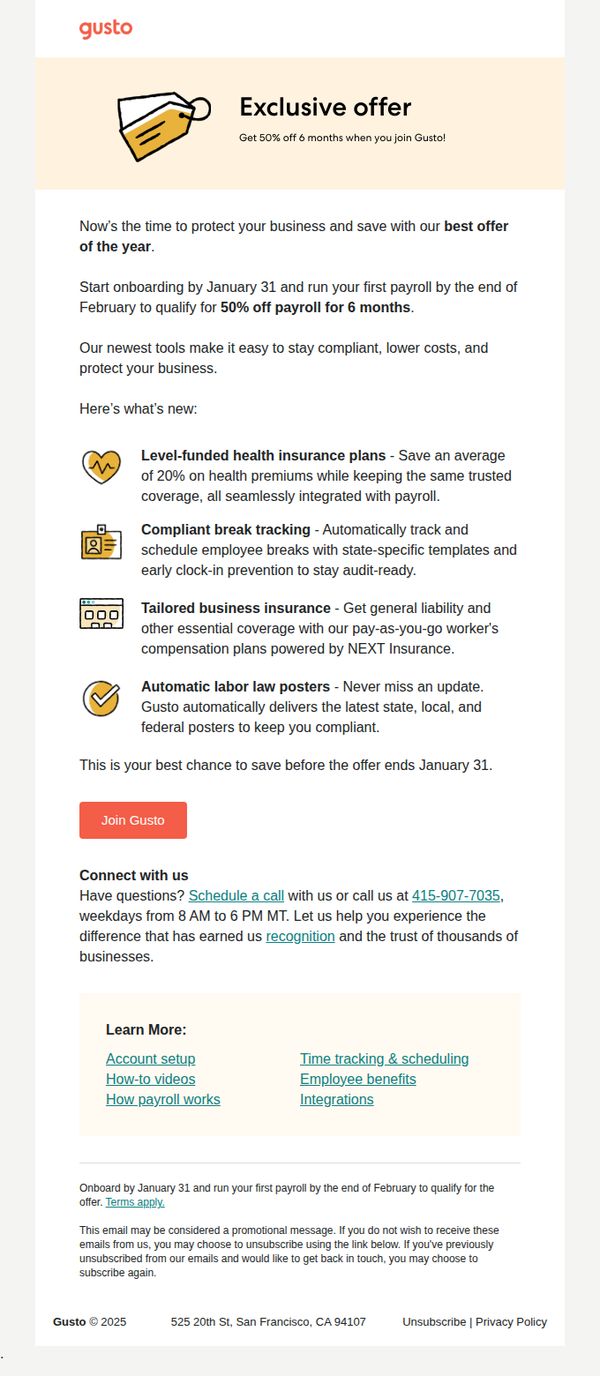
This email aims to drive new business sign-ups by highlighting a limited-time 50% discount on payroll for six months, while positioning Gusto as a compliance-focused, cost-saving solution for small businesses.
Why this works
The email frames the discount as a time-sensitive business protection tool rather than just a sale, aligning savings with risk mitigation to appeal to cautious small business owners.
How to implement
Each new feature is paired with a tangible business outcome, like saving 20% on premiums or staying audit-ready, making abstract benefits feel concrete and immediately valuable to the reader.
Pro Tip
Add a countdown timer near the CTA to visually reinforce the January 31 deadline, increasing perceived urgency and reducing procrastination among hesitant prospects. • Include a short customer testimonial or trust badge near the CTA to validate the 'thousands of businesses' claim and reduce perceived risk for first-time buyers.
2. Last chance: Our best offer of the year ends soon
Objective
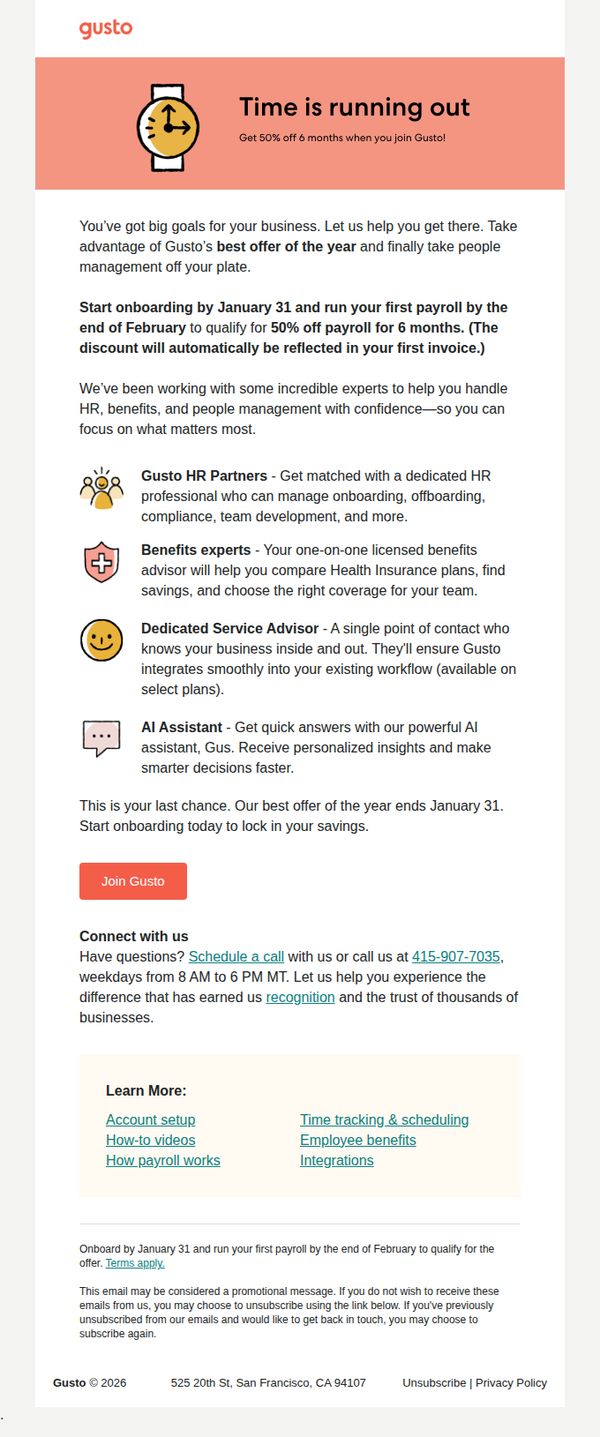
This email aims to drive immediate sign-ups by emphasizing urgency around Gusto’s limited-time offer of 50% off payroll for six months, encouraging small business owners to act before the January 31 deadline to reduce administrative burdens.
Why this works
The email brilliantly leverages time-sensitive urgency by anchoring the offer to a hard deadline, January 31, while clearly explaining the tangible financial benefit (50% off payroll for six months) to motivate quick decisions from busy business owners.
How to implement
By highlighting specialized support roles like HR Partners, Benefits Experts, and a Dedicated Service Advisor, the email transforms a generic payroll tool into a trusted operational partner, subtly addressing pain points around compliance, team growth, and workflow integration.
Pro Tip
Add a countdown timer near the CTA to visually reinforce urgency beyond the text deadline, increasing perceived scarcity and prompting faster action without requiring users to calculate remaining days. • Include a short customer testimonial or trust badge near the CTA that references real savings or time saved, this would strengthen social proof and reduce hesitation for first-time buyers unfamiliar with Gusto’s impact.
3. Action needed to complete your account
Objective
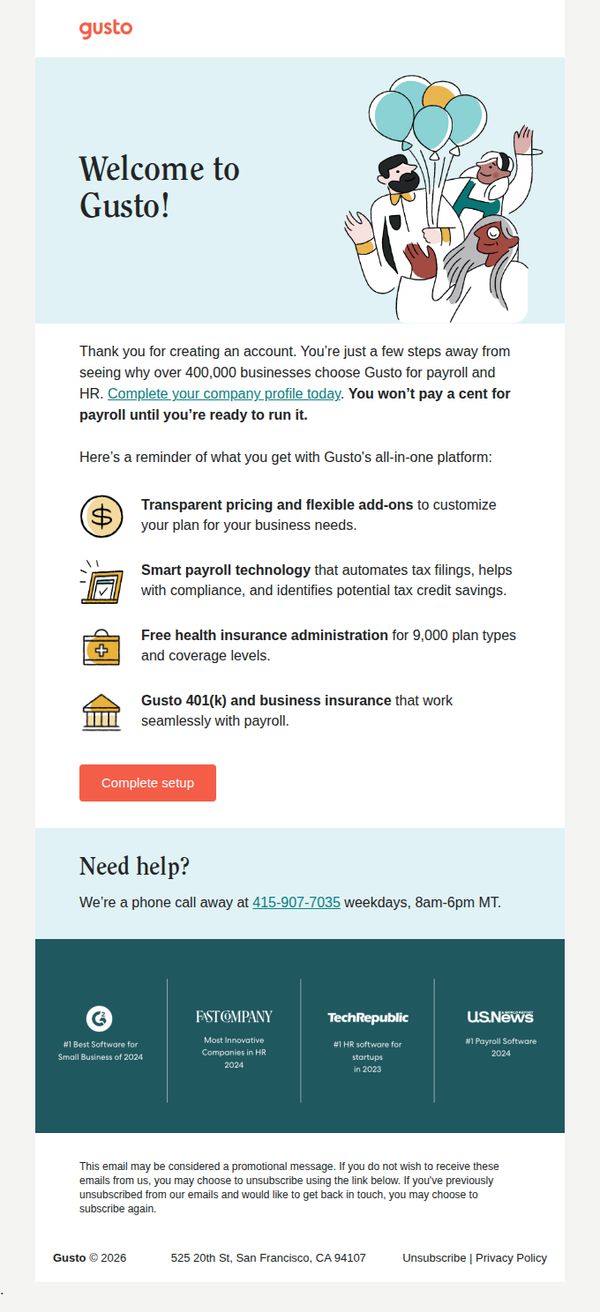
This email aims to prompt new users to complete their company profile setup by highlighting the value of Gusto’s all-in-one payroll and HR platform, while reassuring them that no charges will apply until they’re ready to launch. It seeks to reduce drop-off by emphasizing ease, trust, and support.
Why this works
The email opens with a warm, celebratory tone using illustrations and a 'Welcome!' headline, which immediately reduces friction and positions the setup as a milestone rather than a chore, making users feel supported from the start.
How to implement
By listing concrete platform benefits with simple icons and concise phrasing, like 'Smart payroll technology that automates tax filings', the email transforms abstract features into tangible outcomes that resonate with time-strapped business owners.
Pro Tip
Add a progress bar or checklist near the CTA to visually show how many steps remain, reducing perceived effort and increasing completion likelihood by making the task feel more manageable. • Reposition the 'Complete setup' CTA to appear immediately after the benefit list, not after the 'Need help?' section, to maintain momentum and prevent users from mentally disengaging before taking action.