How LinkedIn does email campaigns


1. Here’s how to make your 'open to work'…
Objective
This email aims to guide users on optimizing their 'Open to Work' badge to attract more job opportunities, while subtly promoting LinkedIn’s desktop and mobile apps to increase platform engagement and retention.
Why this works
The email brilliantly reframes a passive feature, the 'Open to Work' badge, into an active career accelerator, making users feel empowered rather than just informed, which increases the likelihood of engagement and action.
How to implement
By placing a single, high-contrast CTA button immediately after the value proposition, LinkedIn eliminates decision fatigue and funnels users directly toward the next step without distraction or competing options.
Pro Tip
Add a brief testimonial or stat (e.g., 'Members who optimize their badge get 3x more recruiter messages') right above the CTA to build social proof and urgency, reinforcing the value before the click. • Reposition the app download section to appear after the 'Read more' content, so users first engage with the core value before being asked to download, reducing friction and increasing content completion rates.
2. Use your weakness to your advantage in a…
Objective
This email aims to engage users by offering actionable career advice, specifically how to turn personal weaknesses into interview strengths, while subtly promoting LinkedIn’s value as a professional development tool. It also drives app adoption by highlighting desktop and mobile availability.
Why this works
The subject line and headline cleverly reframe a common pain point, job interview weaknesses, as a strategic opportunity, instantly sparking curiosity and positioning LinkedIn as a trusted advisor for career growth.
How to implement
By personalizing the recipient’s name and embedding a clear, benefit-driven CTA button, the email creates immediate relevance and reduces friction, encouraging users to click without feeling sold to.
Pro Tip
Add a brief testimonial or stat near the CTA (e.g., '87% of users who used these tips felt more confident in interviews') to build social proof and increase click-through confidence. • Include a secondary CTA or micro-copy under the main button (e.g., 'Get the tips in 2 minutes') to reduce perceived effort and reinforce the value proposition for time-sensitive readers.
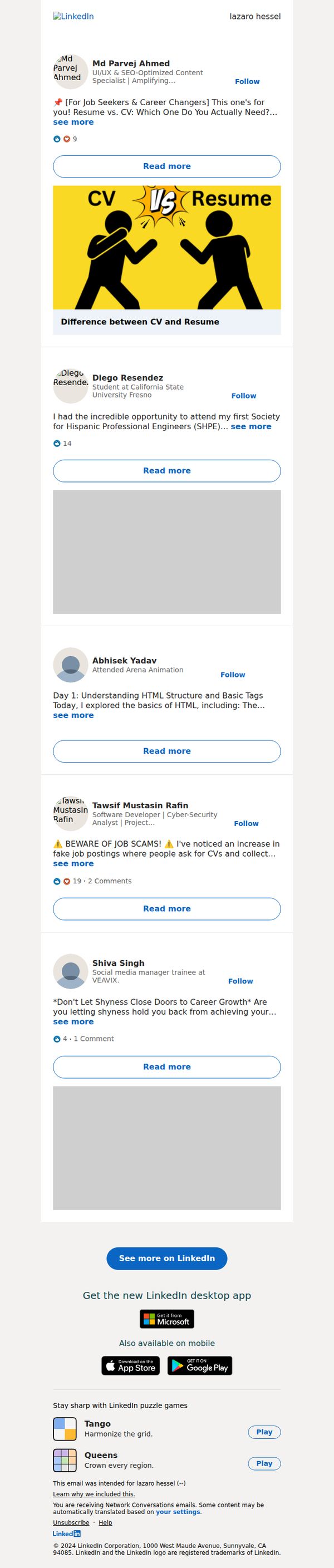
3. Md Parvej Ahmed just posted something that might be of interest to you
Objective
To re-engage users by surfacing relevant, personalized content from their network that aligns with career interests, encouraging them to return to LinkedIn for deeper interaction and continued platform usage.
Why this works
The email leverages social proof by highlighting posts from real connections, making the content feel personally relevant and trustworthy rather than generic promotional material.
How to implement
Each post preview includes a clear, benefit-driven headline and a visual hook, like the CV vs. Resume graphic, that instantly communicates value and encourages curiosity-driven clicks.
Pro Tip
Add a personalized subject line that references the user’s industry or recent activity (e.g., 'Posts from your network in tech just dropped') to increase open rates beyond generic network notifications. • Include a brief, one-sentence summary under each post preview to reduce cognitive load and help users quickly decide which content to engage with, especially on mobile.
4. Tamsin Hawes just posted something that might be of interest to you
Objective
To re-engage users by surfacing relevant, personalized content from their network that aligns with professional development interests, encouraging them to return to LinkedIn for deeper interaction.
Why this works
The email leverages social proof by highlighting content from recognizable network members, creating a sense of FOMO that nudges users to re-engage with the platform for timely, relevant career insights.
How to implement
Each post preview is curated to reflect professional growth themes, from CV writing to interview prep, ensuring the content resonates with the user’s career stage and encourages click-throughs with targeted value propositions.
Pro Tip
Add a subtle visual indicator (like a small badge or timestamp) next to each post to show how recently it was published, enhancing urgency and relevance for time-sensitive professional content. • Include a personalized tagline above the feed, such as 'Because you follow HR professionals' or 'Based on your job search activity', to strengthen the perception of tailored curation and increase trust in the content selection.
5. Lubna Iqbal just posted something that might be of interest to you
Objective
This email aims to re-engage the recipient by surfacing relevant, personalized LinkedIn posts from their network that align with career development and professional growth interests, encouraging them to return to the platform for deeper interaction.
Why this works
The email leverages social proof by highlighting posts from real connections with visible engagement metrics, making the content feel timely, credible, and worth exploring, a smart way to trigger curiosity without being pushy.
How to implement
Each post preview is intentionally truncated with a 'see more' link and a dedicated 'Read more' button, creating a frictionless path to deeper content while preserving the email’s scannability and respecting the reader’s time.
Pro Tip
Add a personalized subject line or preheader that references the recipient’s industry or recent activity (e.g., 'Posts from HR pros you follow, plus 5 interview tips you’ll want to see') to increase relevance and open rates. • Include a small visual indicator (like a badge or icon) next to posts that match the user’s stated interests or job function to reinforce personalization and help users prioritize what to read first.
6. These are the 7 essential steps to…
Objective
This email aims to engage job seekers by offering actionable advice on interview preparation, encouraging them to click through for detailed guidance while subtly promoting the LinkedIn desktop app as a productivity tool.
Why this works
The email opens with a compelling, benefit-driven headline that immediately signals value by promising '7 essential steps', a proven tactic to hook readers who are actively seeking career advancement strategies.
How to implement
By personalizing the recipient’s name in the header and including a branded 'Get Hired' badge, LinkedIn builds trust and relevance, making the content feel tailored rather than generic, which increases open and click-through rates.
Pro Tip
Add a brief teaser bullet list under the headline to preview the 7 steps, this increases perceived value and reduces friction for clicking by showing immediate relevance before the CTA. • Include a social proof element like 'Used by 2M+ job seekers this month' near the CTA to reinforce credibility and urgency, making the 'Read more' action feel more socially validated and less like a generic link.
7. Here's why you should keep up with your…
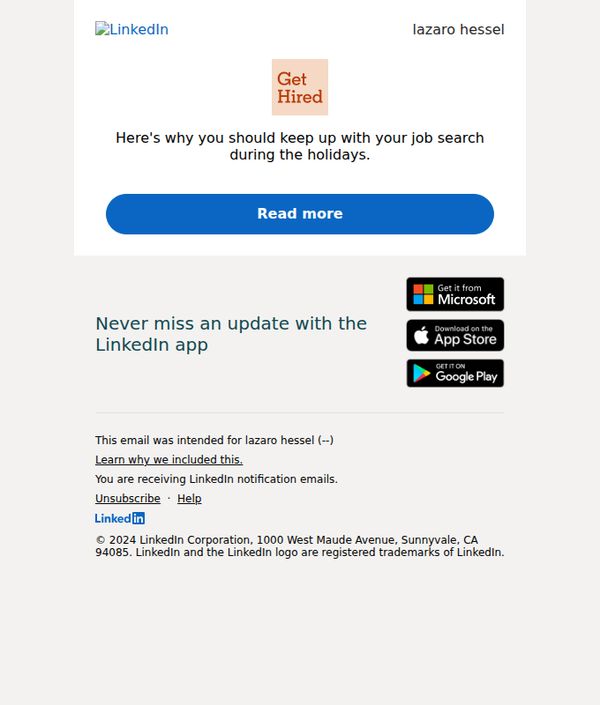
Objective
The email aims to encourage users to stay active in their job search during the holiday season by reinforcing the value of LinkedIn’s platform, while subtly prompting engagement through a compelling CTA. It also promotes app adoption to ensure users remain connected to opportunities.
Why this works
LinkedIn smartly ties seasonal behavior, holiday downtime, to professional urgency, reminding users that job markets don’t pause, which creates timely, emotionally resonant motivation to stay active on the platform.
How to implement
The minimalist design with a single, bold CTA button reduces friction and focuses attention, making it easy for distracted users to take the next step without overthinking or scrolling past the message.
Pro Tip
Add a brief testimonial or stat (e.g., '80% of hires happen during the holidays') in the hero section to strengthen social proof and urgency, making the 'why' more tangible before the CTA. • Rephrase the CTA from 'Read more' to something action-oriented like 'Keep Your Job Search Active This Holiday' to better align with the objective and increase click-through intent.
8. Research your interviewer. Here's why it…
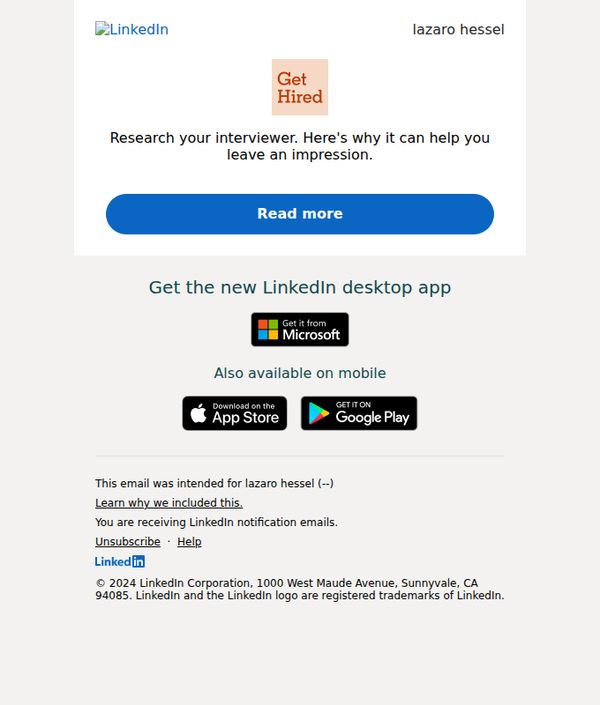
Objective
To encourage LinkedIn users to research their interviewers by highlighting how it helps them make a strong impression, driving engagement through a strategic 'Read more' CTA that leads to career advice content.
Why this works
The email opens with a highly relevant, action-oriented tip, researching your interviewer, that immediately resonates with job seekers by addressing a real, high-stakes moment in their career journey.
How to implement
By anchoring the message in a tangible benefit, 'leave an impression', the copy frames the advice as a strategic advantage rather than just a suggestion, increasing perceived value and urgency to engage.
Pro Tip
Add a brief testimonial or stat near the CTA (e.g., '87% of hiring managers notice when candidates reference their background') to reinforce credibility and boost conversion. • Include a secondary CTA or link to a quick 'Interviewer Research Checklist' to offer immediate value and deepen engagement beyond just reading the article.
9. Negotiating a pay raise? Here's how to…
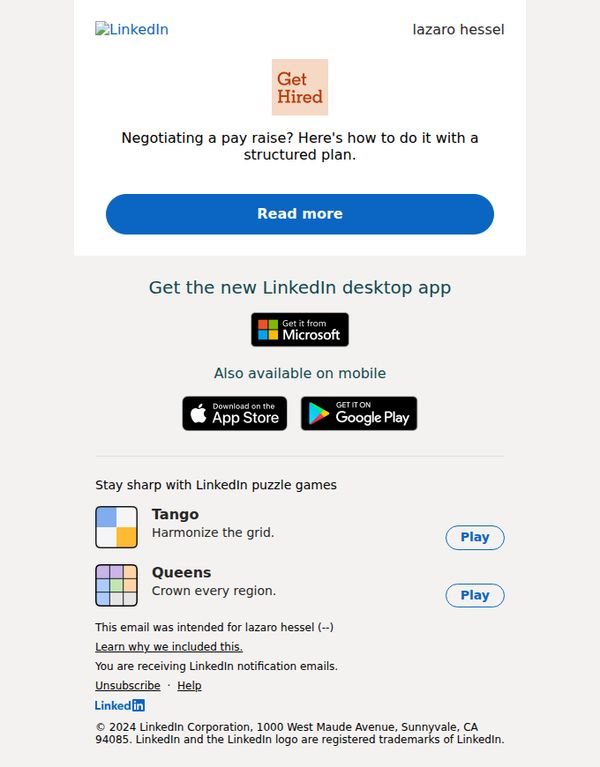
Objective
This email aims to engage users by offering actionable career advice on negotiating a pay raise, while subtly promoting LinkedIn’s value as a professional development platform through app downloads and interactive content.
Why this works
The email opens with a high-stakes, emotionally resonant question, 'Negotiating a pay raise?', which immediately captures attention by addressing a universal professional pain point with urgency and relevance.
How to implement
By framing the advice as a 'structured plan,' LinkedIn positions itself not just as a job board but as a strategic partner in career advancement, subtly reinforcing trust and authority without overt sales pressure.
Pro Tip
The CTA 'Read more' is too generic, rephrasing it to 'Get Your Pay Raise Playbook' would better align with the email’s value proposition and increase click-through intent by promising a tangible outcome. • The app promotion section feels disconnected from the main message; integrating a line like 'Track your career growth with LinkedIn’s desktop app' would create narrative continuity and strengthen the strategic link between content and product.
10. zita, your pin is 259495. Please confirm your email address.
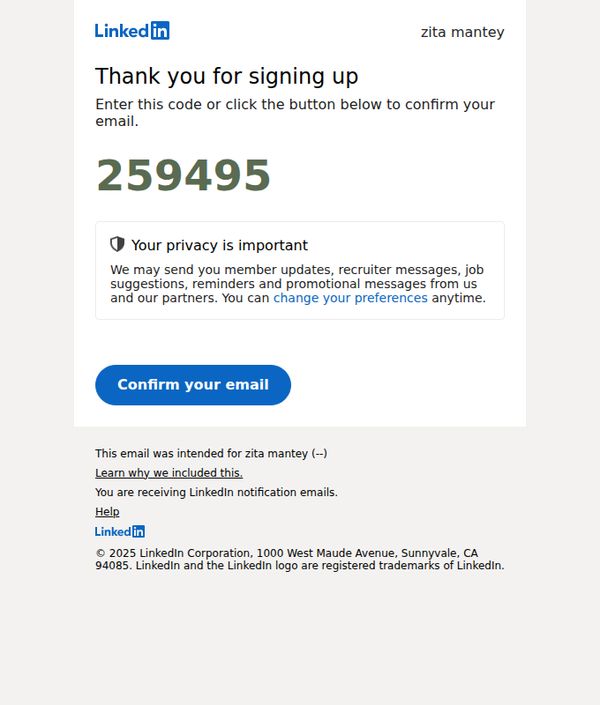
Objective
This email aims to verify the user’s email address by prompting them to enter or confirm a unique PIN, ensuring account security and accurate communication preferences while reinforcing LinkedIn’s commitment to user privacy.
Why this works
The email immediately establishes trust by displaying the user’s name and a unique PIN upfront, reducing friction and signaling personalization even in a transactional verification flow.
How to implement
Privacy reassurance is woven into the core message, not as a footnote, by explaining exactly what types of communications the user may receive and offering instant control over preferences.
Pro Tip
Add a secondary CTA or link near the PIN to allow users to request a new code if they didn’t receive or forgot the original, reducing drop-off for users who may have missed the initial message. • Include a brief visual indicator (like a checkmark or progress bar) after the CTA to subtly reinforce that this is step one of a multi-step onboarding process, helping users mentally prepare for next actions.