The complete Notion email collection
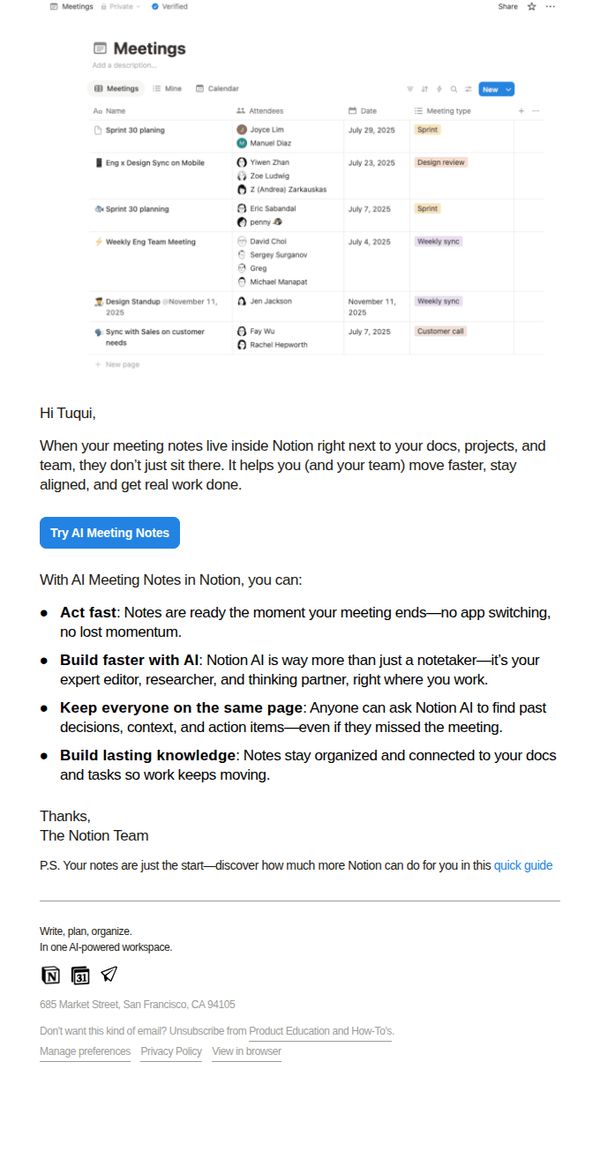
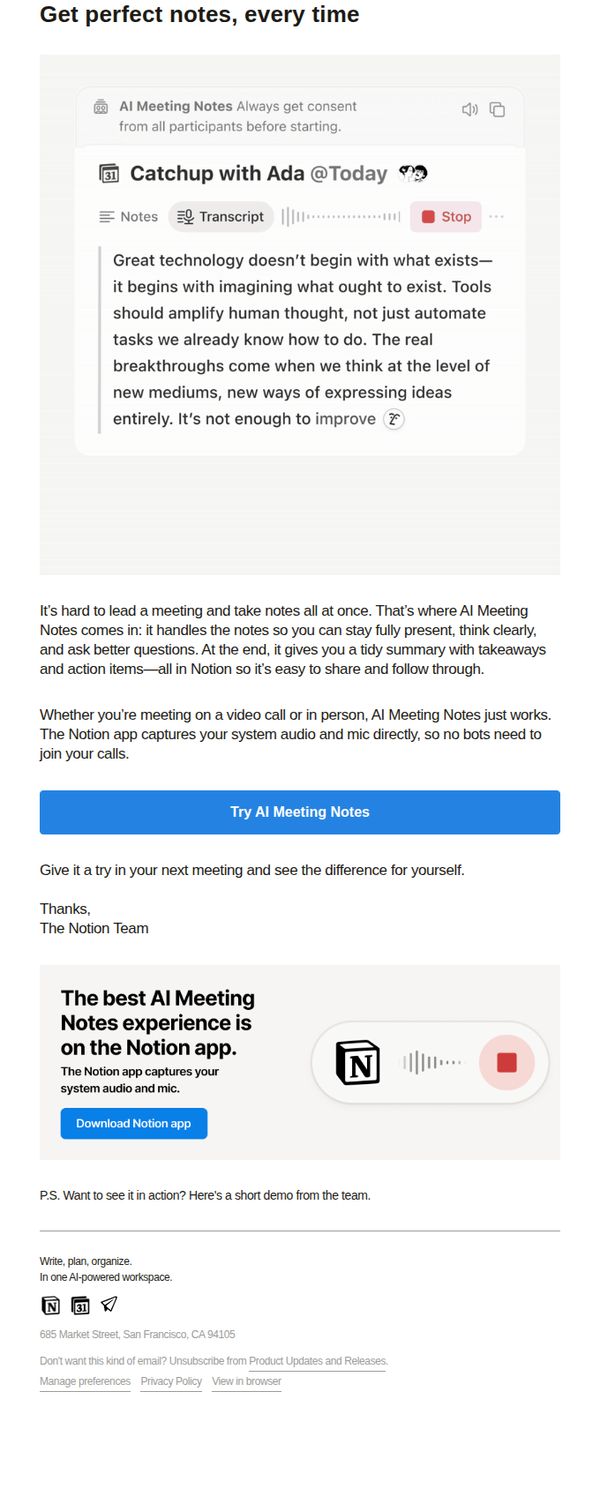
1. Let your notes do more than sit in a doc
Objective
To encourage users to adopt Notion’s AI Meeting Notes feature by showing how it transforms passive note-taking into active, collaborative work that accelerates team productivity and preserves institutional knowledge.
Why this works
Notion positions AI Meeting Notes not as a convenience tool but as a productivity multiplier that eliminates context switching and keeps momentum alive right after meetings end, which reframes the feature as mission-critical rather than optional.
How to implement
The email leverages the psychological trigger of shared accountability by emphasizing how AI Meeting Notes keep everyone on the same page, even those who missed the meeting, turning note-taking into a team alignment engine rather than a personal task.
Pro Tip
Add a short embedded video or animated GIF showing AI Meeting Notes auto-generating action items and summaries in real time, this would visually demonstrate the ‘act fast’ benefit and reduce cognitive load for users evaluating the feature. • Include a testimonial or social proof snippet from a recognizable company or team that saw measurable time savings or alignment improvements after adopting AI Meeting Notes, this would strengthen credibility and reduce perceived risk for hesitant users.
2. How to run sharper meetings with AI notes
Objective
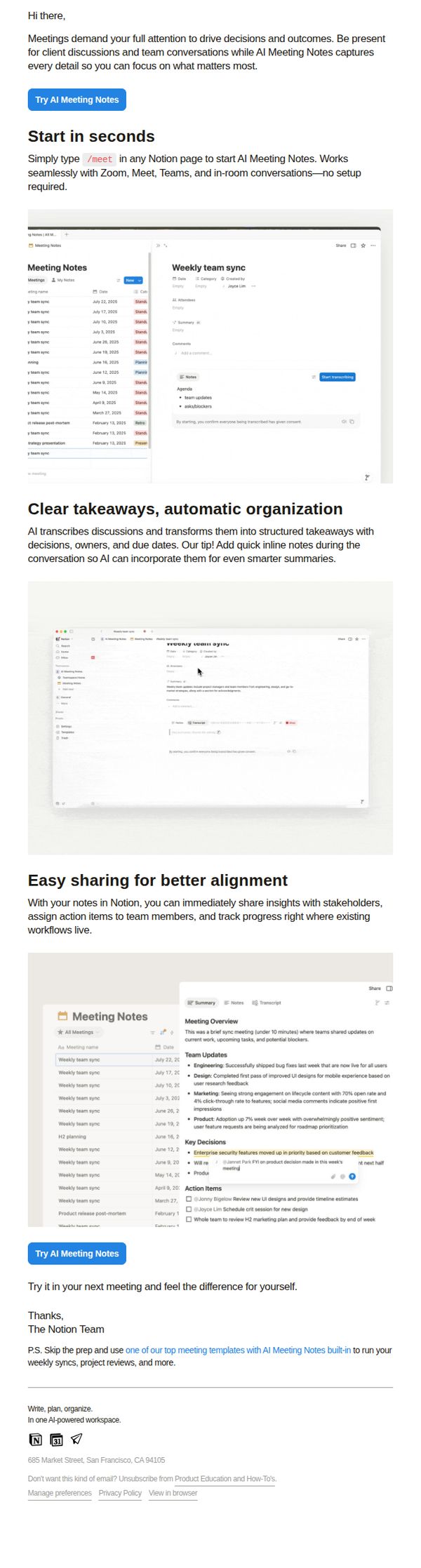
This email aims to drive adoption of Notion’s AI Meeting Notes feature by showing how it reduces meeting friction and boosts productivity, encouraging users to try it immediately in their next meeting with minimal setup.
Why this works
Notion brilliantly frames AI Meeting Notes as a productivity multiplier, not just a transcription tool, by emphasizing how it frees users to focus on high-impact conversations while the AI handles documentation and structure behind the scenes.
How to implement
The email uses real-world UI screenshots to demonstrate seamless integration into existing workflows, making the value proposition tangible and reducing perceived friction by showing users exactly where and how the feature lives in their Notion workspace.
Pro Tip
Add a subtle countdown or urgency trigger near the CTA, like 'Join 50K+ teams using AI Meeting Notes this week', to nudge procrastinators toward immediate trial without disrupting the clean, educational tone. • Include a short testimonial or social proof snippet from a recognizable company or user after the 'Easy sharing' section to reinforce trust and show real-world alignment benefits beyond the product interface.
3. How to run sharper meetings with AI notes
Objective
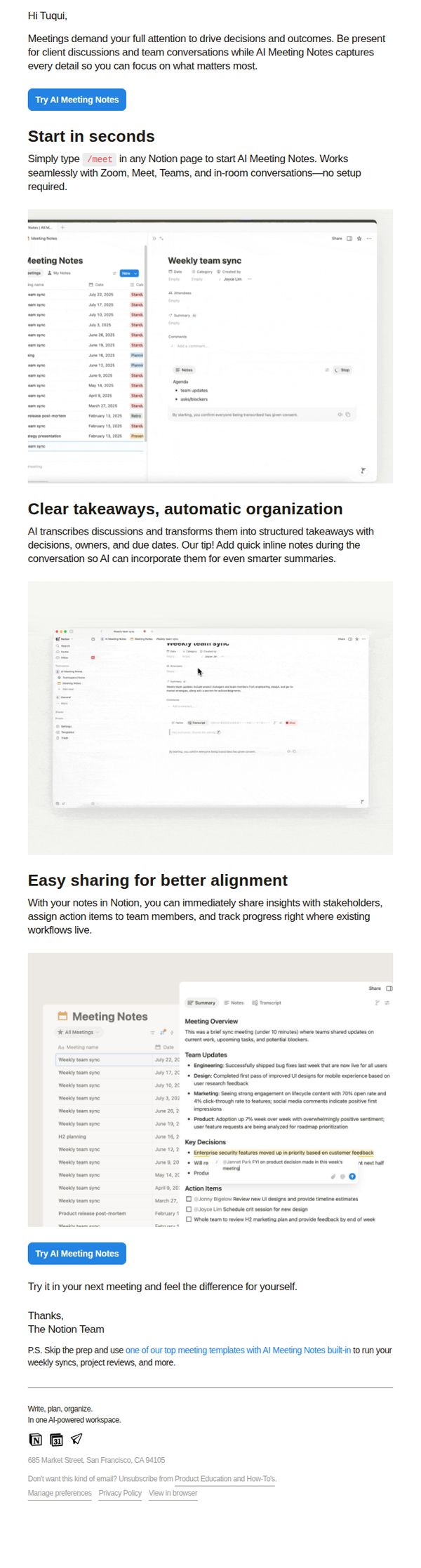
To encourage users to adopt Notion’s AI Meeting Notes feature by demonstrating how it reduces meeting friction and boosts productivity through automated transcription, structured summaries, and seamless team alignment, all while requiring zero setup.
Why this works
The email brilliantly frames AI Meeting Notes as a productivity multiplier rather than just a transcription tool, positioning it as the silent co-pilot that lets users stay fully present while the AI handles documentation and follow-ups.
How to implement
By showing real interface screenshots with annotated summaries, action items, and decisions, the email transforms abstract AI capabilities into tangible, visual proof of value that users can immediately imagine applying to their own meetings.
Pro Tip
Add a time-sensitive incentive like 'Try AI Meeting Notes free for 30 days, no credit card required' near the CTA to reduce perceived risk and boost conversion urgency. • Include a short customer testimonial or stat (e.g., 'Teams using AI Notes cut meeting follow-up time by 65%') to reinforce social proof and quantify the benefit beyond feature descriptions.
4. Let AI take the notes next meeting
Objective
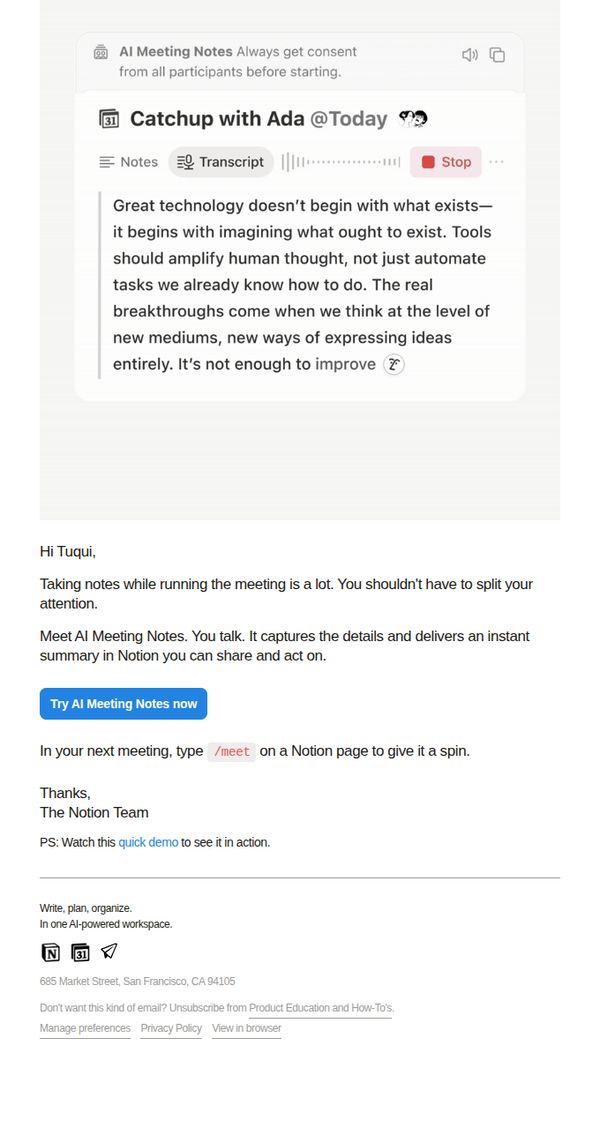
The email aims to encourage users to try Notion’s new AI Meeting Notes feature by highlighting how it reduces cognitive load during meetings and delivers instant, shareable summaries, positioning it as a seamless upgrade to their workflow.
Why this works
Notion frames AI Meeting Notes not as a productivity gimmick but as a cognitive relief tool, helping users reclaim mental bandwidth during meetings, which resonates deeply with overworked professionals who dread multitasking.
How to implement
The email leverages a real-time demo screenshot to show the feature in action, creating immediate visual credibility and reducing the perceived effort to adopt it, a smart way to lower the barrier to trial.
Pro Tip
Add a brief testimonial or usage stat (e.g., 'Used by 50K+ teams to cut meeting follow-ups by 40%') near the CTA to reinforce social proof and urgency without cluttering the clean layout. • Include a subtle visual cue, like a small animated arrow or highlight, pointing to the /meet command to draw attention to the frictionless activation method, increasing feature discovery.
5. Let AI take the notes next meeting
Objective
The email aims to drive adoption of Notion’s AI Meeting Notes feature by positioning it as a tool that enhances human thinking during meetings, not just automates note-taking, and encourages users to try it in their next meeting.
Why this works
Notion frames AI not as a replacement for human thought but as an amplifier, this subtle repositioning makes the feature feel empowering rather than threatening, which is critical for adoption in collaborative environments.
How to implement
The email uses a real-world use case, leading a meeting while taking notes, to immediately ground the value proposition in a relatable pain point, making the benefit feel urgent and personal rather than abstract.
Pro Tip
Add a short testimonial or social proof near the CTA, such as ‘Used by 50K+ teams to cut meeting follow-up time in half’, to reinforce credibility and reduce perceived risk for first-time users. • Include a secondary CTA below the main button, such as ‘Watch a 60-second demo,’ to accommodate users who prefer to see the feature in action before committing to download or try it.
6. 4 quick wins for your workspace
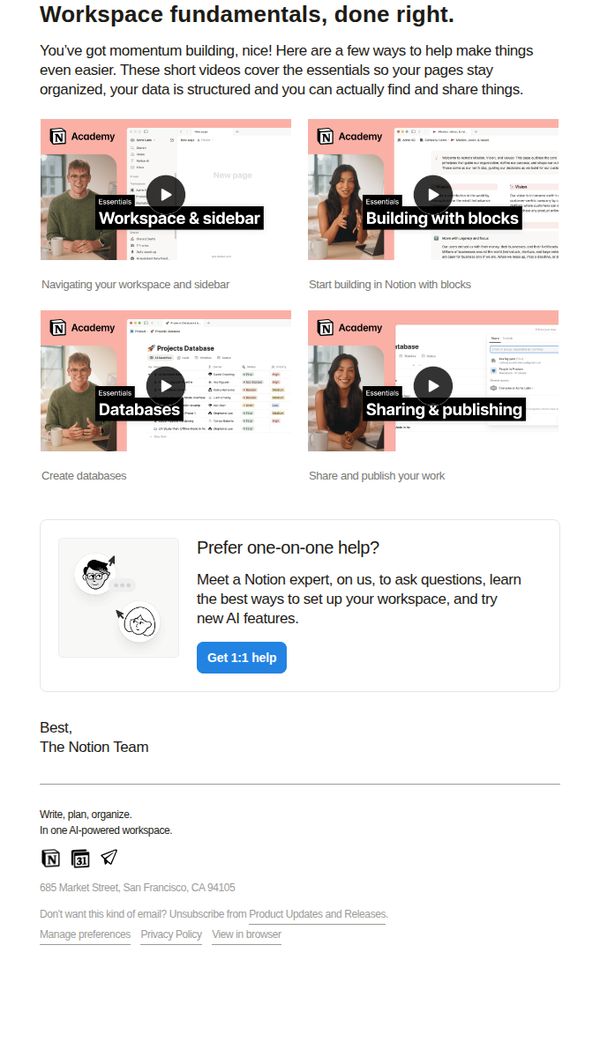
Objective
This email aims to help users optimize their Notion workspace by delivering four concise, video-based tutorials on core features, sidebar navigation, block building, databases, and sharing, while encouraging deeper engagement through a personalized 1:1 support offer.
Why this works
The email smartly frames foundational tutorials as 'quick wins', a psychologically motivating label that reduces perceived effort and positions learning as immediate value, not homework, which increases completion likelihood for busy users.
How to implement
By using real product screenshots with embedded video play buttons, Notion creates a frictionless preview experience that visually demonstrates value before the click, making the educational content feel tangible and instantly actionable rather than abstract.
Pro Tip
Add a subtle progress indicator or checklist icon next to each video tile to visually reinforce completion momentum, this taps into gamification psychology and encourages users to watch all four tutorials in one session. • Reposition the 'Get 1:1 help' CTA to appear after each video tile as a micro-CTA, not just once at the bottom, this captures intent at multiple decision points and reduces drop-off before the final offer.
7. Let AI take the notes next meeting
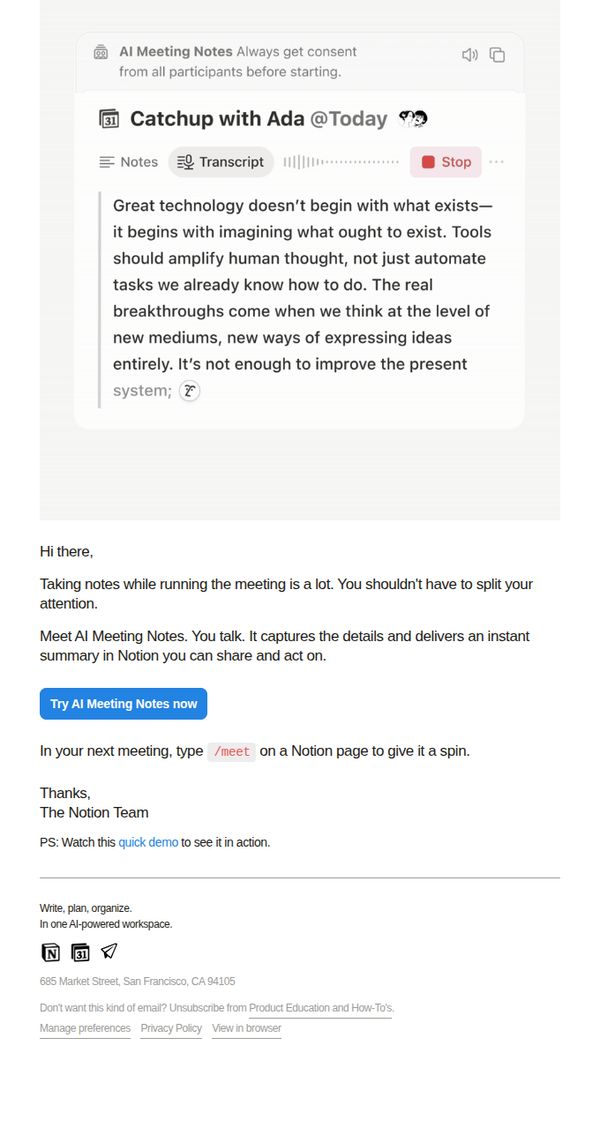
Objective
This email aims to encourage users to try Notion’s new AI Meeting Notes feature by highlighting how it reduces cognitive load during meetings and delivers instant, shareable summaries. It positions the tool as a seamless, intelligent assistant that enhances collaboration without disrupting workflow.
Why this works
The email opens with a relatable pain point, taking notes during meetings, then immediately positions AI Meeting Notes as the intuitive, frictionless solution that lets users stay present while still capturing everything that matters.
How to implement
By embedding a visual mockup of the feature in action, the email creates instant context and reduces the mental effort required to imagine the benefit, making the value proposition feel tangible before the user even clicks.
Pro Tip
Add a subtle countdown or urgency cue near the CTA (e.g., 'First 100 users this week get early access to AI action items') to nudge immediate trial without compromising the email’s clean, helpful tone. • Include a one-sentence social proof element, like 'Used by 15,000+ teams to cut meeting follow-up time in half', just above the CTA to reinforce credibility and reduce perceived risk for new users.
8. Connect your calendar with AI Meeting Notes
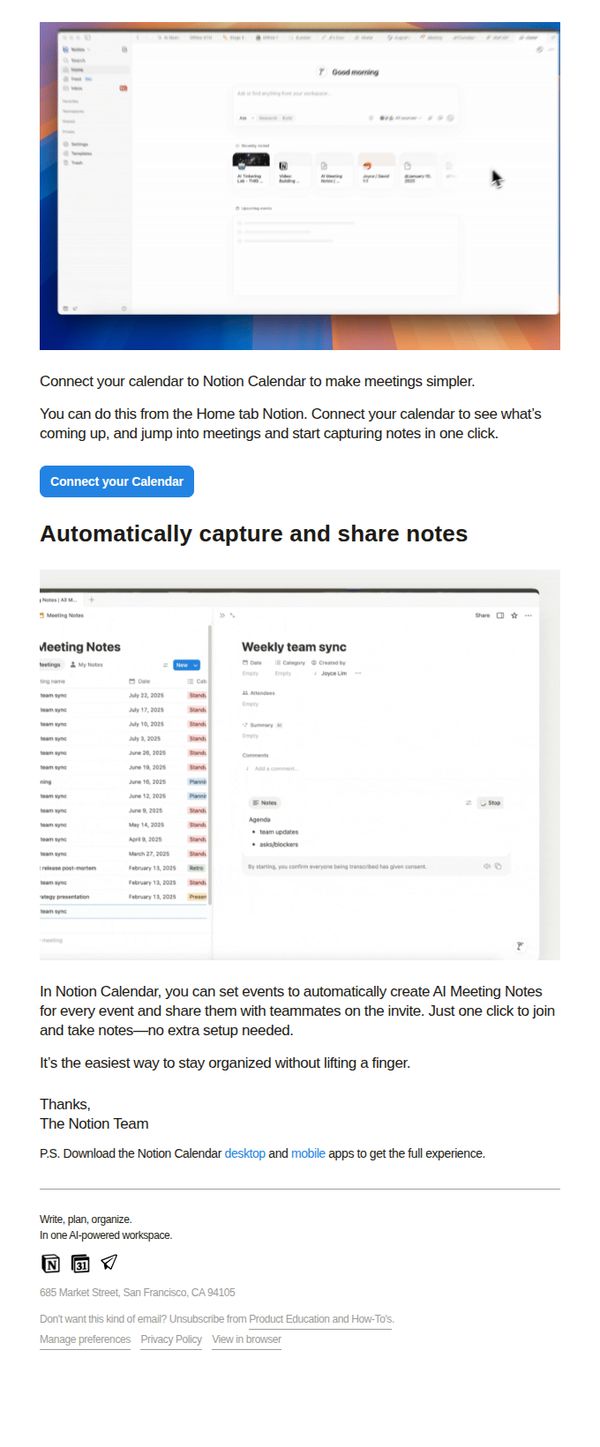
Objective
This email aims to drive users to connect their calendar with Notion Calendar to streamline meeting workflows by automatically generating and sharing AI-powered meeting notes, reducing manual effort and increasing team alignment.
Why this works
The email brilliantly frames the feature as a time-saving superpower, automatically capturing and sharing meeting notes with zero setup, making it feel effortless and indispensable for busy teams.
How to implement
By anchoring the message in a real workflow pain point (manual note-taking), the email creates immediate relevance and positions Notion Calendar as the intuitive solution users didn’t know they needed.
Pro Tip
Add a brief testimonial or social proof near the CTA, such as 'Used by 50K+ teams to cut meeting follow-ups by 40%', to reinforce credibility and urgency without cluttering the layout. • Include a secondary CTA or micro-copy beneath the main button, like 'See how it works in 30 seconds →', to guide hesitant users who need more context before committing.
9. AI notes for every meeting
Objective
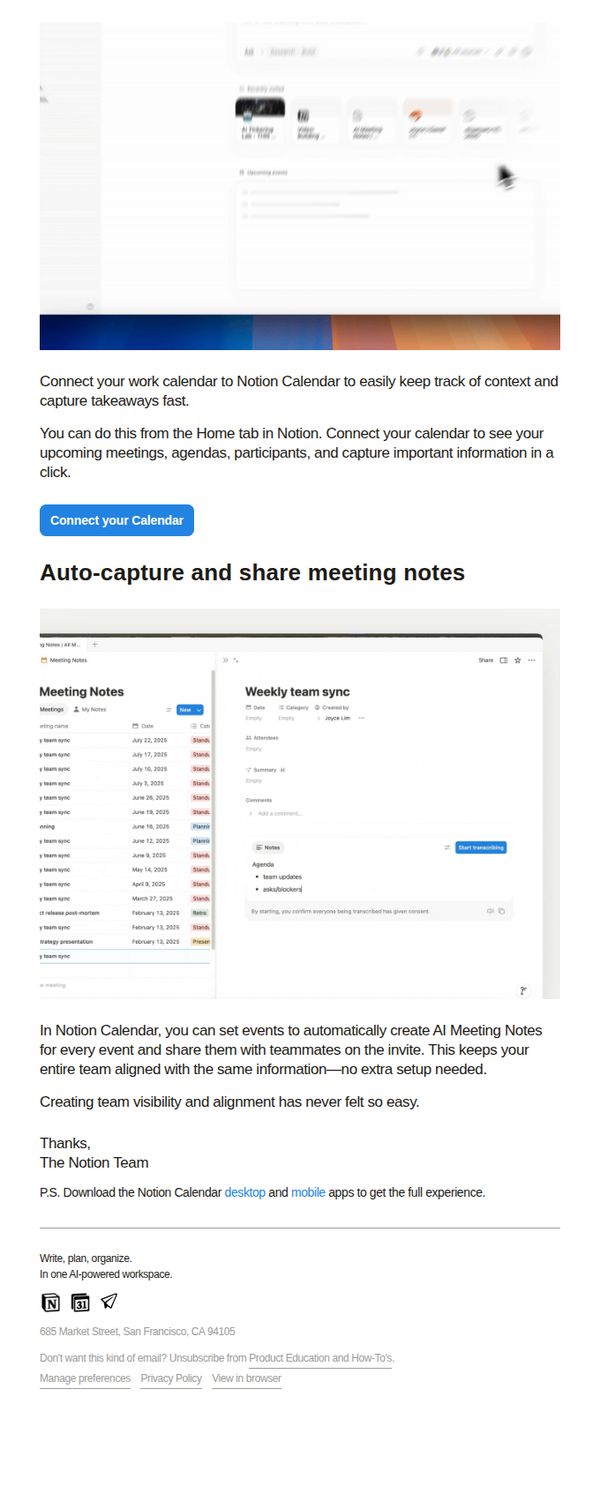
This email aims to drive adoption of Notion Calendar’s AI Meeting Notes feature by showing users how to auto-capture and share meeting context with teammates, reducing manual note-taking and improving team alignment without extra setup.
Why this works
The email brilliantly frames AI meeting notes as a team alignment tool, not just a productivity hack, making the feature feel essential for collaboration rather than optional convenience.
How to implement
By showing a real interface screenshot with labeled elements like 'Start transcribing' and 'Summary,' the email reduces cognitive load and builds confidence that the feature is intuitive and immediately usable.
Pro Tip
Add a brief testimonial or social proof near the CTA, like 'Used by 50K+ teams to reduce meeting follow-ups by 30%', to strengthen credibility and urgency for connecting the calendar. • Include a visual indicator (e.g., a small checkmark or progress bar) next to the 'Connect your Calendar' button to imply ease and speed, reducing perceived friction for users unfamiliar with calendar integrations.
10. Meeting notes that move work forward
Objective
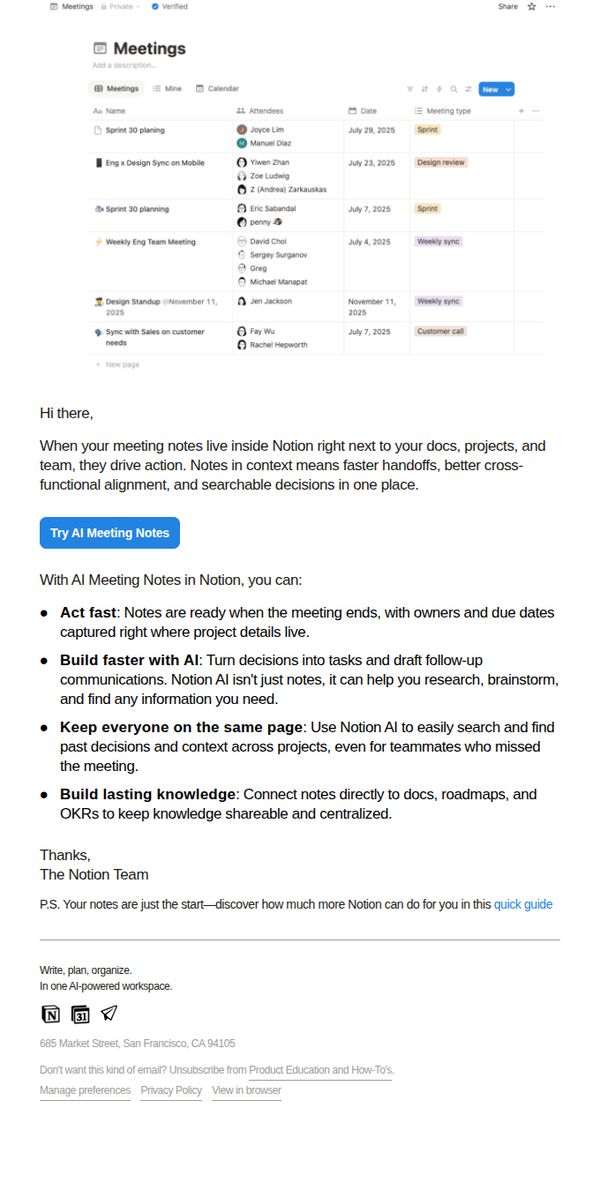
This email aims to showcase how Notion’s AI Meeting Notes feature transforms passive meeting documentation into actionable work, encouraging users to adopt the tool for faster decision-making and team alignment. It positions Notion as an intelligent workspace that connects notes to projects, tasks, and knowledge systems.
Why this works
The email brilliantly frames meeting notes not as static records but as dynamic catalysts for action, tying them directly to project ownership, deadlines, and cross-functional alignment to show tangible ROI for busy teams.
How to implement
By listing four specific, benefit-driven use cases, acting fast, building with AI, keeping teams aligned, and creating lasting knowledge, the email turns a feature into a workflow revolution without overwhelming the reader with jargon.
Pro Tip
Add a visual mockup or short GIF showing AI Meeting Notes in action within a real Notion workspace to reduce cognitive load and demonstrate the feature’s seamless integration with existing workflows. • Include a testimonial or social proof snippet, like ‘Used by 87% of Fortune 500 teams for meeting follow-ups’, to reinforce credibility and reduce perceived risk for new users evaluating the AI feature.