Strava campaign emails worth copying
1. Kudos on a great 2025
Objective
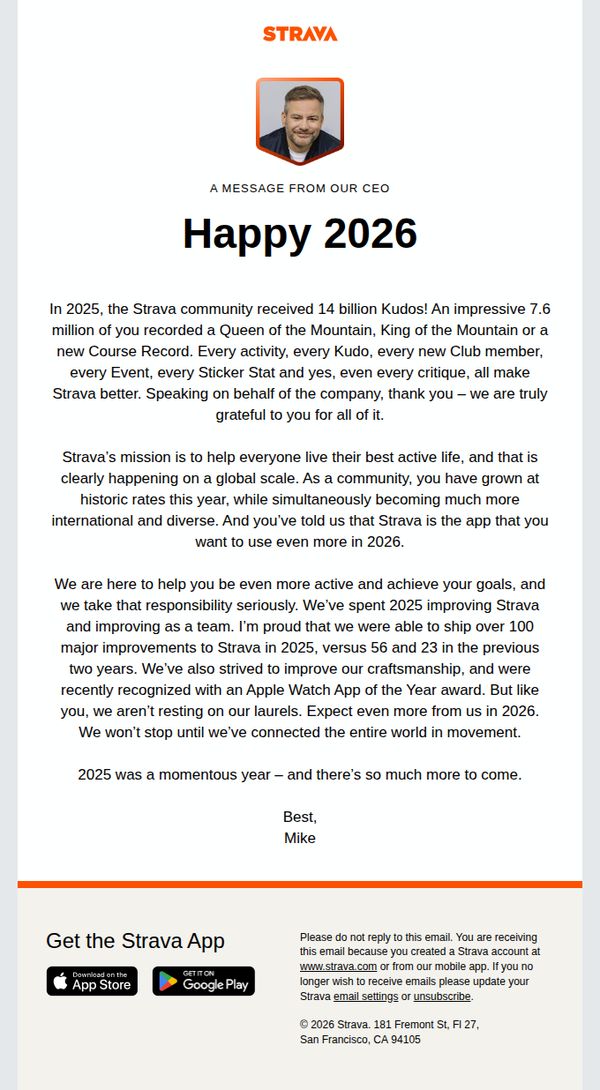
To celebrate the Strava community’s achievements in 2025 and reinforce brand loyalty by highlighting collective milestones, product improvements, and future ambitions, all while positioning Strava as an essential tool for active living in 2026.
Why this works
Strava brilliantly turns user-generated milestones, like 14 billion Kudos and 7.6 million crowns, into a shared narrative of community triumph, making every recipient feel personally celebrated while reinforcing the platform’s cultural impact.
How to implement
By anchoring the message in tangible product progress, over 100 improvements shipped in 2025, Strava builds credibility and trust, subtly signaling that user feedback drives innovation, which encourages continued engagement and loyalty in the year ahead.
Pro Tip
Add a visual timeline or infographic in the Education Section to illustrate the 100+ improvements made in 2025, this would make abstract achievements more tangible and increase perceived value without adding text clutter. • Reposition the ‘Get the Strava App’ CTA higher in the email, perhaps as a sticky banner or after the first paragraph, to capture attention before users scroll past, especially since the current placement risks being overlooked in the footer.
2. Confirm Your Email Address
Objective
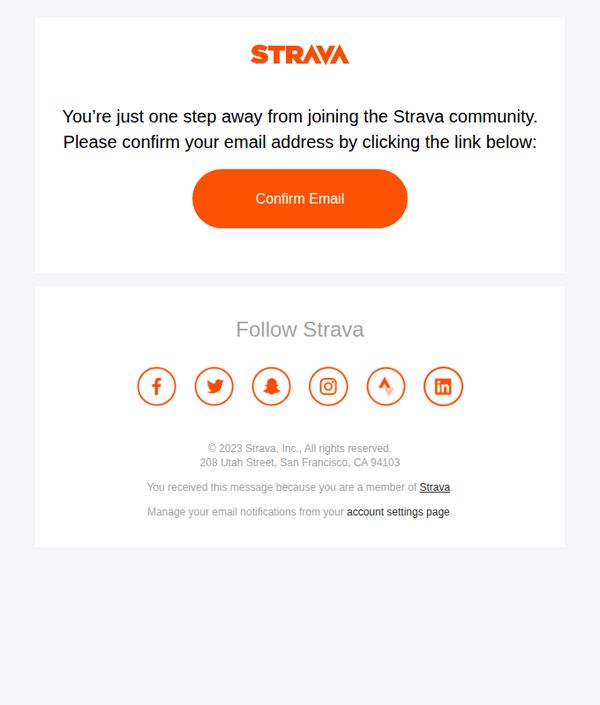
This email aims to prompt new users to verify their email address so they can fully access the Strava community and platform features, reducing friction in onboarding while reinforcing brand trust through a clean, action-focused design.
Why this works
Strava brilliantly simplifies onboarding by reducing the confirmation step to a single, high-contrast button that stands out against a minimalist layout, making the desired action impossible to miss and effortless to complete.
How to implement
The email reinforces community belonging by framing verification as the final step to joining the Strava community, a subtle but powerful psychological nudge that transforms a technical requirement into a social milestone.
Pro Tip
Add a brief secondary message below the CTA explaining what happens after confirmation, such as 'Start tracking your runs, rides, and swims instantly', to reduce uncertainty and increase conversion by clarifying the immediate benefit. • Include a subtle countdown timer or expiration notice (e.g., 'Link expires in 24 hours') near the CTA to create urgency and encourage immediate action, especially for users who may delay or forget to confirm.
3. Download Strava and start looking forward to training.
Objective
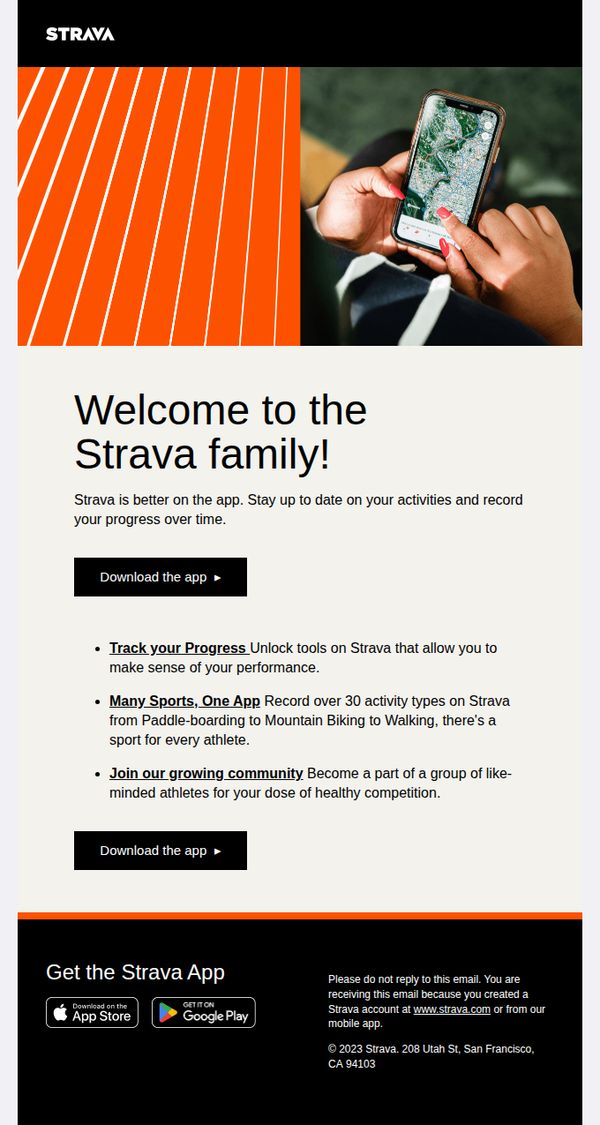
This email aims to convert new users by welcoming them to Strava and encouraging immediate app download through clear value propositions around progress tracking, multi-sport support, and community engagement.
Why this works
Strava brilliantly frames app adoption as joining a family, not just installing software, this emotional hook transforms a functional download into a tribal belonging moment that resonates with athletic identity.
How to implement
By listing three specific, benefit-driven features, progress tracking, multi-sport versatility, and community connection, the email avoids vague promises and gives users concrete reasons to act now instead of later.
Pro Tip
Add a subtle countdown or social proof element near the CTA (e.g., 'Join 100K athletes this week') to create urgency and reduce hesitation for users on the fence about downloading. • Include a short testimonial or user quote beneath the bullet points to humanize the benefits, seeing real athletes describe their progress or community wins can significantly boost trust and conversion.
4. Ready to make your mark?
Objective
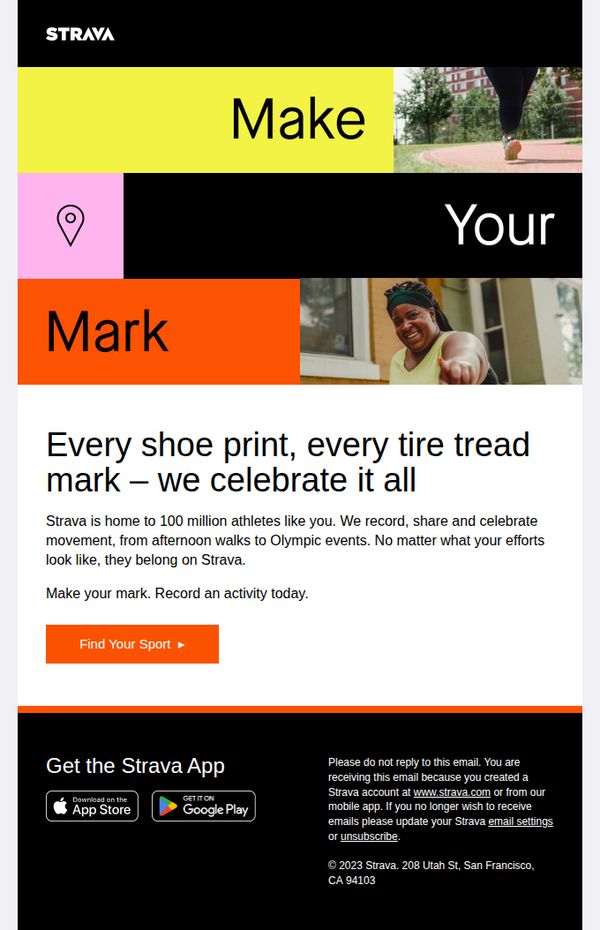
The email aims to inspire existing and potential users to log their next activity on Strava by celebrating all forms of movement, reinforcing community belonging, and driving app engagement through a motivational call to action.
Why this works
Strava brilliantly reframes everyday movement as meaningful by celebrating 'every shoe print and tire tread mark,' making users feel seen and valued regardless of athletic level or activity type.
How to implement
The bold, fragmented typography in the hero section, split across vibrant color blocks, creates visual momentum that mirrors the energy of movement, drawing the eye naturally toward the CTA without overwhelming the message.
Pro Tip
Add a micro-testimonial or user stat (e.g., '92% of runners felt more motivated after logging their first run') near the CTA to build social proof and reduce friction for hesitant users. • Include a subtle visual cue like a small animated arrow or pulse effect on the 'Find Your Sport' button to guide attention and increase click-through rates without disrupting the clean layout.
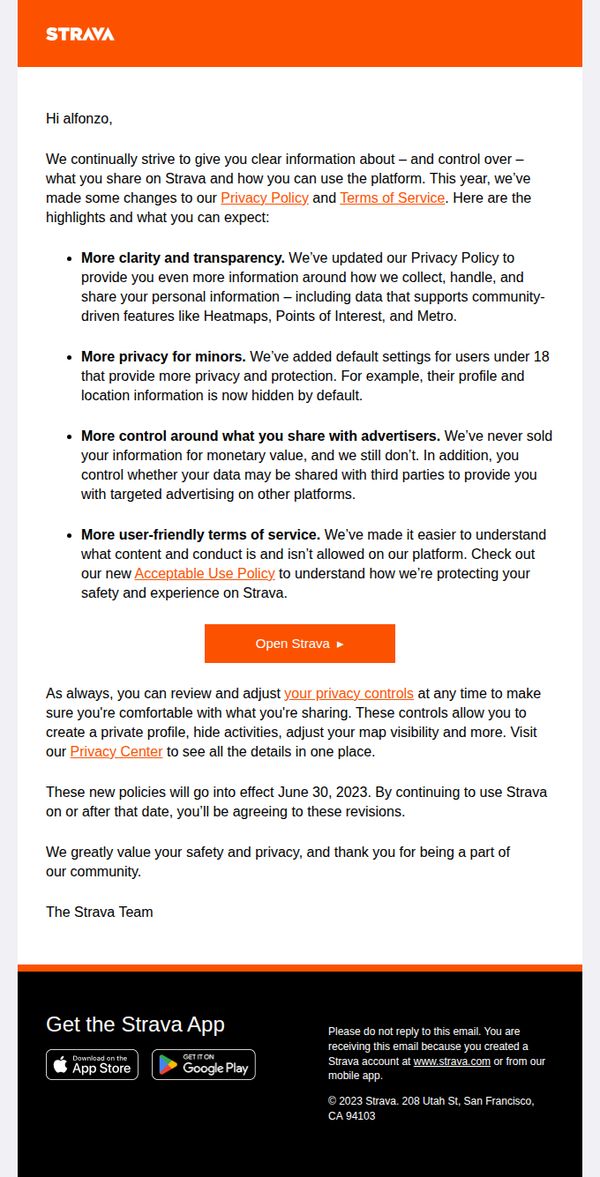
5. We’ve updated our Terms of Service and Privacy Policy
Objective
To inform users of updated Terms of Service and Privacy Policy changes while reassuring them about enhanced privacy controls and transparency, encouraging continued trust and platform engagement.
Why this works
Strava frames policy updates as user-centric improvements, emphasizing control, clarity, and safety, turning a legal requirement into a trust-building moment that reinforces community values and user autonomy.
How to implement
By highlighting specific benefits like default privacy for minors and ad-sharing controls, the email transforms abstract policy changes into tangible, emotionally resonant features that users can immediately appreciate and act upon.
Pro Tip
Add a subtle visual indicator, like a checkmark or badge, next to each policy benefit to reinforce positive outcomes and improve scannability for users skimming the update. • Include a brief FAQ or tooltip-style hover text near 'Open Strava' explaining what happens after clicking, whether it leads to settings, a summary page, or the app, to reduce uncertainty and increase CTA confidence.
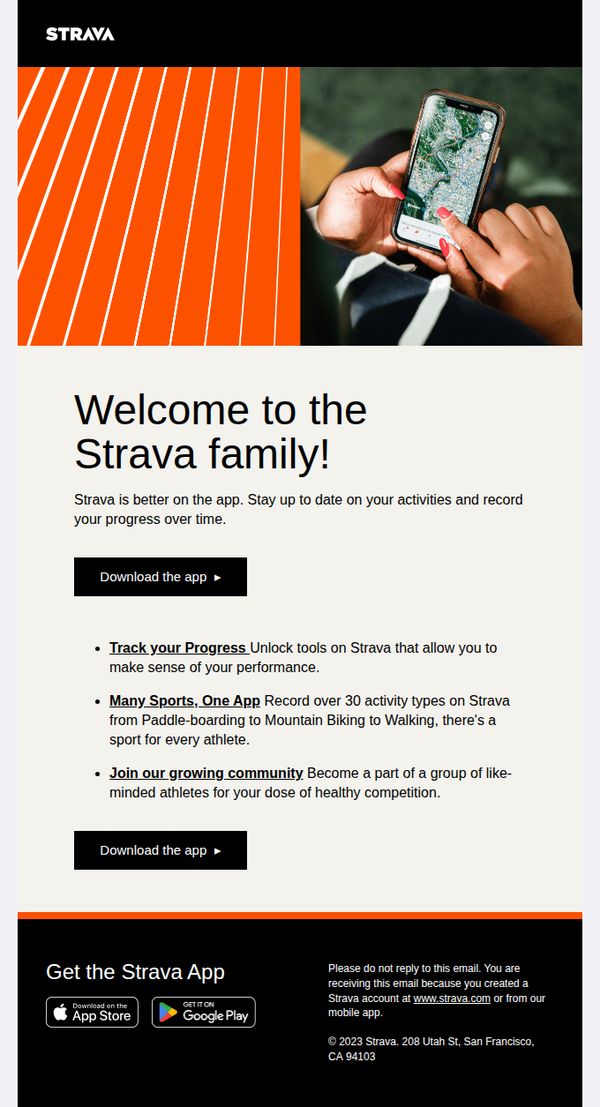
6. Download Strava and start looking forward to training.
Objective
This email aims to convert new users into active Strava app downloaders by emphasizing community, progress tracking, and multi-sport versatility, turning passive interest into immediate action through clear value propositions and repeated CTAs.
Why this works
Strava brilliantly frames its app not as a tool but as an invitation to join a tribe, using 'Welcome to the Strava family' to trigger emotional belonging, which is far more persuasive than listing features alone.
How to implement
The email strategically repeats the CTA twice, once after the headline and again after the benefits, creating a natural persuasion arc that mirrors the user’s decision journey from curiosity to commitment.
Pro Tip
Add a micro-testimonial or user stat (e.g., 'Join 100M+ athletes') near the first CTA to reinforce social proof before the user scrolls, increasing trust and reducing hesitation at the critical decision point. • Replace the generic 'Download the app' CTA with a benefit-driven variant like 'Start Tracking Your Progress Today' to align the action with the emotional payoff, making the click feel more rewarding and purposeful.
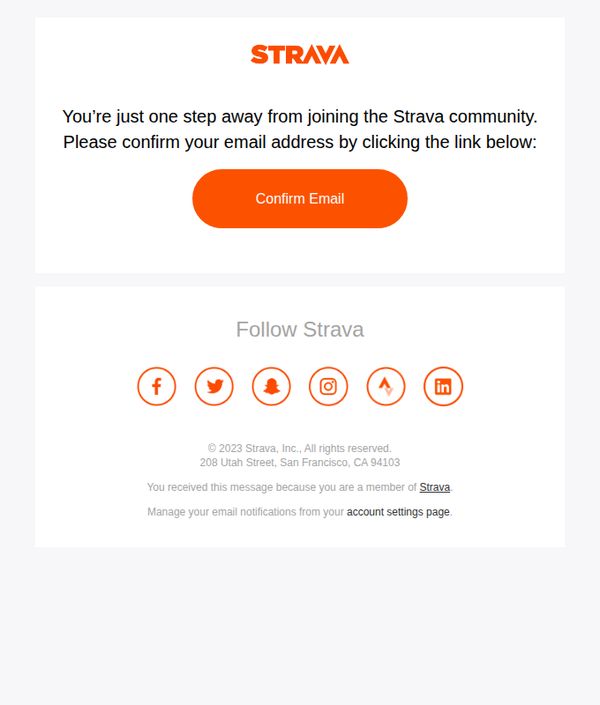
7. Confirm Your Email Address
Objective
To prompt new users to verify their email address and complete account activation, thereby securing their entry into the Strava community with a clear, frictionless next step.
Why this works
The email uses a minimalist, high-contrast design that directs the user’s attention immediately to the primary action, confirming their email, without visual distractions or competing elements.
How to implement
By framing the confirmation as the final step to joining a community, the message taps into social belonging, making the action feel rewarding rather than administrative or tedious.
Pro Tip
Add a brief countdown timer or expiration notice near the CTA to create urgency and encourage immediate action, since email verification often gets delayed or forgotten. • Include a secondary, smaller CTA or link offering help (e.g., 'Didn’t receive the email? Resend') to reduce friction for users who may have missed or deleted the original message.
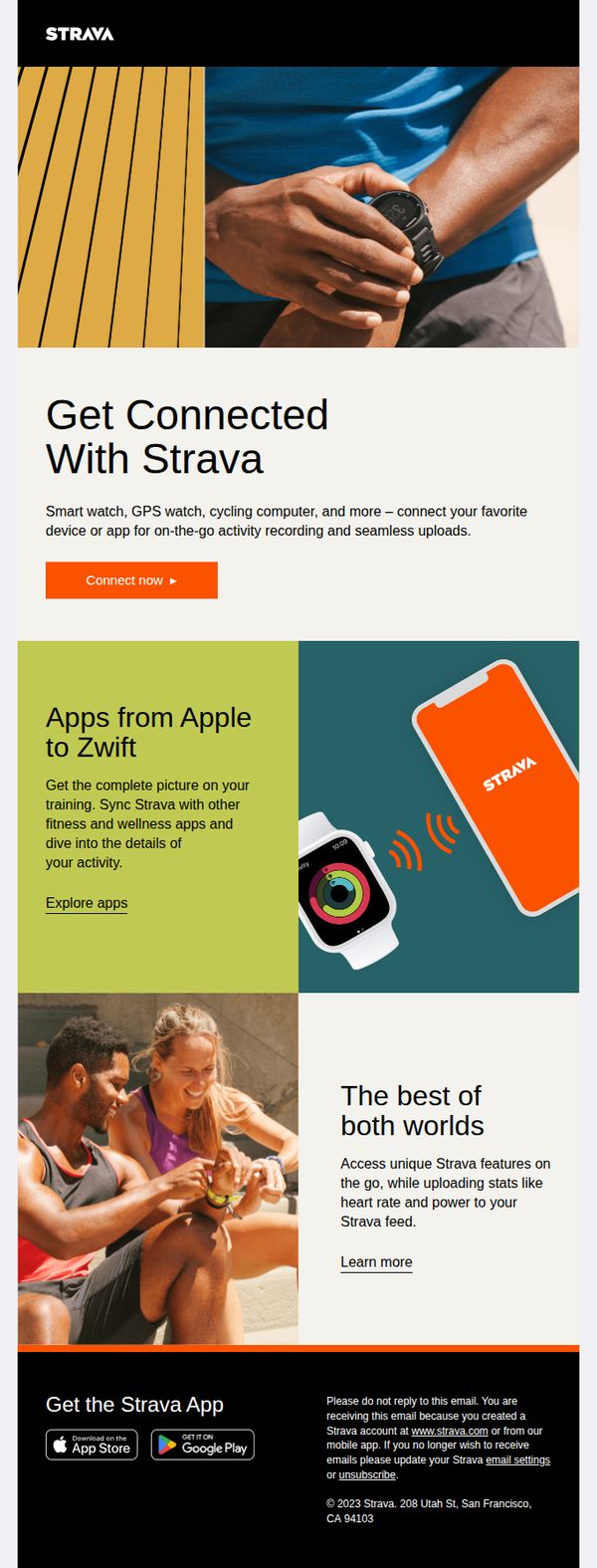
8. Pair a device for easy activity uploads
Objective
This email aims to encourage Strava users to pair their fitness devices with the Strava app for seamless activity tracking and data syncing, enhancing their training experience through integrated technology.
Why this works
Strava smartly positions device pairing not as a technical step but as an empowering upgrade that unlocks richer insights and deeper engagement with your training data across platforms.
How to implement
The email uses lifestyle visuals of real athletes interacting with devices to emotionally connect with users, subtly reinforcing that seamless tech integration is part of the modern athlete’s identity.
Pro Tip
Add a short video or animated GIF in the hero section demonstrating the pairing process to reduce cognitive load and increase conversion by visually guiding users through the first step. • Include a testimonial or stat near the CTA, like '92% of users who paired a device saw improved training insights', to strengthen urgency and credibility without adding clutter.
9. Ready to make your mark?
Objective
This email aims to inspire existing and potential users to engage with Strava by celebrating all forms of athletic activity, encouraging them to record their next workout and reinforcing community belonging. It positions Strava as the inclusive home for every athlete, regardless of scale or sport.
Why this works
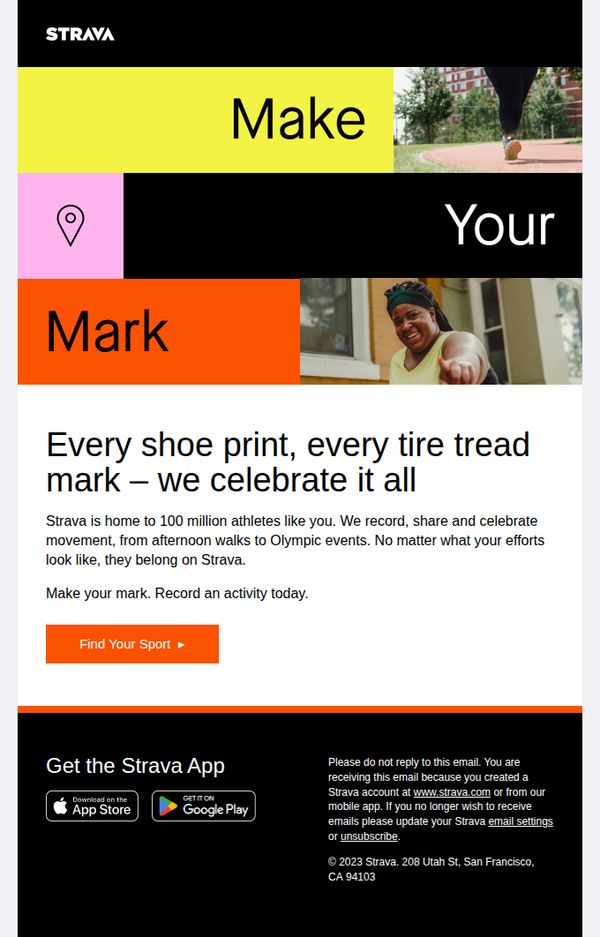
Strava brilliantly reframes everyday movement as meaningful by celebrating 'every shoe print, every tire tread mark', turning mundane activity into a shared, honored ritual that invites emotional connection and participation.
How to implement
The bold, fragmented headline 'Make Your Mark' uses dynamic color blocking and visual rhythm to create urgency and personal ownership, making the reader feel their contribution matters within a larger athletic community.
Pro Tip
Add a micro-testimonial or user stat (e.g., 'Join 100M+ athletes') near the CTA to reinforce social proof and reduce friction for new users considering their first activity upload. • Include a secondary CTA or visual cue (like a small arrow or animation) pointing toward the app store buttons in the footer to guide mobile-first users who may overlook them after scrolling past the main CTA.
10. Control what others see on Strava
Objective
This email aims to empower Strava users to take control of their activity privacy by highlighting customizable visibility settings, encouraging them to explore and adjust who sees their data, thereby increasing trust and engagement with the platform.
Why this works
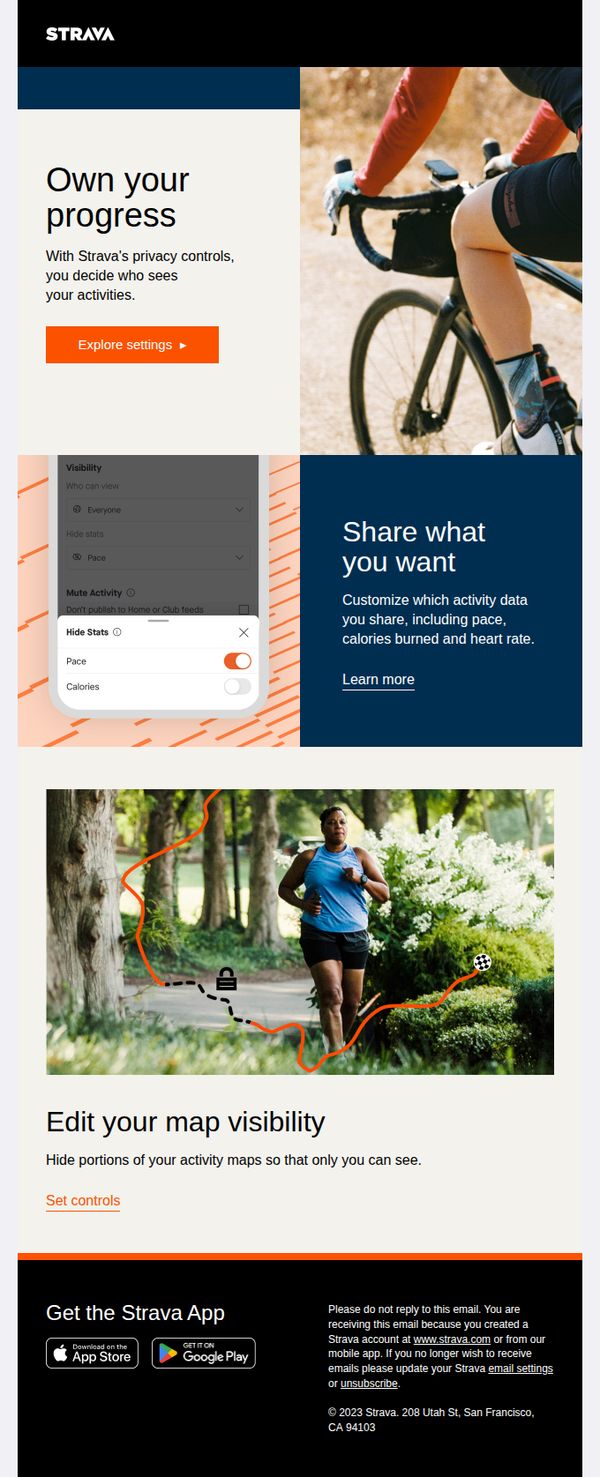
Strava brilliantly frames privacy as empowerment, not restriction, by using phrases like 'Own your progress' to position control as a feature that enhances user autonomy rather than limits sharing.
How to implement
The visual pairing of real-world athlete imagery with in-app screenshots creates immediate context, helping users mentally map abstract privacy settings to tangible outcomes in their daily experience on the platform.
Pro Tip
Add a subtle countdown or urgency cue near the CTA (e.g., 'Adjust settings before your next ride') to nudge procrastinators toward immediate action without compromising the calm, empowering tone. • Include a short testimonial or stat from a real user who benefited from adjusting privacy settings, such as 'I hid my commute route and felt safer instantly', to build social proof and emotional resonance.