The complete Unify email collection
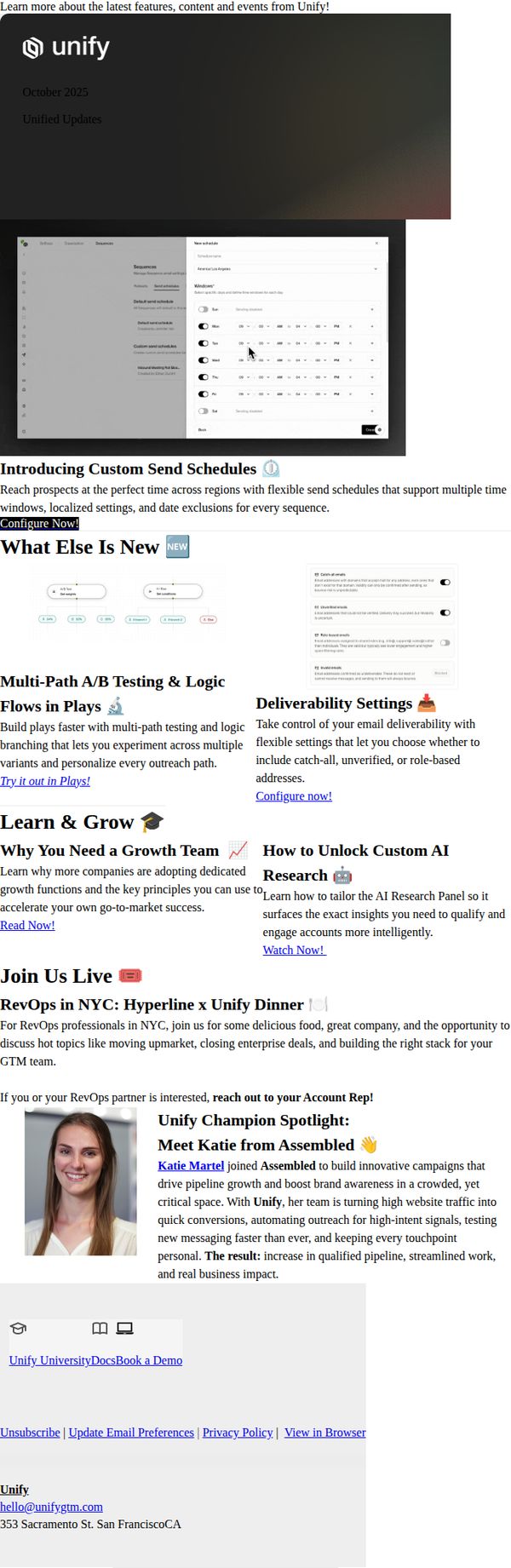
1. Unified Updates: Custom Send Schedules, Multi-variant A/B Testing and more!
Objective
This email aims to inform existing Unify users about new platform features like custom send schedules and multi-variant A/B testing, while also driving engagement through educational content, live events, and customer success stories to reinforce product value and encourage feature adoption.
Why this works
The email smartly leads with a high-impact product feature, custom send schedules, paired with a clear, action-oriented CTA that speaks directly to user pain points around timing and localization, making adoption feel immediate and necessary.
How to implement
By blending new feature announcements with educational content and real-world customer results, the email transforms a product update into a strategic growth narrative that positions Unify as a partner in revenue acceleration, not just a tool.
Pro Tip
The CTA 'Configure Now!' appears only once and is buried under the hero image; adding a sticky or repeated CTA button above the fold and after each major feature section would improve conversion by reducing friction for users ready to act. • The 'What Else Is New' section visually clusters features without clear hierarchy, adding icons, badges, or visual separators for each feature (e.g., 'New', 'Beta', 'Popular') would help users quickly scan and prioritize what’s most relevant to their workflow.
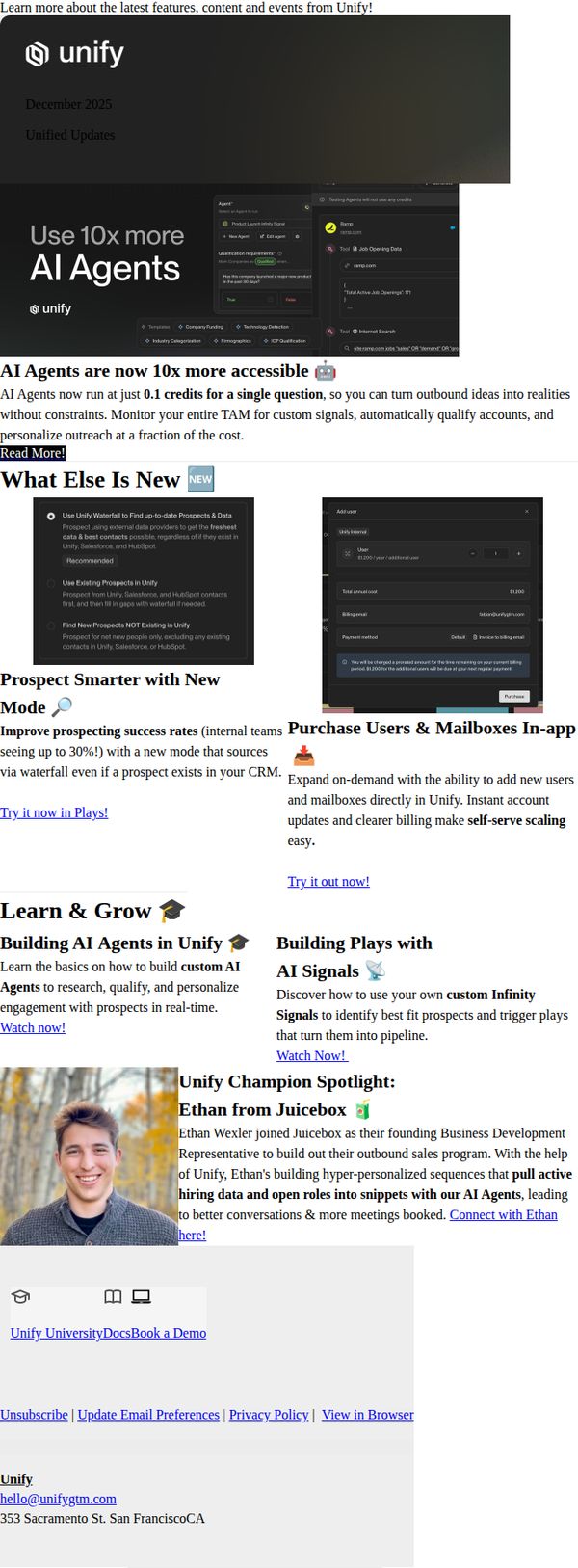
2. Unified Updates: AI Agents 10x cost reduction, better prospecting, and more!
Objective
This email aims to inform existing Unify users about major platform updates, especially the 10x cost reduction for AI Agents, while driving engagement through product education, in-app purchasing, and customer success stories to increase feature adoption and retention.
Why this works
The email leads with a bold, quantifiable value proposition, 'Use 10x more AI Agents', immediately signaling a dramatic cost reduction that speaks directly to budget-conscious buyers and removes friction from scaling AI usage.
How to implement
By embedding both educational content and in-app purchasing options side-by-side, the campaign smartly bridges the gap between learning and doing, turning curiosity into immediate action without forcing users to navigate away from the message.
Pro Tip
The primary CTA 'Read More' is too generic for a feature update email; it should be action-oriented like 'Unlock 10x More AI Agents' to better align with the hero message and drive higher click-through intent. • The 'What Else Is New' section visually competes with the hero by using equal prominence for secondary features; restructure with visual hierarchy (e.g., icons, spacing, or subheadings) to ensure the 10x cost reduction remains the undisputed focal point.
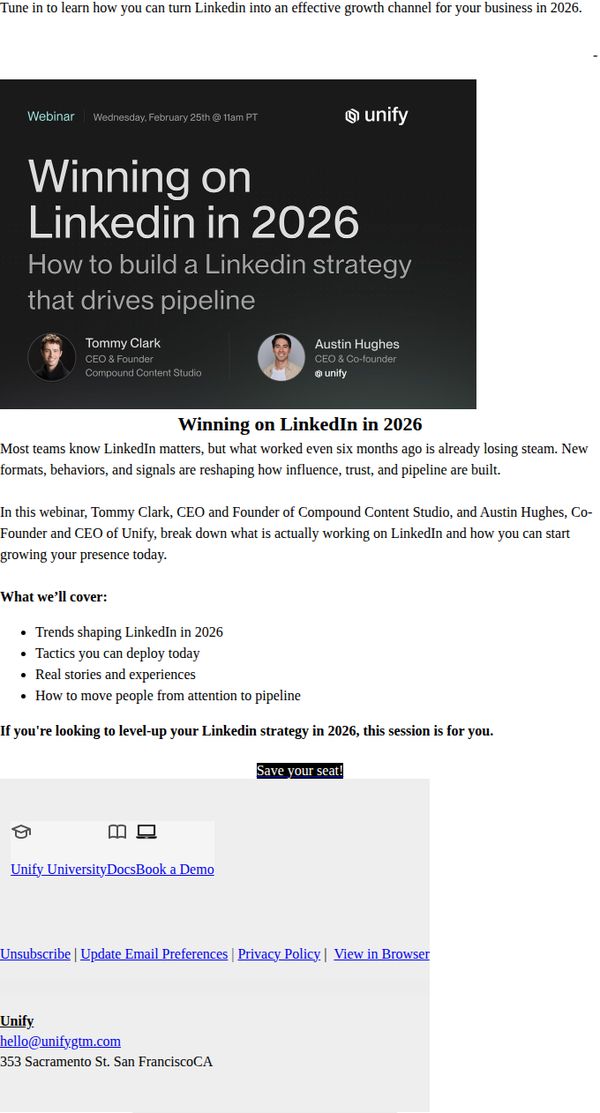
3. Winning on Linkedin in 2026: How to build a Linkedin strategy that drives pipeline
Objective
This email aims to drive registrations for a webinar that teaches professionals how to build a LinkedIn strategy capable of generating measurable pipeline growth in 2026, positioning Unify as a thought leader in modern B2B marketing.
Why this works
The email immediately establishes urgency and relevance by anchoring its message in 2026, signaling to readers that outdated tactics won’t cut it, a smart psychological trigger for forward-thinking marketers who want to stay ahead of the curve.
How to implement
By featuring two credible speakers with clear titles and affiliations, the email builds instant authority and trust, subtly reassuring prospects that they’ll gain actionable, real-world insights rather than generic theory from industry veterans who’ve proven their strategies work.
Pro Tip
Add a countdown timer near the CTA to visually reinforce scarcity and encourage immediate action, especially since the webinar date is fixed and proximity can significantly boost conversion rates. • Include a short testimonial or social proof snippet from a past attendee or client who saw pipeline growth after applying similar strategies, to strengthen credibility and reduce hesitation among skeptical prospects.
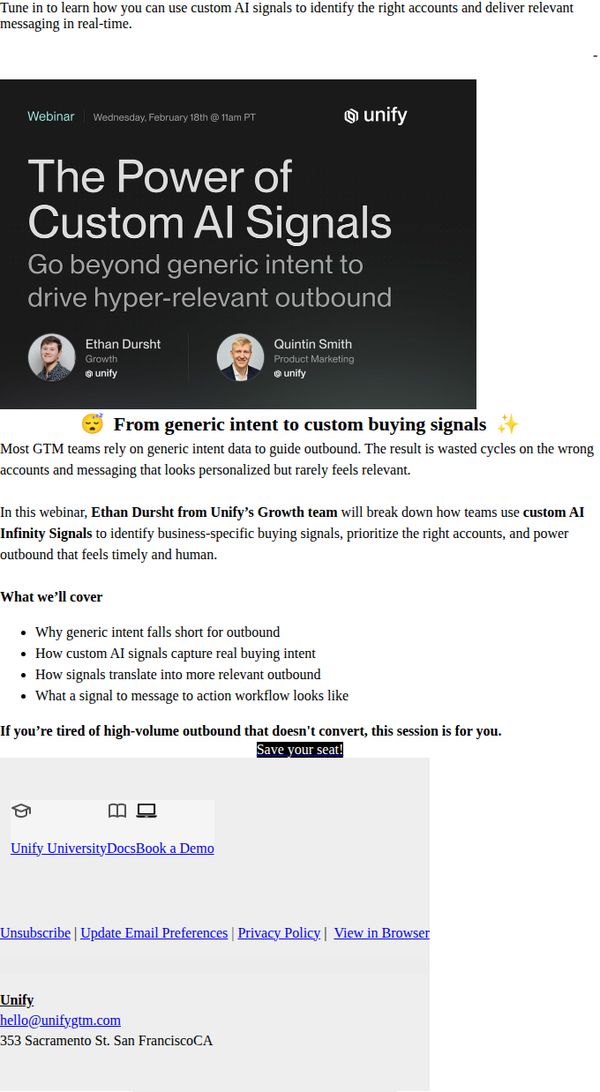
4. The Power of Custom AI Signals: Go beyond generic intent to drive hyper-relevant outbound
Objective
This email aims to drive registrations for a webinar that teaches GTM teams how to use custom AI signals to identify high-value accounts and deliver hyper-relevant outbound messaging, moving beyond generic intent data.
Why this works
The email brilliantly frames the problem first, generic intent data leads to wasted cycles and inauthentic messaging, which immediately resonates with frustrated GTM teams and primes them to seek a better solution.
How to implement
By spotlighting two credible speakers with clear roles and affiliations, the email builds trust and authority, making the webinar feel like an exclusive, high-value session rather than a generic marketing pitch.
Pro Tip
Add a countdown timer or limited-seats indicator near the CTA to create urgency and reduce procrastination, since the webinar date is already set and early registration benefits are implied. • Include a short testimonial or stat from a past attendee to reinforce credibility and social proof, especially since the audience may be skeptical of AI-driven claims without real-world validation.