Workana campaign ideas that work
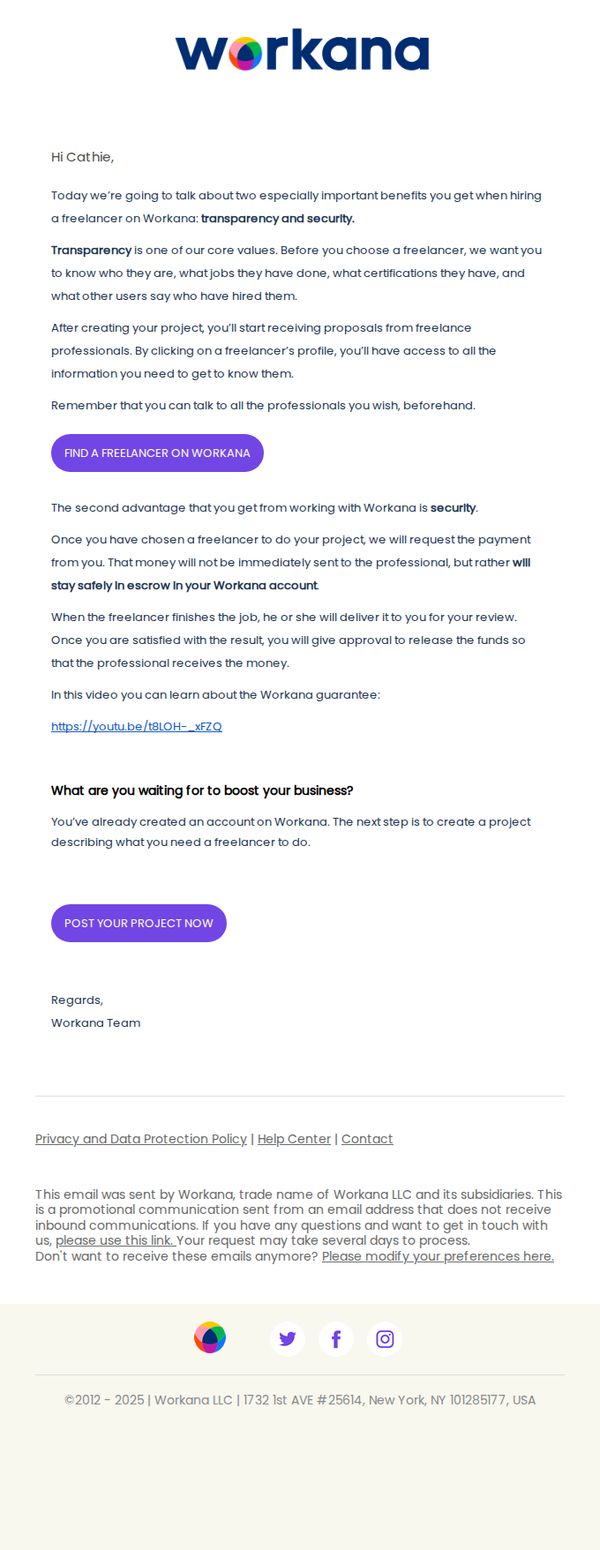
1. Cathie, we have two especially important benefits to tell you about
Objective
This email aims to convert a registered but inactive user into an active client by highlighting Workana’s two core value propositions, transparency and security, to build trust and encourage them to post their first project.
Why this works
The email opens with a personalized, benefit-driven hook that immediately frames the message around the recipient’s needs, not the brand’s features, making the value proposition feel relevant and urgent from the first sentence.
How to implement
Workana smartly separates its two biggest trust signals, transparency and security, into distinct, digestible sections with clear explanations and a supporting video, which reduces cognitive load and builds credibility without overwhelming the reader.
Pro Tip
Add a visual element, even a simple icon or divider, between the transparency and security sections to improve scannability and reinforce the separation of these two distinct trust pillars, helping the reader process each benefit more clearly. • Include a micro-testimonial or social proof near the CTA (e.g., '87% of clients say Workana’s escrow system made them feel safer hiring') to reinforce security claims with peer validation, which can reduce hesitation right before the conversion point.
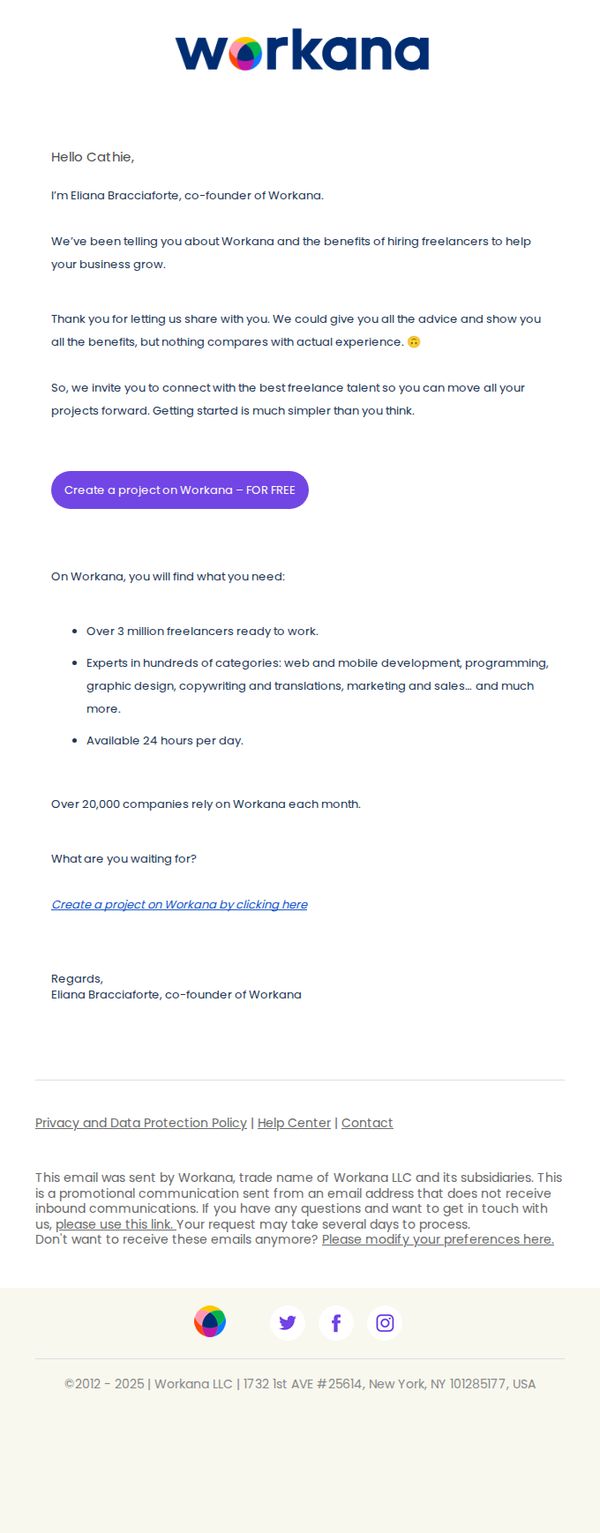
2. A message from Workana’s founder
Objective
This email aims to build trust and drive immediate action by having the founder personally invite the recipient to experience Workana’s freelance talent platform, emphasizing simplicity and real-world results over generic sales pitches.
Why this works
The founder’s direct, personal message creates instant credibility and emotional resonance, making the recipient feel valued rather than targeted, which significantly lowers resistance to taking action.
How to implement
By positioning the platform as a simple, no-risk starting point, ‘Getting started is much simpler than you think’, the email removes psychological barriers and frames the CTA as a low-effort experiment, not a commitment.
Pro Tip
Add a subtle visual hierarchy to the bullet points, such as icons or bolded keywords, to help scanners quickly grasp the platform’s value without reading every word, improving conversion for time-poor recipients. • Include a micro-testimonial or short client quote near the CTA to reinforce trust at the moment of decision, bridging the gap between the founder’s message and the user’s hesitation to click.
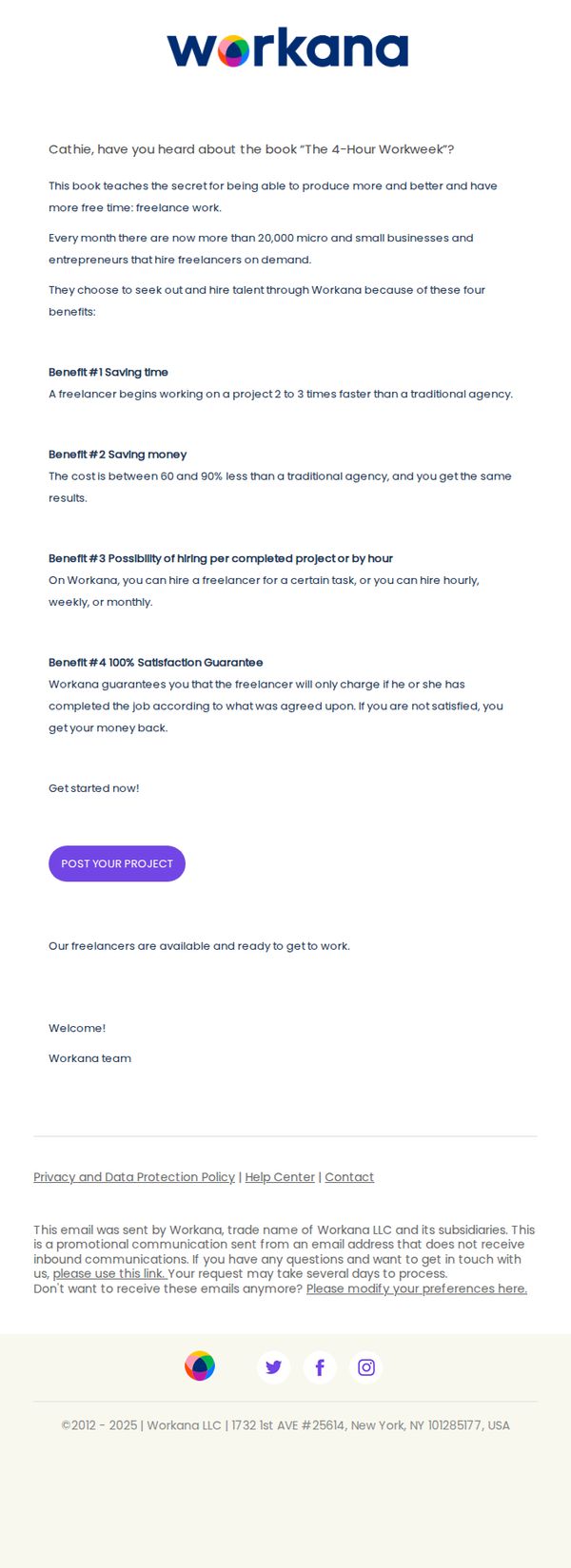
3. Cathie, this is the secret to working 4 hours per week.
Objective
The email aims to convert the recipient, Cathie, into a client by positioning Workana as the ideal platform to achieve the lifestyle promised in 'The 4-Hour Workweek', specifically by hiring freelancers to save time and money while maintaining quality and flexibility.
Why this works
By anchoring the message to a well-known productivity book, the email instantly taps into the recipient’s existing aspirations, making the value proposition feel familiar, credible, and emotionally resonant rather than purely transactional.
How to implement
The email strategically breaks down abstract benefits into four concrete, numbered advantages, saving time, saving money, flexible hiring models, and a satisfaction guarantee, making the offer feel structured, trustworthy, and easy to digest in seconds.
Pro Tip
Add a testimonial or short client quote near the CTA to reinforce social proof, since the email relies heavily on abstract benefits, a real user story would humanize the promise and reduce skepticism. • Include a visual element like a simple icon or mini-infographic next to each benefit to break up text density and improve scannability, especially since the email’s current layout is text-heavy and may lose attention on mobile.
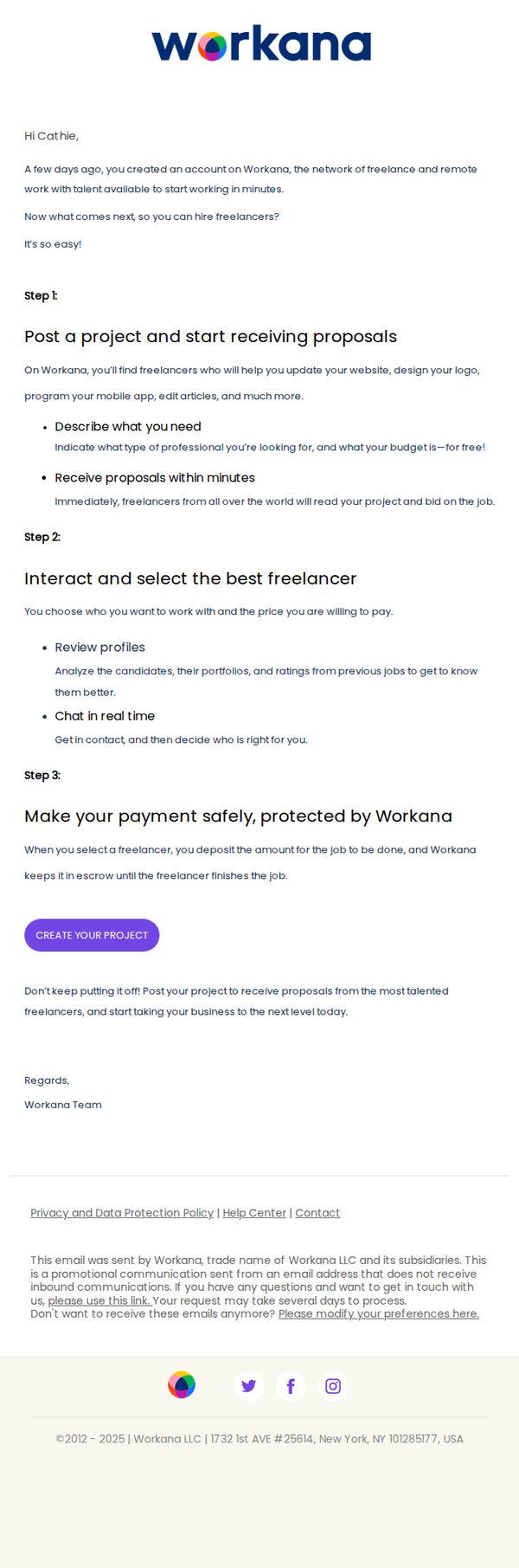
4. Cathie, let a freelancer take care of your to-do list. What are you waiting for?
Objective
This email aims to guide a new user, Cathie, through the initial steps of hiring a freelancer on Workana by simplifying the process into three clear actions, encouraging immediate engagement with the platform to convert her from a passive account holder to an active client.
Why this works
The email opens with a personalized, conversational tone that immediately addresses the recipient by name and acknowledges her recent sign-up, creating a sense of relevance and reducing friction for first-time users who might otherwise feel overwhelmed.
How to implement
By breaking down the hiring process into three digestible, numbered steps with clear sub-bullets, the email transforms a potentially complex task into a simple, reassuring journey that builds confidence and reduces decision paralysis for new clients.
Pro Tip
Add a brief testimonial or social proof near the CTA to reinforce trust, for example, '92% of new clients hire their first freelancer within 48 hours', to reduce hesitation and validate the ease of the process. • Include a small visual icon or progress bar next to each step to enhance scannability and create a more intuitive, gamified experience that visually guides the user through the onboarding journey.
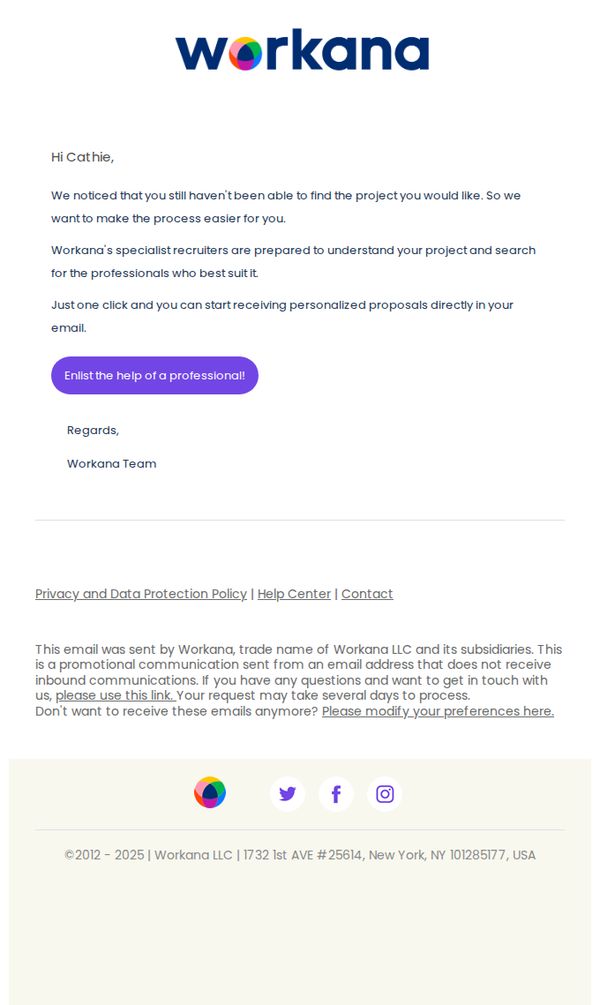
5. Did not find what you were looking for?
Objective
This email aims to re-engage users who haven’t successfully found a project by offering personalized recruiter assistance, reducing friction in their search journey and encouraging them to take action with a single click.
Why this works
The email opens with a personalized, empathetic tone that acknowledges the user’s struggle, which builds trust and positions the brand as a helpful partner rather than a sales channel.
How to implement
By offering specialist recruiters to handle the search, the campaign removes decision fatigue and positions the service as a premium, time-saving solution tailored to the user’s specific project needs.
Pro Tip
Add a brief testimonial or success stat near the CTA to reinforce credibility, for example, '87% of clients who used recruiter help found their ideal freelancer within 48 hours.' • Include a subtle visual cue like a small icon or progress bar next to the CTA to imply speed or ease, helping users mentally reduce perceived effort before clicking.