Zapier email gallery from real brands
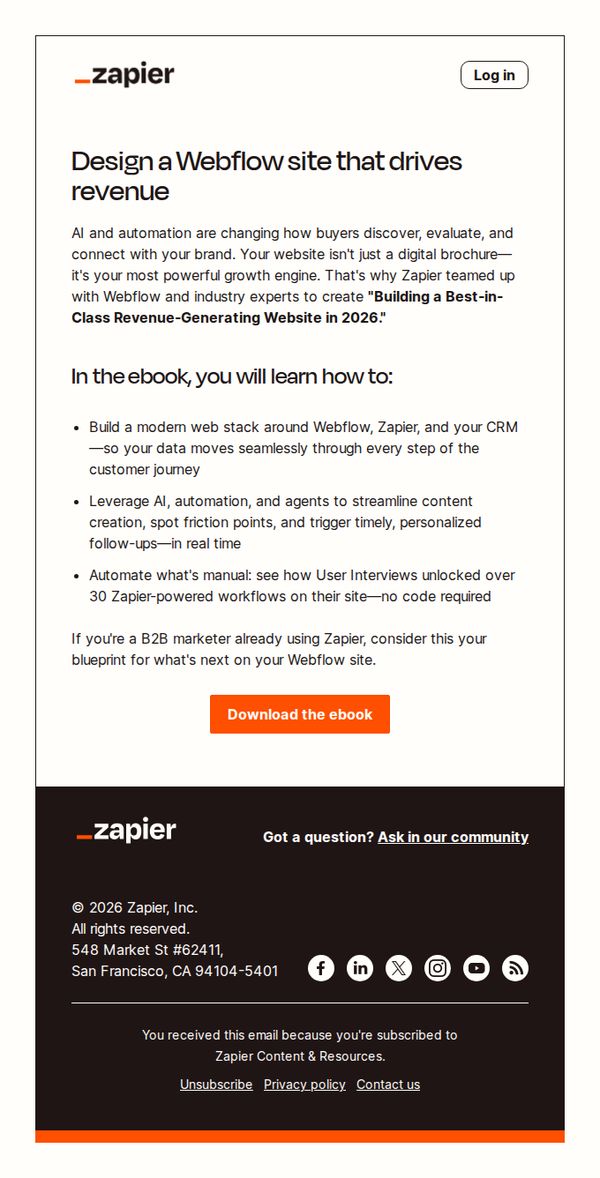


1. Turn your Webflow site into a revenue engine
Objective
This email aims to convert Webflow users into Zapier customers by positioning their website as a revenue engine through automation, and encouraging them to download a co-branded ebook that outlines actionable strategies for integrating Webflow, Zapier, and CRM tools.
Why this works
The email positions the website not as a static brochure but as a dynamic growth engine, which reframes the reader’s perception of their own digital asset and creates urgency to optimize it with automation tools.
How to implement
By co-branding with Webflow and referencing industry experts, the email builds instant credibility and reduces friction for skeptical B2B marketers who need social proof before investing time in a new resource.
Pro Tip
Add a subtle countdown timer or limited-time badge near the CTA to create urgency, since the ebook is positioned as a 2026 blueprint, implying timeliness, but currently lacks any temporal pressure to act now. • Include a short testimonial or case study snippet from a B2B marketer who used the ebook to generate revenue, placed just above the CTA, to reinforce social proof and reduce perceived risk before download.
2. Three exciting updates to help you automate more
Objective
This email aims to inform Zapier users about three major product updates, Canvas image support, free tasks in Tables, and Chatbots with built-in actions, to encourage immediate exploration and adoption while reinforcing Zapier’s value as an automation powerhouse.
Why this works
The email brilliantly frames each new feature as a tangible productivity win, like turning chat conversations into real actions or running automations for free, making abstract updates feel immediately useful and emotionally rewarding to the user.
How to implement
By using bold, color-coded visual blocks for each feature, Zapier creates instant scannability while subtly reinforcing brand identity through consistent iconography and spacing, helping users digest complex updates without cognitive overload.
Pro Tip
Add a subtle progress indicator or 'What’s New' badge near the top to visually signal that this is a time-sensitive update, increasing urgency without being pushy, especially since the subject line implies excitement but the body lacks temporal framing. • Reposition the 'Discover the latest' CTA button to appear after each major feature section instead of only at the bottom, reducing friction for users who want to explore one update immediately without scrolling through the entire email.
3. Three updates to automate and use AI like a pro
Objective
This email aims to inform subscribers about Zapier’s latest product updates and AI-powered features, encouraging them to explore new tools and templates that streamline workflows and improve automation efficiency across teams and platforms.
Why this works
Zapier positions each new feature as a strategic solution to a common enterprise pain point, like AI pilot purgatory or disconnected form data, making technical updates feel immediately relevant and urgent to decision-makers.
How to implement
The email uses color-coded visual blocks and consistent iconography to segment complex updates into digestible, scannable modules, helping busy users quickly identify what’s relevant to their role without overwhelming cognitive load.
Pro Tip
Add a subtle progress indicator or checklist under the 'What’s new' section to help users track which updates they’ve explored, increasing engagement depth and reducing bounce from information overload. • Replace the generic 'Explore deals' CTA in the Spotlight section with a more benefit-driven phrase like 'Automate your ad ROI now' to better align with the section’s goal of driving conversion signal optimization.
4. RSS isn't dead
Objective
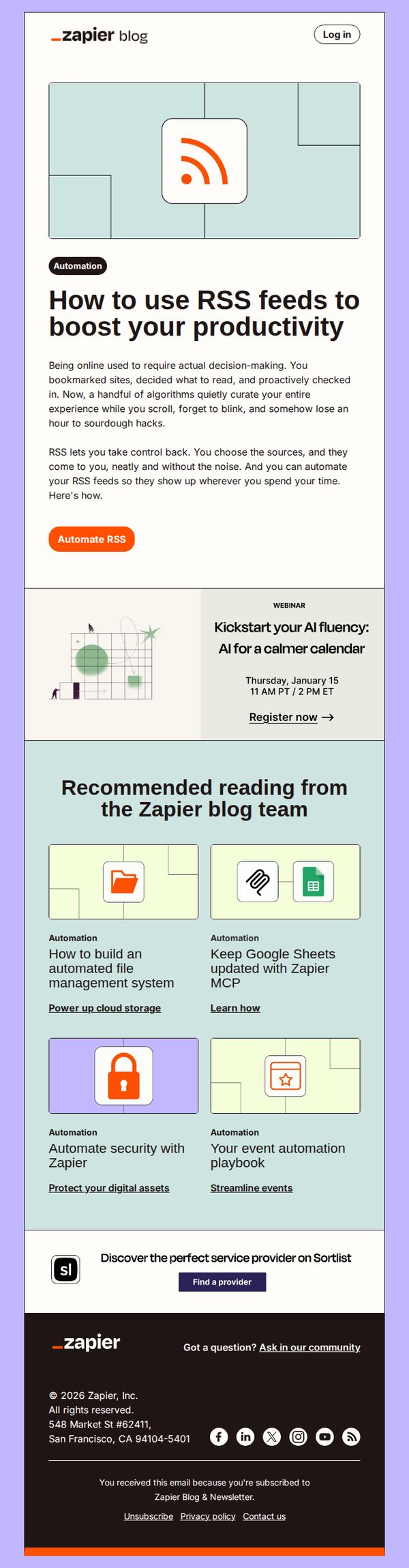
This email aims to reframe RSS as a powerful productivity tool by showing how Zapier can automate it, encouraging readers to reclaim control over their digital intake while subtly promoting Zapier’s automation capabilities.
Why this works
The email brilliantly reframes RSS not as outdated tech but as a strategic tool for reclaiming focus, positioning automation as the bridge between old-school efficiency and modern digital overload, which resonates deeply with productivity-minded professionals.
How to implement
By leading with a relatable pain point, losing hours to mindless scrolling, the copy creates instant emotional alignment, then immediately offers Zapier as the elegant, automated solution, making the value proposition feel both urgent and effortless to adopt.
Pro Tip
The webinar CTA is visually underweighted, it should be given equal or greater prominence than the 'Automate RSS' button since it’s a high-intent conversion point; consider using a contrasting color or larger button to match its strategic value. • The footer’s Sortlist ad feels disconnected from the email’s core message; replacing it with a Zapier-specific automation template or use case (e.g., 'Get our free RSS-to-Notion automation') would better align with the campaign’s productivity theme and drive product engagement.
5. The best AI courses
Objective
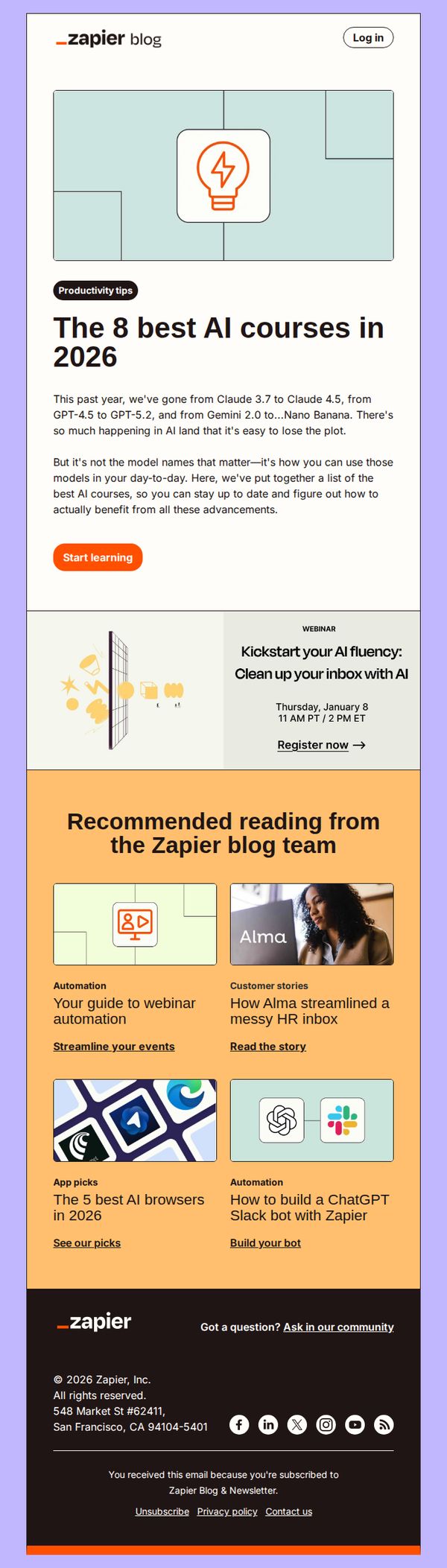
To position Zapier as a trusted guide in the rapidly evolving AI landscape by curating and promoting the most valuable learning resources, while driving engagement through immediate action and community participation.
Why this works
By framing AI advancements not as abstract tech specs but as practical tools for daily productivity, this email instantly connects with overwhelmed professionals seeking actionable learning paths rather than theoretical overload.
How to implement
The inclusion of a time-bound webinar alongside evergreen course recommendations creates a dual engagement funnel, immediate urgency paired with long-term value, encouraging both instant clicks and sustained interest in Zapier’s educational ecosystem.
Pro Tip
Add a subtle countdown timer next to the webinar CTA to heighten urgency and increase registration conversions, especially since the event date is already specified and proximity matters for attendance. • Include a short testimonial or user stat near the 'Start learning' button (e.g., 'Join 12,000+ professionals who mastered AI workflows last month') to build social proof and reduce friction for new learners.
6. Automate your ops
Objective
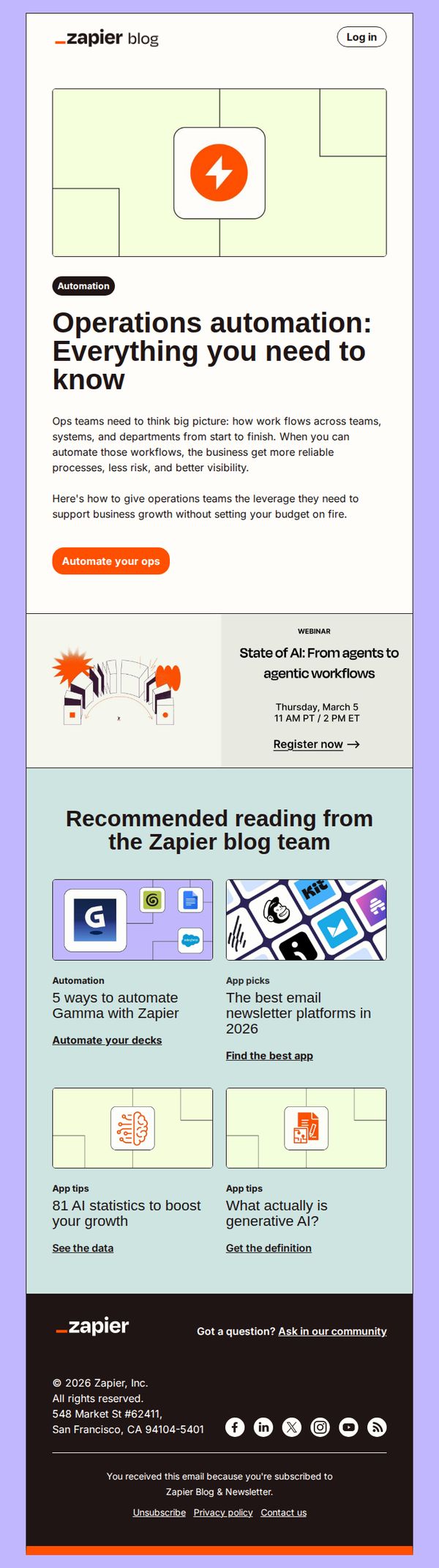
This email aims to educate operations teams on the strategic value of workflow automation while positioning Zapier as the essential tool to scale business processes efficiently without increasing budgetary strain. It also drives engagement through a webinar and related blog content.
Why this works
The email opens with a bold, benefit-driven headline that immediately speaks to operations leaders’ pain points, reliability, risk reduction, and visibility, making the value proposition instantly relevant and emotionally resonant.
How to implement
By embedding a timely webinar promotion directly beneath the hero message, the campaign smartly bridges educational content with conversion, creating a natural next step for readers already primed by the automation narrative.
Pro Tip
Add a subtle visual indicator, like a progress bar or 'Most Popular' badge, next to the recommended articles to guide users toward high-conversion or trending content, reducing decision fatigue and increasing click-through rates. • Reposition the 'Automate your ops' CTA to appear both above and below the webinar section to reinforce urgency and capture attention at multiple scroll points, especially since the webinar is time-sensitive and highly relevant to the main message.
7. Automate Gmail
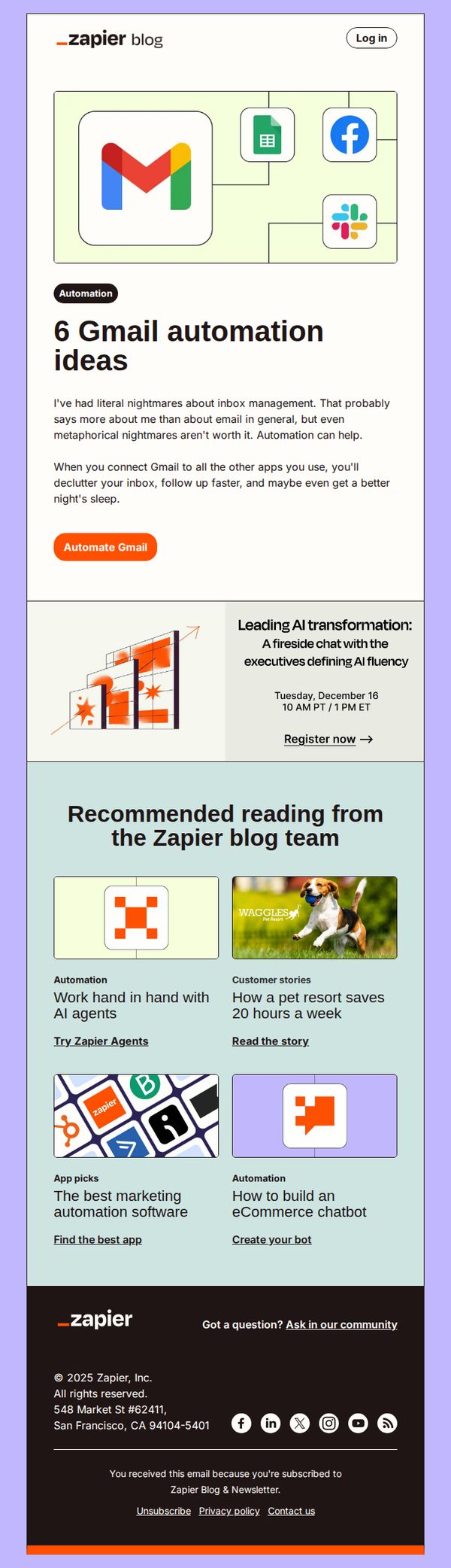
Objective
This email aims to inspire subscribers to automate their Gmail workflows by showcasing six practical automation ideas, while subtly encouraging them to explore Zapier’s broader automation capabilities through related content and a clear CTA.
Why this works
The email opens with a relatable emotional hook, ‘literal nightmares about inbox management’, which instantly resonates with overwhelmed professionals and frames automation as the solution to personal pain points rather than just a technical feature.
How to implement
By visually connecting Gmail to popular apps like Google Sheets, Facebook, and Slack in the hero graphic, the email immediately demonstrates cross-platform value without needing to explain each integration, making the benefit feel tangible and intuitive.
Pro Tip
Add a short testimonial or stat near the CTA (e.g., ‘Join 3M+ users who saved 10+ hours/month automating Gmail’) to boost social proof and urgency without disrupting the clean layout. • Replace the generic ‘Register now →’ link in the AI event section with a more benefit-driven label like ‘Reserve Your Spot to Unlock AI Fluency’ to better align with the audience’s professional development goals.
8. AI workslop
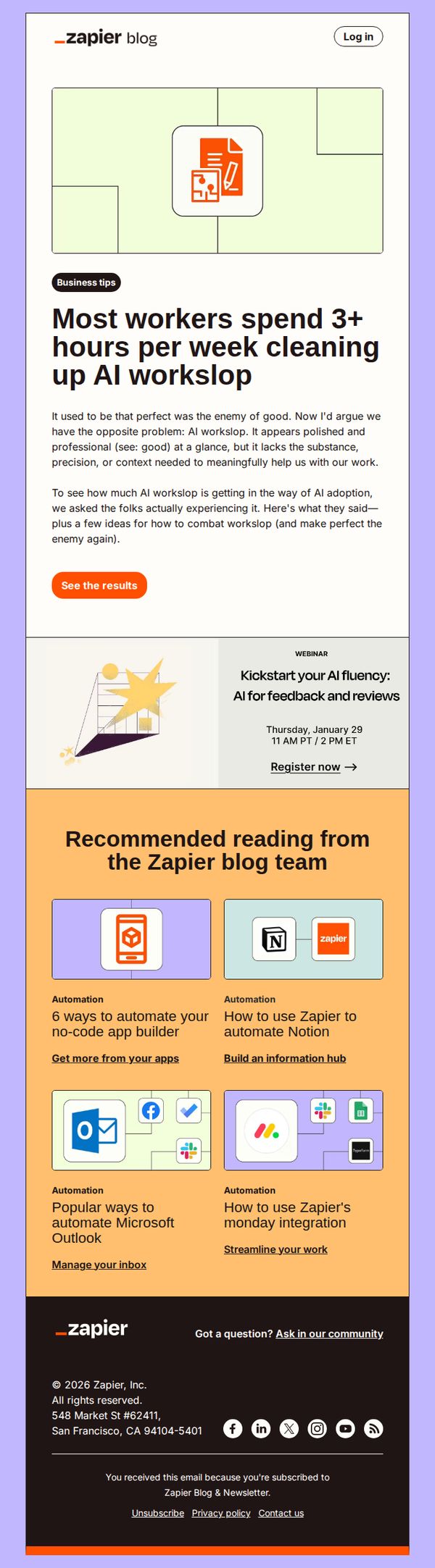
Objective
This email aims to engage readers by highlighting the hidden productivity cost of AI-generated workslip, then guide them toward Zapier’s automation solutions as the remedy. It also promotes a related webinar and curated blog content to deepen engagement and position Zapier as a thought leader in workflow efficiency.
Why this works
The email opens with a provocative, data-backed headline that immediately resonates with professionals drowning in AI-generated clutter, making the pain point feel personal and urgent rather than abstract or theoretical.
How to implement
Instead of pushing a product outright, it positions Zapier as the trusted guide offering solutions through educational content and a live webinar, which builds credibility and nurtures trust before any sales ask is made.
Pro Tip
The primary CTA 'See the results' is vague and doesn’t clearly signal value; rephrase to something benefit-driven like 'Discover how to reclaim 3+ hours weekly' to better align with the headline’s promise and increase click-through intent. • The webinar section lacks visual hierarchy and urgency; add a countdown timer or limited-seating indicator to the 'Register now' CTA to create FOMO and boost registrations, especially since the event date is specific and time-bound.
9. Add custom code to your workflows
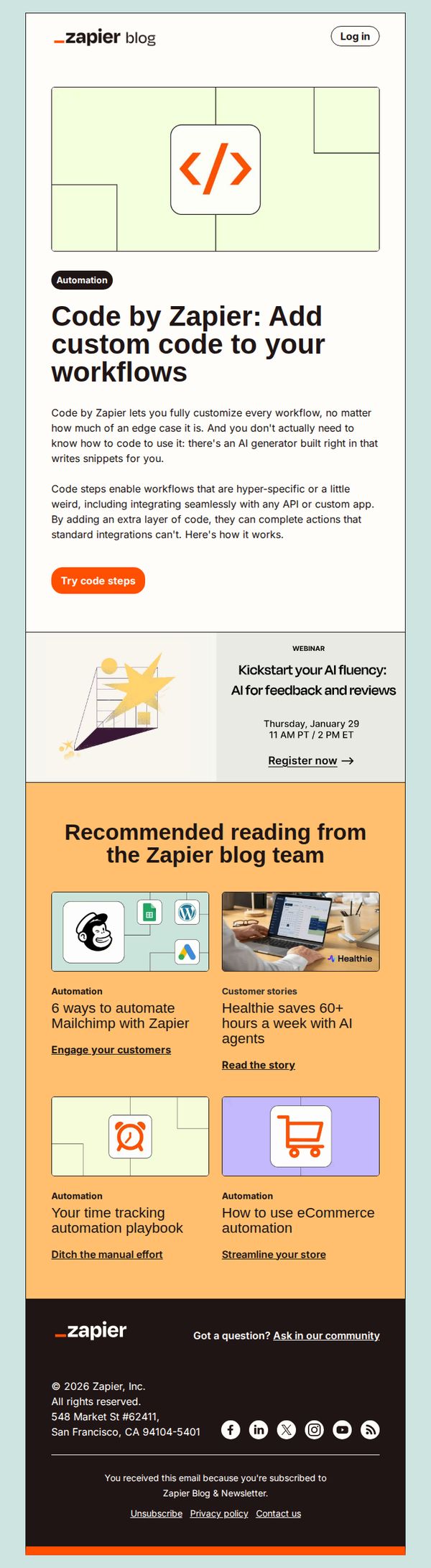
Objective
To introduce and promote Zapier’s new 'Code by Zapier' feature that allows users to add custom code to workflows without needing to know how to code, using an AI generator to simplify complex automation tasks.
Why this works
Zapier brilliantly lowers the barrier to advanced automation by positioning custom code as accessible through AI, making even edge-case workflows feel achievable for non-developers without oversimplifying the technical value.
How to implement
The email strategically frames the feature as a solution for hyper-specific or 'weird' use cases, which resonates with power users who’ve hit limits with standard integrations, turning frustration into a compelling reason to upgrade.
Pro Tip
Add a short animated GIF or static visual demo directly under the 'Try code steps' CTA to show how the AI generator writes snippets, this would reduce perceived friction and clarify the feature’s ease of use. • Include a customer testimonial or use case quote near the hero section to social-proof the value of code steps, especially for non-technical users who may still feel hesitant about adding code to workflows.
10. Automate project management
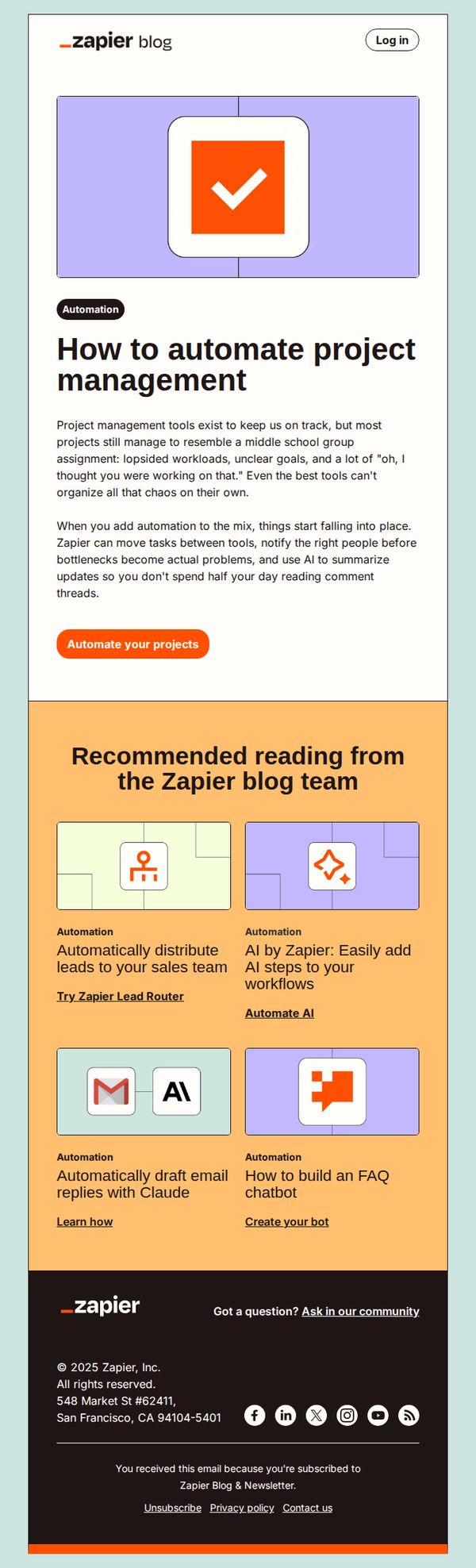
Objective
This email aims to educate subscribers on how Zapier can streamline project management by automating repetitive tasks and reducing manual oversight, ultimately encouraging them to start automating their own workflows with a clear next step.
Why this works
The email opens with a relatable pain point, chaotic, disorganized projects, then immediately positions Zapier as the solution that brings order through automation, making the value proposition instantly clear and emotionally resonant.
How to implement
By framing automation as a way to prevent bottlenecks and reduce time spent on comment threads, the copy speaks directly to productivity-focused professionals who feel overwhelmed by collaboration tools, increasing perceived relevance and urgency.
Pro Tip
Add a visual progress indicator or mini-case study showing before/after automation in project management to strengthen social proof and make the abstract benefit more tangible for skeptical readers. • Reposition the CTA button to appear both above and below the educational content to capture attention at multiple scroll points, especially since the current single CTA may be missed by users who skim or read quickly.