Dynatrace email gallery from real brands
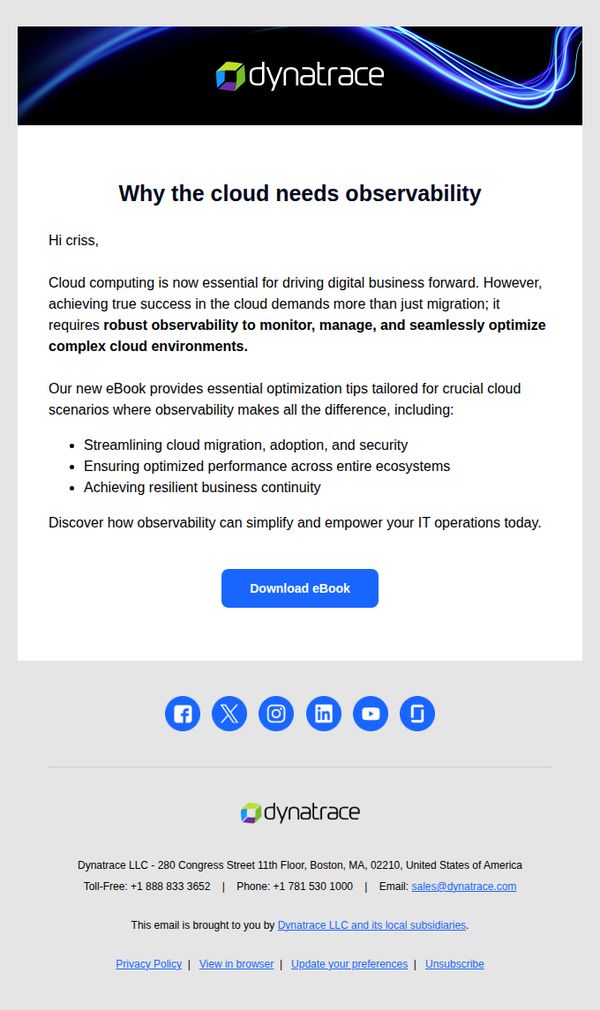
1. Ensure resiliency for your cloud environment
Objective
This email aims to educate the recipient on the critical role of observability in cloud environments and drive them to download a targeted eBook that provides actionable optimization strategies for cloud resilience, migration, and performance.
Why this works
The email opens with a personalized greeting and immediately frames cloud observability as a strategic imperative, not just a technical tool, making it relevant to business outcomes and executive concerns.
How to implement
It clearly lists three high-impact use cases for observability that align with common enterprise pain points: migration, performance, and business continuity, which builds credibility and relevance before the CTA.
Pro Tip
Add a brief testimonial or customer logo near the CTA to reinforce social proof and reduce perceived risk before the download commitment. • Include a subtle visual cue like a downward arrow or progress bar beneath the CTA to imply ease of access and encourage scrolling to the footer for additional trust signals.
2. Product Updates for 02/26/26
Objective
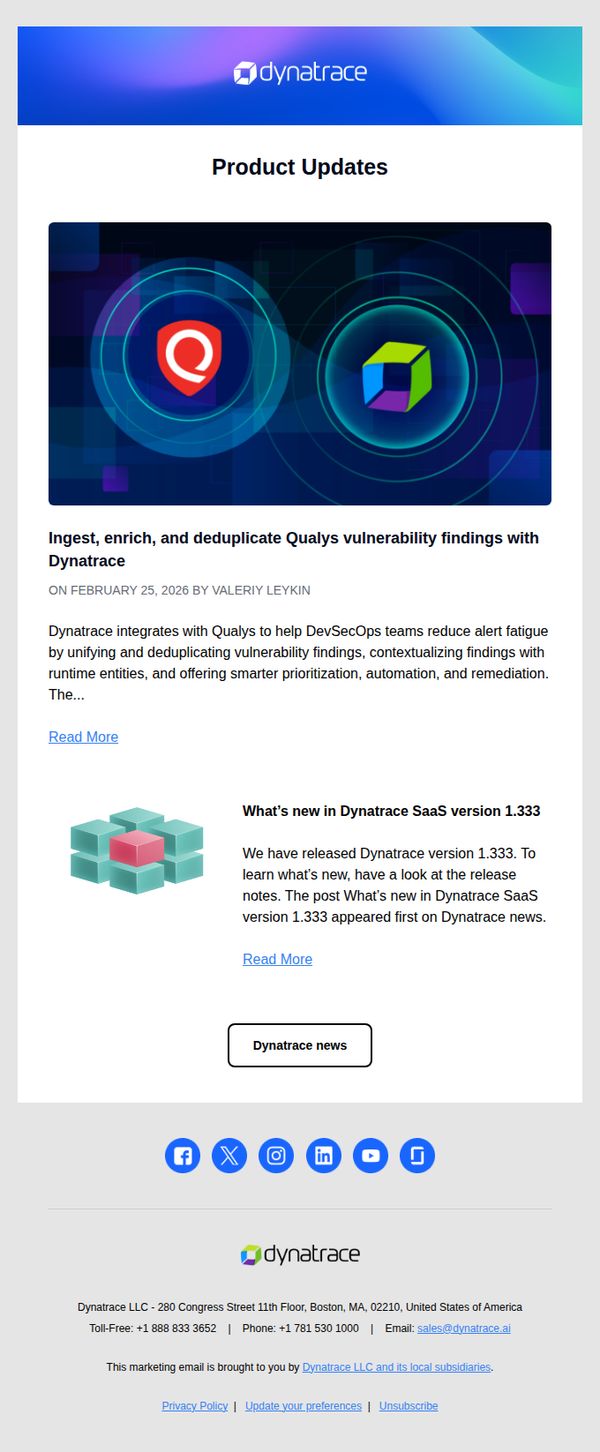
This email aims to inform Dynatrace customers and stakeholders about recent product updates, specifically highlighting the integration with Qualys for vulnerability management and the release of Dynatrace SaaS version 1.333, encouraging engagement through detailed reading and directing users to the broader news hub.
Why this works
The email effectively anchors technical updates in real-world value by explicitly linking the Qualys integration to reducing alert fatigue and improving DevSecOps workflows, making abstract features feel immediately relevant to busy practitioners.
How to implement
By using a clean, two-part content structure, one focused on strategic integration and the other on version-specific release notes, the email caters to both high-level decision-makers and hands-on technical users without overwhelming either.
Pro Tip
Add a visual indicator like a badge or ribbon near the Qualys integration headline to emphasize its strategic importance, helping readers instantly recognize high-impact updates without scrolling. • Include a short customer quote or success metric beneath the Qualys integration section to reinforce credibility and demonstrate real-world outcomes, which can increase trust and encourage deeper engagement.
3. Posts from Dynatrace blog for 02/27/26
Objective
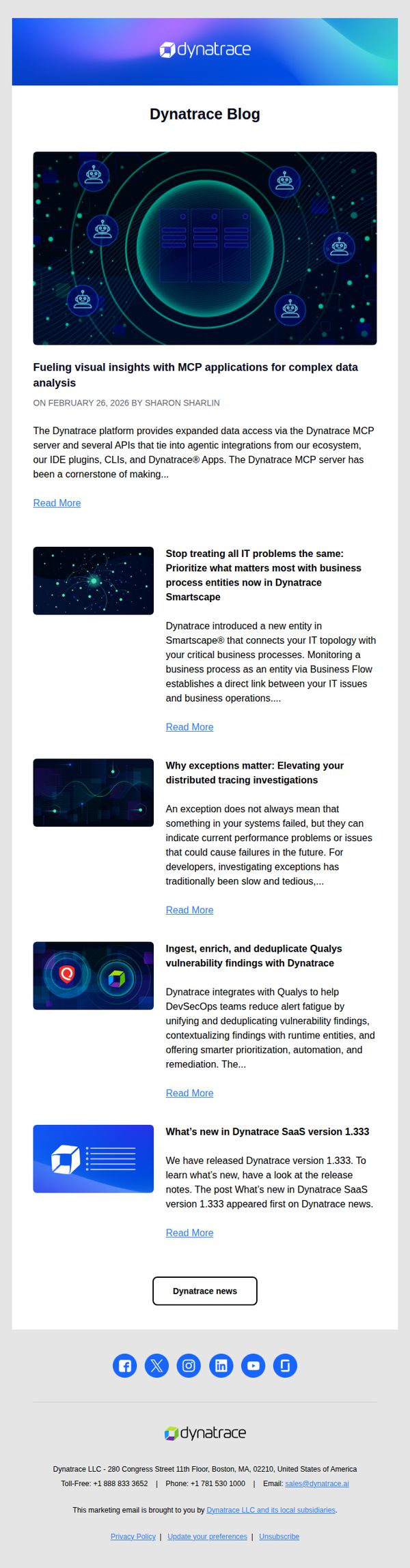
This email aims to drive engagement with Dynatrace’s latest blog content by highlighting key technical updates and product integrations, encouraging readers to explore deeper insights and stay informed about platform advancements.
Why this works
The email strategically leads with a visually rich hero image that mirrors the platform’s tech-forward aesthetic, immediately signaling to enterprise readers that the content is sophisticated, relevant, and aligned with their operational priorities.
How to implement
Each blog preview is tightly summarized with a benefit-driven headline and a concise teaser that answers ‘What’s in it for me?’, a smart tactic to reduce cognitive load and increase click-through rates among time-pressed IT decision-makers.
Pro Tip
Add a subtle visual hierarchy to the blog list, such as a numbered or icon-based priority indicator, to guide readers toward the most strategically important post first, especially if one aligns with a current product launch or sales initiative. • Include a short testimonial or customer quote beneath one of the top blog summaries to add social proof and reinforce credibility, especially for technical topics that may benefit from real-world validation before the reader commits to reading.
4. Product Updates for 02/27/26
Objective
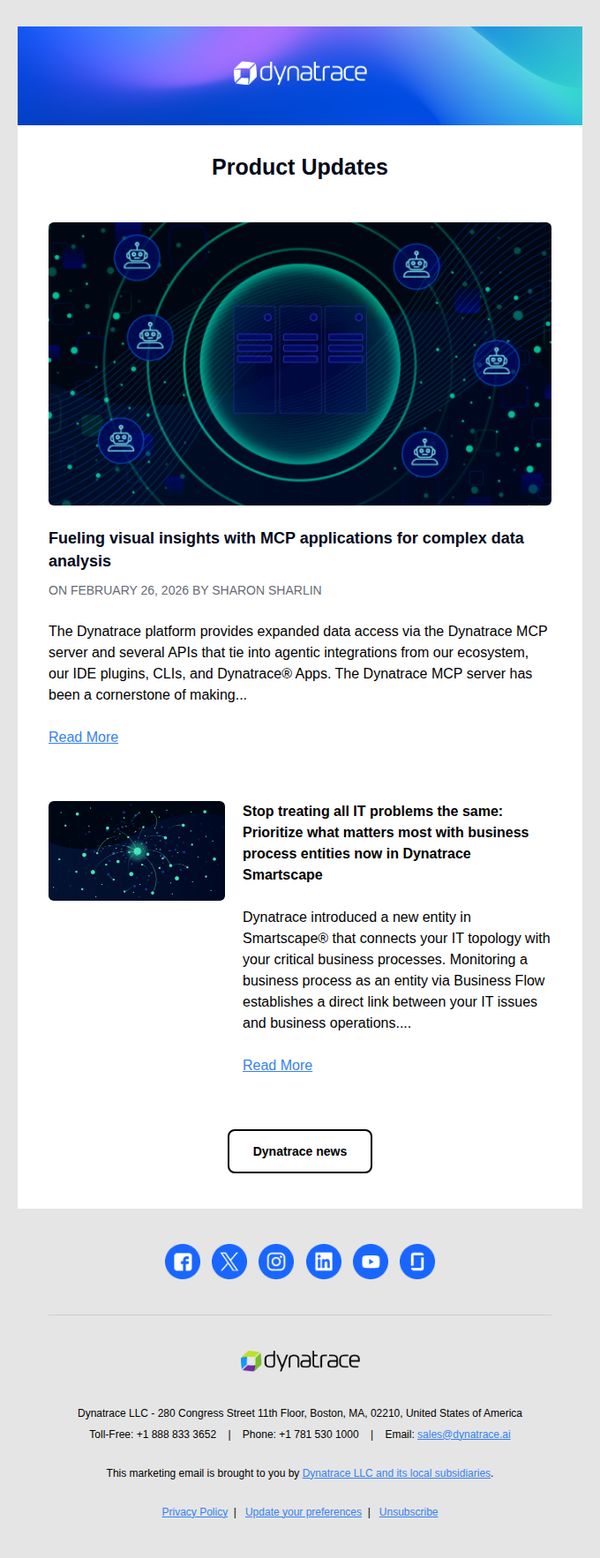
To inform existing customers and prospects about recent product enhancements in the Dynatrace platform, emphasizing new capabilities in data analysis and business process monitoring to reinforce product leadership and encourage deeper platform adoption.
Why this works
The email strategically leads with a visually rich hero image that mirrors the technical sophistication of the platform, immediately signaling to enterprise users that the updates are substantial and architecturally significant, not just incremental.
How to implement
By framing updates around business outcomes, like connecting IT topology to critical business processes, the email speaks directly to decision-makers’ priorities, transforming technical features into strategic value propositions that justify continued investment.
Pro Tip
Add a brief 'Why This Matters' subheading under each update to explicitly connect technical features to user pain points or ROI, helping non-technical stakeholders quickly grasp the business impact. • Incorporate a subtle progress indicator or 'What’s New' badge near the top to visually signal that this is a time-sensitive update, increasing urgency and encouraging immediate engagement.