Software emails worth copying from real SaaS teams
1. Square: Answers to all of your Square questions
Objective
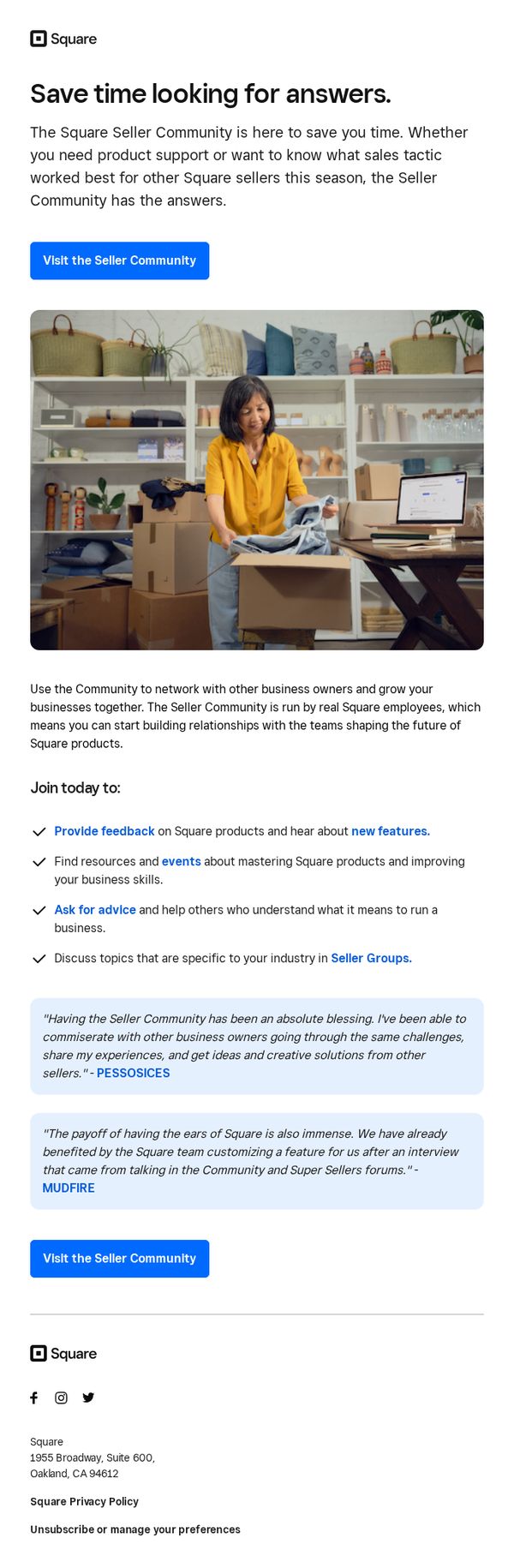
This email aims to drive engagement with Square’s Seller Community by positioning it as a time-saving, peer-supported resource for product help and sales strategy insights, encouraging sellers to join and contribute to a collaborative ecosystem.
Why this works
The email brilliantly frames the Seller Community not just as a support channel but as a peer-driven growth engine, making users feel they’re joining a movement rather than just accessing help, which increases emotional buy-in and participation.
How to implement
By featuring real testimonials from recognizable business names like PESSOSICES and MUDFIRE, the email builds instant credibility and social proof, showing tangible outcomes that motivate sellers to believe their own challenges can be solved through community engagement.
Pro Tip
Add a subtle countdown or urgency cue near the CTA, such as 'Join 10,000+ sellers this month,' to nudge procrastinators and reinforce the community’s active, growing nature. • Include a brief visual icon or mini-illustration next to each bullet point (e.g., a speech bubble for 'Ask for advice') to improve scannability and reinforce each benefit with intuitive visual cues.
2. Accruent: New Ideas, Real Progress - Welcome to Accruent Built For What's Next!
Objective
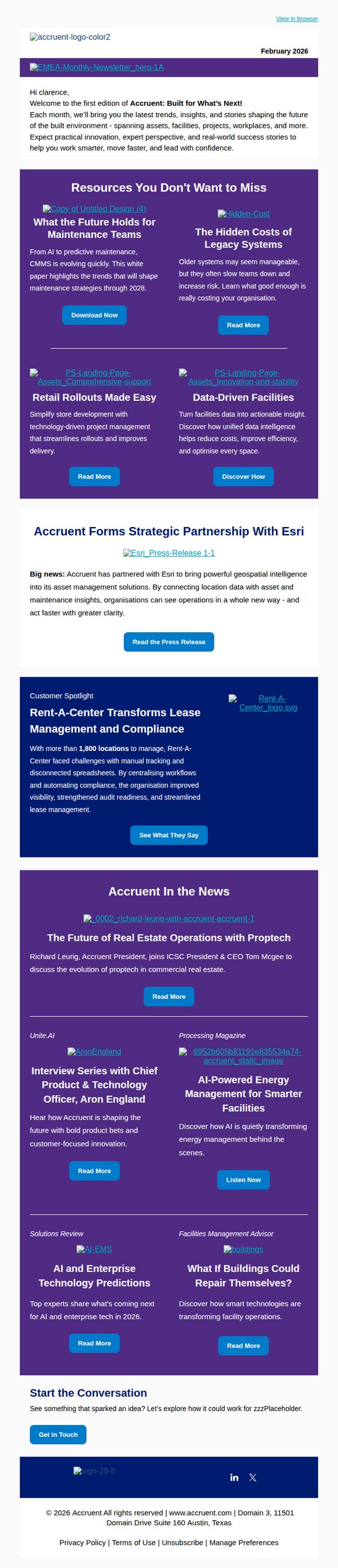
This email aims to welcome new subscribers to Accruent’s monthly newsletter by positioning the brand as a forward-thinking leader in built environment innovation, while encouraging engagement through curated resources, strategic updates, and customer success stories.
Why this works
The email strategically opens with a personalized welcome that immediately frames the newsletter as a valuable, forward-looking resource rather than just promotional content, building trust and setting clear reader expectations from the first sentence.
How to implement
By organizing content into digestible, benefit-driven resource tiles with clear CTAs like 'Download Now' or 'Read More,' the email guides users through multiple engagement paths without overwhelming them, making it easy to choose what’s most relevant to their role or challenge.
Pro Tip
The primary CTA 'Get in Touch' at the bottom lacks urgency or context; repositioning it as a sticky footer button or pairing it with a value-driven prompt like 'Schedule Your Free Strategy Session' would better convert interested readers into leads. • The 'Accruent In the News' section feels disconnected from the newsletter’s core theme of innovation; integrating a short teaser like 'See how industry leaders are applying these insights' would better tie press coverage back to actionable value for the reader.
3. Trusted Tech Team: How Microsoft Security Copilot is Going to be the Jarvis to Your Iron Man
Objective
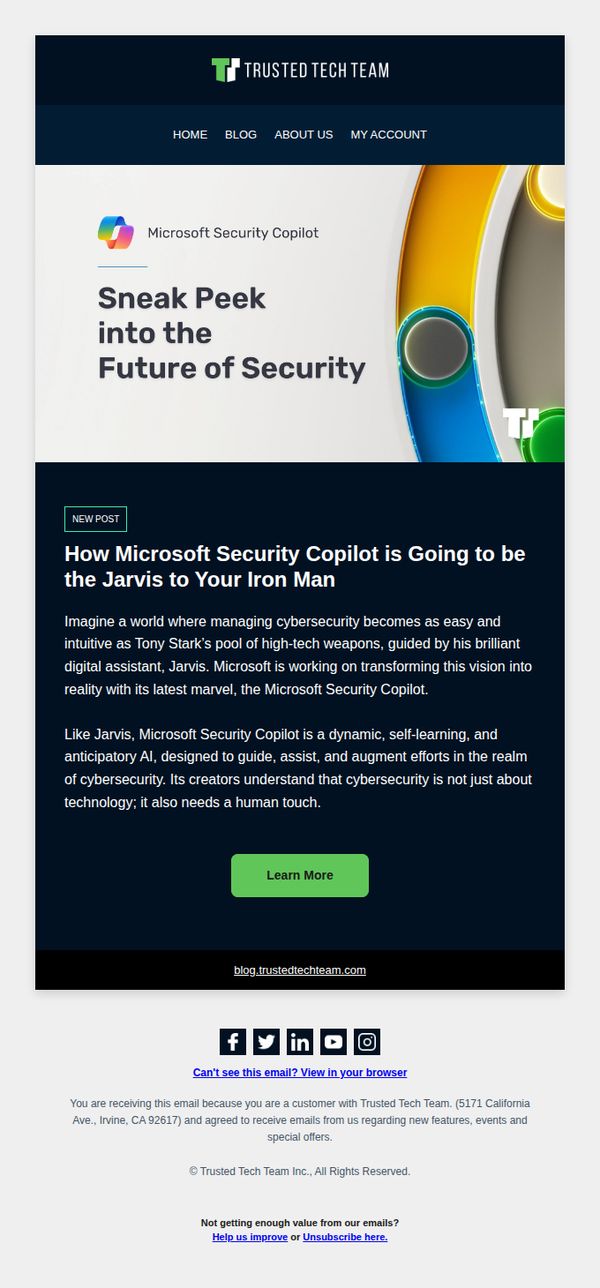
This email aims to generate excitement and curiosity around Microsoft Security Copilot by positioning it as a revolutionary, AI-powered cybersecurity assistant, comparing it to Jarvis from Iron Man to make the technology feel intuitive and indispensable for modern security teams.
Why this works
By comparing Microsoft Security Copilot to Jarvis from Iron Man, the email instantly creates an emotional and aspirational connection, helping technical audiences visualize the product as a powerful, intuitive ally rather than just another enterprise tool.
How to implement
The headline and subheadline work together to frame the product not as a feature update but as a visionary leap forward, which positions the brand as a forward-thinking authority while making complex cybersecurity feel accessible and exciting.
Pro Tip
Add a brief customer testimonial or use case in the education section to ground the Iron Man analogy in real-world results, helping skeptical readers see tangible ROI beyond the metaphor. • Place a secondary CTA like ‘Watch Demo’ or ‘See Use Cases’ below the main button to capture users who want more context before committing to ‘Learn More,’ improving conversion depth.
4. My Choice Software: Hey, your Microsoft Windows 10 Pro - 1 License is still waiting! Still interested?
Objective
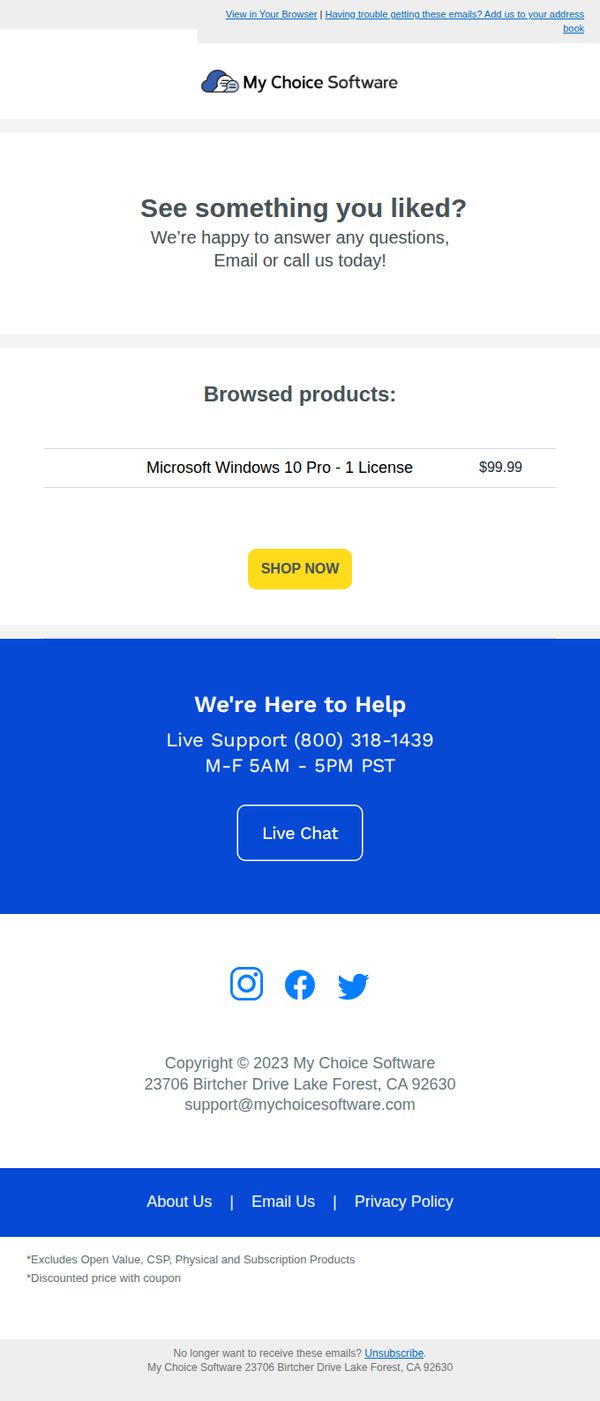
This email aims to re-engage a potential customer who previously viewed Microsoft Windows 10 Pro, reminding them the product is still available and encouraging immediate purchase through a clear CTA and live support offer.
Why this works
The email effectively leverages browsing history to personalize the message, making the recipient feel seen and nudging them toward completion by highlighting the exact product they viewed with its price and a prominent CTA.
How to implement
By including live support hours and a direct chat button, the brand reduces friction and builds trust, signaling they’re ready to assist in real time, a smart tactic to convert hesitant buyers who may have questions or concerns.
Pro Tip
Add a sense of urgency or scarcity, such as a countdown timer or limited stock notice, near the CTA to motivate faster decisions, especially since the email targets an abandoned browse. • Include a short customer testimonial or trust badge near the product price to reinforce credibility and reduce perceived risk, since software licenses often require higher buyer confidence.
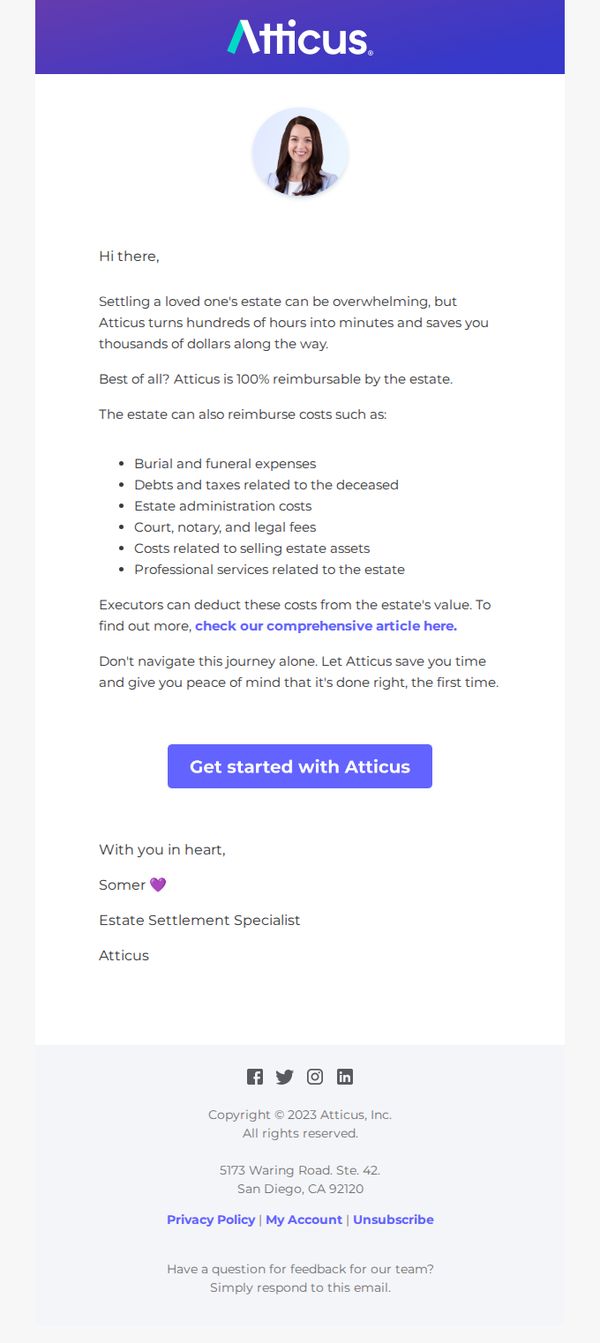
5. Atticus: 💡 Did you know - Atticus is 100% reimbursable by the estate?
Objective
This email aims to reassure potential users that Atticus is a financially responsible choice by highlighting its 100% estate-reimbursable status, reducing perceived cost barriers and encouraging immediate sign-up during a sensitive life event.
Why this works
The email brilliantly reframes cost as a non-issue by anchoring the value proposition in estate reimbursement, a powerful psychological shift that turns financial hesitation into confidence for grieving executors.
How to implement
By listing specific reimbursable expenses like court fees and professional services, the email builds credibility and reduces ambiguity, helping readers visualize real savings and feel empowered to act without fear of hidden costs.
Pro Tip
Add a brief testimonial or social proof near the CTA to reinforce trust, for example, '92% of executors using Atticus reported saving over 100 hours and $5,000 in reimbursable costs.' • Include a subtle visual cue like a checkmark icon or badge next to '100% reimbursable' to make the key benefit more scannable and memorable in a single glance.
6. My Choice Software: Learn About Everything Office 2021 Has To Offer!
Objective
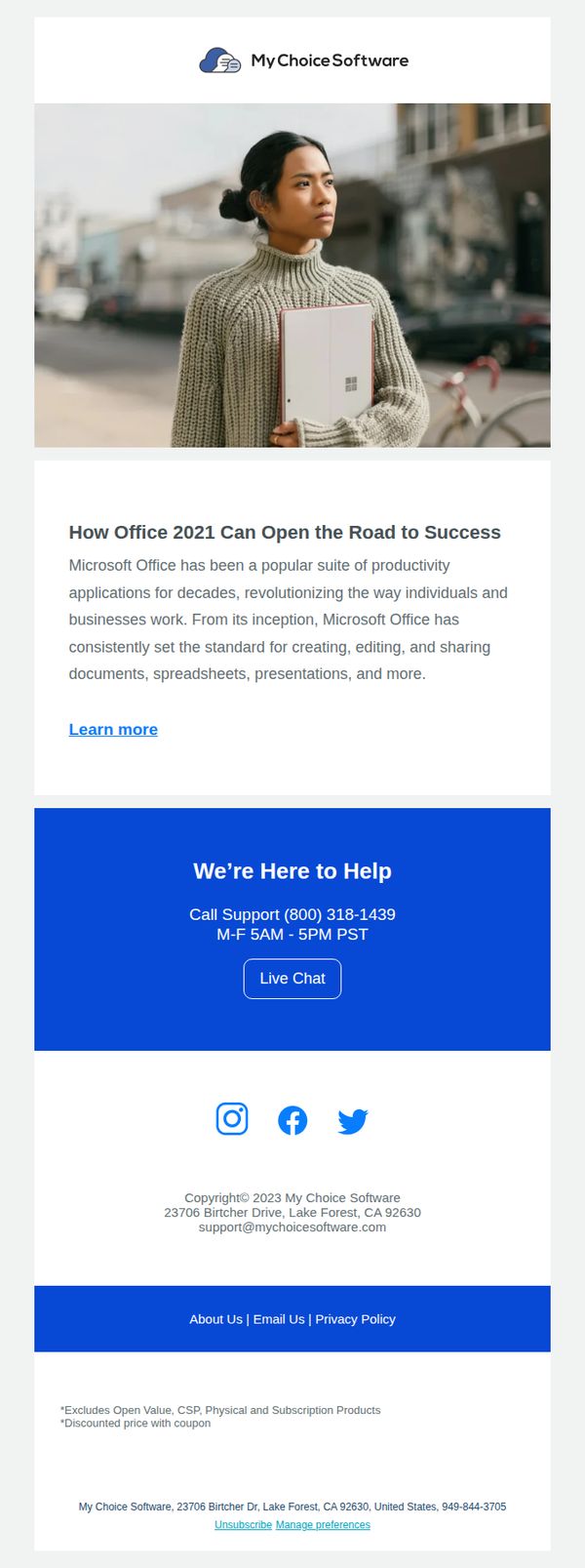
This email aims to educate recipients about the value and capabilities of Microsoft Office 2021 while positioning My Choice Software as a trusted resource for purchasing and support. It encourages users to explore further by clicking to learn more or contact support directly.
Why this works
The email opens with a strong, benefit-driven headline that frames Office 2021 as a gateway to professional success, immediately aligning the product with the reader’s aspirations rather than just listing features.
How to implement
Including a dedicated support section with phone hours and a live chat button builds trust and reduces friction, signaling that help is accessible and reinforcing the brand’s reliability beyond just the sale.
Pro Tip
Add a visual product grid or feature icons under the education section to break up text and visually reinforce key Office 2021 capabilities like Word, Excel, and PowerPoint, making the value proposition more scannable. • Include a time-sensitive offer or discount badge near the 'Learn more' CTA to create urgency and incentivize immediate clicks, especially since the email currently lacks any promotional hook to drive conversion.
7. ImageTrend: Join Our Webinar - From Fight-or-Flight to Forward: Helping Responders Heal
Objective
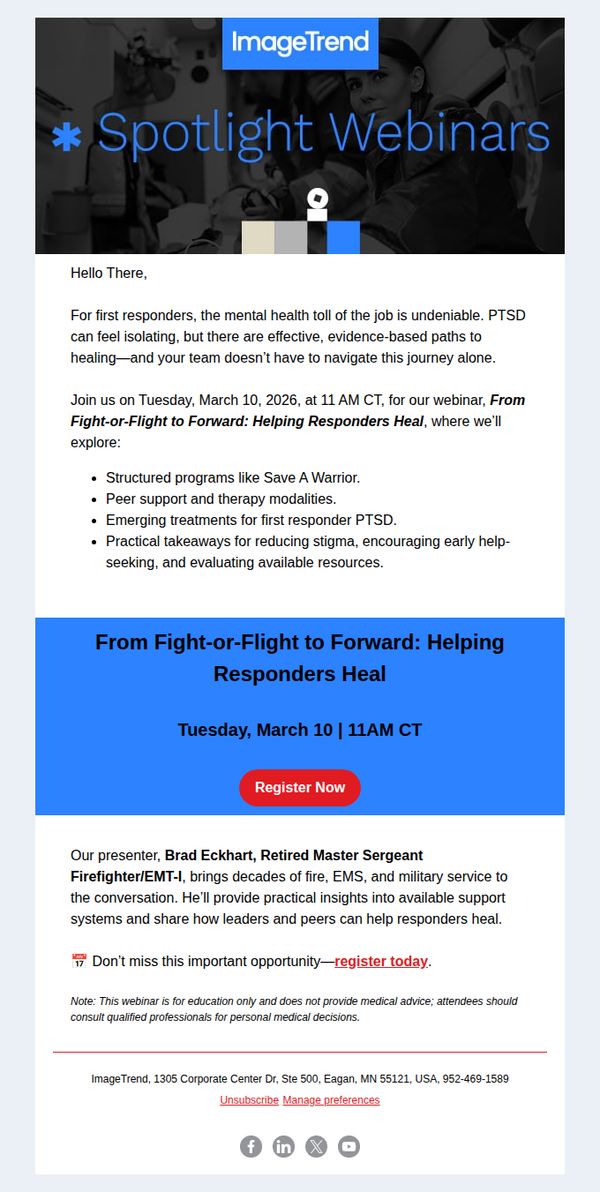
This email aims to drive registrations for a mental health webinar tailored to first responders by validating their emotional struggles and positioning the event as a supportive, evidence-based solution. It seeks to convert empathy into action through credible expertise and clear next steps.
Why this works
The email opens with emotional validation, acknowledging the mental health toll on first responders, which immediately builds trust and positions the webinar as a safe, necessary space rather than just another event.
How to implement
By spotlighting the presenter’s real-world credentials, Retired Master Sergeant Firefighter/EMT-I, the email leverages authority and relatability, making the content feel credible and personally relevant to the target audience’s lived experience.
Pro Tip
Add a countdown timer or urgency indicator near the CTA to reinforce the time-sensitive nature of the webinar, since the date is over a year away and may not feel pressing to recipients. • Include a short testimonial or quote from a past attendee to build social proof, especially since the topic is sensitive and trust is critical for first responders considering mental health support.
8. My Choice Software: 🎇 Labor Day Sale Starts NOW!
Objective
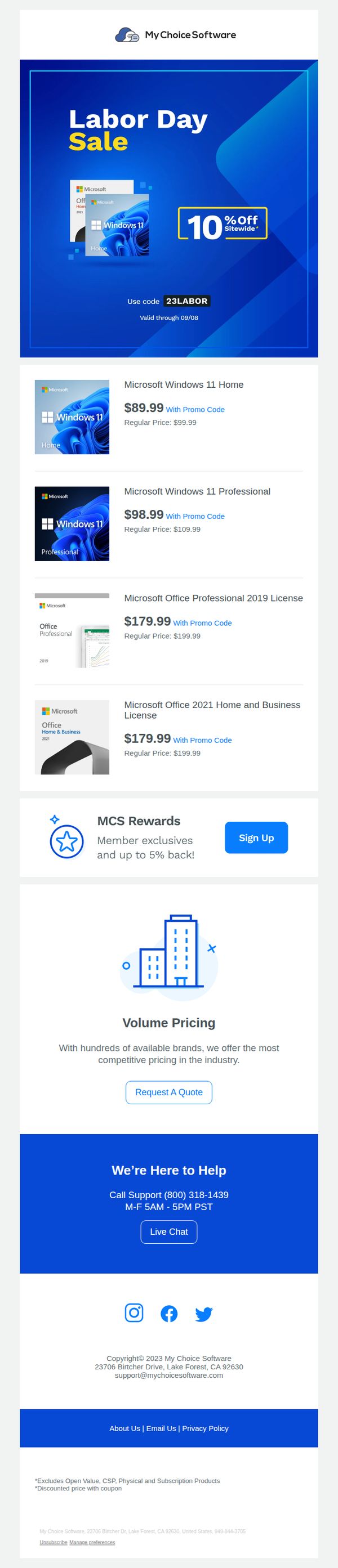
This email aims to drive immediate sales by promoting a time-sensitive Labor Day discount across Microsoft software products, while also encouraging new customer sign-ups for loyalty rewards and volume pricing inquiries.
Why this works
The email leverages urgency with a bold, time-bound promo code and a clear expiration date, which psychologically nudges recipients to act now rather than delay their purchase decision.
How to implement
By prominently displaying both discounted and regular prices side-by-side, the campaign visually reinforces perceived value, making the savings feel tangible and compelling to cost-conscious buyers.
Pro Tip
Add a countdown timer beneath the promo code to visually reinforce urgency and encourage faster conversions before the 09/08 deadline. • Include a brief testimonial or trust badge near the product grid to reduce purchase hesitation, especially for first-time buyers unfamiliar with the brand’s legitimacy.
9. SecurityScorecard: New Scorecard alerts: My Scorecard - njaemail.com [SecurityScorecard Daily Digest]
![9. SecurityScorecard: New Scorecard alerts: My Scorecard - njaemail.com [SecurityScorecard Daily Digest]](https://nudge-growth-experimental.s3.amazonaws.com/nudge/email-screenshots/704839.jpg)
Objective
This email aims to alert the user to a recent decline in their security score and prompt immediate action by inviting teammates or viewing detailed notifications. It reinforces the value of portfolio monitoring and encourages collaborative risk mitigation.
Why this works
The email immediately surfaces a critical data point, the dropped security grade, and pairs it with a clear, actionable CTA, making the user’s next step obvious without requiring extra navigation or interpretation.
How to implement
By framing the score drop as a shared risk that impacts the user’s own security posture, the message creates urgency and social accountability, subtly nudging the recipient to involve teammates rather than ignore the alert.
Pro Tip
Add a visual indicator or icon next to the grade drop (e.g., a downward arrow or red alert badge) to make the severity of the score change instantly scannable without requiring text parsing. • Include a brief one-line explanation of what caused the score drop, even if generic, to reduce cognitive load and increase the likelihood of engagement by answering the user’s first question: 'Why did this happen?'
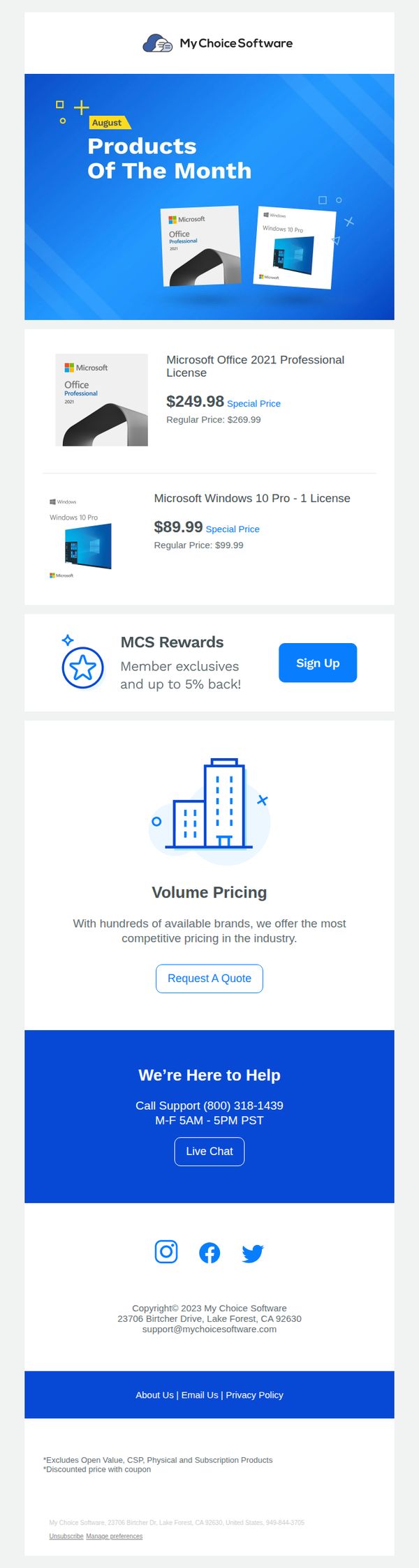
10. My Choice Software: 😎 Welcome, August Products Of The Month!
Objective
This email aims to drive immediate sales by spotlighting August’s featured Microsoft software products with discounted pricing, while also encouraging new member sign-ups through a rewards program to build long-term customer loyalty.
Why this works
The email immediately grabs attention by using a bold hero section with a clear 'Products of the Month' headline and visual product mockups, making the offer instantly recognizable and reducing cognitive load for the reader.
How to implement
By displaying both the special price and regular price side-by-side for each product, the campaign creates a strong perception of value and urgency, which can significantly boost conversion rates among price-sensitive software buyers.
Pro Tip
Add a countdown timer or 'Limited Stock' indicator near the product prices to create urgency and prevent procrastination, especially since software licenses are often purchased on impulse when perceived as scarce or time-sensitive. • Include a short customer testimonial or star rating next to each product to build trust and reduce perceived risk, especially important for digital software purchases where users can’t physically inspect the product before buying.