Microsoft Azure campaign ideas that work
1. Earn Rewards points with Microsoft
Objective
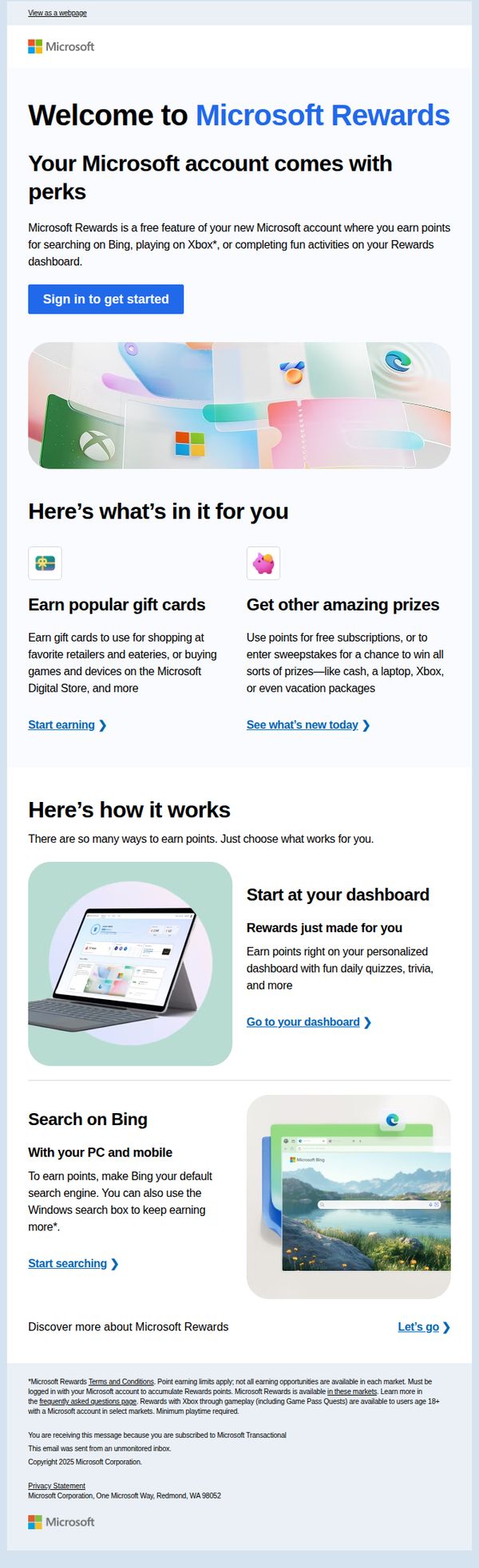
This email aims to onboard new Microsoft account holders into the Microsoft Rewards program by highlighting the benefits of earning points through everyday activities like searching on Bing and gaming on Xbox, encouraging immediate sign-in and engagement.
Why this works
The email brilliantly frames rewards as a natural extension of existing behaviors, searching and gaming, making the value proposition feel effortless and instantly relevant to the user’s daily digital routine.
How to implement
By visually separating earning pathways into digestible, icon-led sections like 'Earn popular gift cards' and 'Get other amazing prizes,' the email reduces cognitive load and helps users quickly self-select their preferred reward path.
Pro Tip
Add a subtle countdown or progress bar near the 'Sign in to get started' CTA to create urgency, such as 'First 100 sign-ins this week get 50 bonus points,' leveraging FOMO to boost immediate conversion. • Include a short testimonial or social proof snippet, like 'Over 2M users earned $1M+ in gift cards last month', near the offer section to build credibility and reinforce the tangible value of participating.
2. Get the mobile apps available with your Microsoft account
Objective
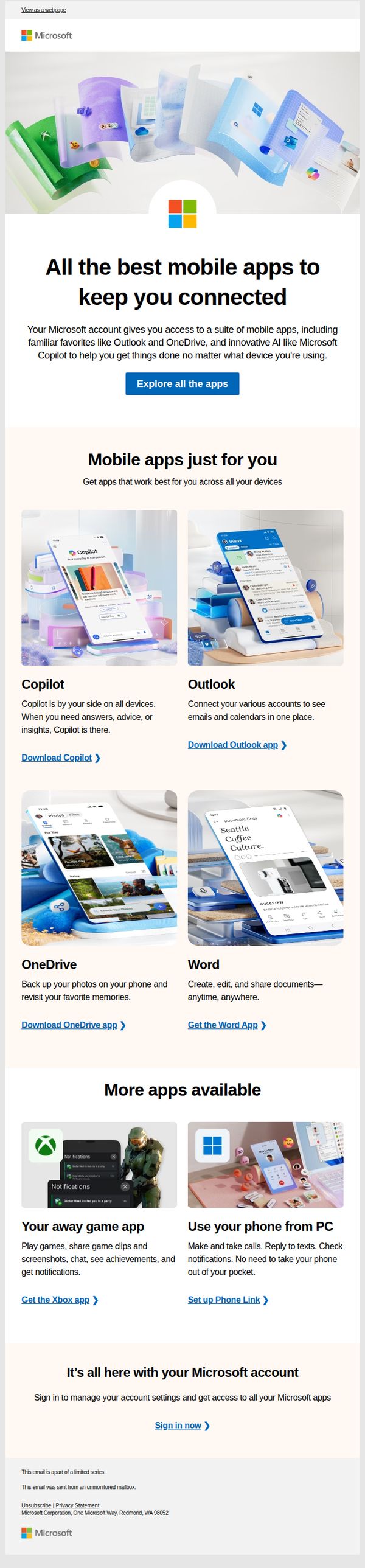
This email aims to drive Microsoft account holders to discover and download the suite of mobile apps available to them, emphasizing seamless cross-device connectivity and productivity through tools like Copilot, Outlook, and OneDrive. It seeks to increase app adoption by showcasing utility and convenience.
Why this works
The email brilliantly frames app adoption as a natural extension of existing Microsoft account value, positioning Copilot and Outlook not as new downloads but as essential companions already waiting in the user’s ecosystem, which reduces perceived friction and boosts relevance.
How to implement
Each app is presented with a clear, benefit-driven headline and a single, direct CTA, avoiding feature overload and guiding users toward immediate action without overwhelming them with technical jargon or unnecessary options.
Pro Tip
Add a subtle visual indicator (like a badge or icon) next to Copilot to highlight its AI innovation, helping users instantly recognize its unique value compared to more familiar apps like Outlook or OneDrive. • Include a short testimonial or usage stat (e.g., 'Used by 50M+ users daily') under the hero section to build social proof and reinforce trust in the apps’ reliability and popularity before users scroll to individual features.
3. Welcome! Your Microsoft account is here
Objective
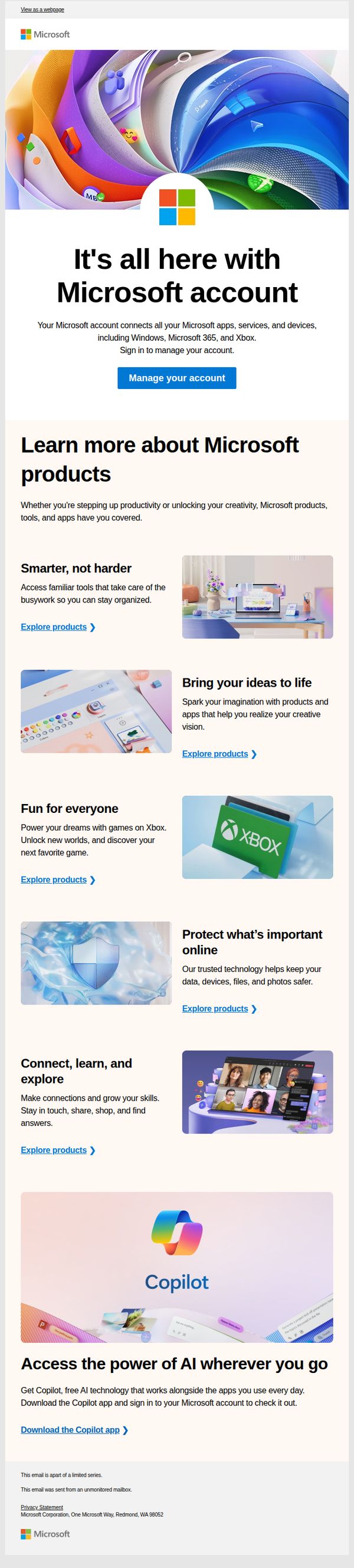
This email aims to welcome new Microsoft account holders by introducing them to the full ecosystem of Microsoft products and services, encouraging immediate account management and exploration of key offerings like Copilot, Xbox, and productivity tools to drive engagement and retention.
Why this works
The email brilliantly frames the Microsoft account as a central hub for all digital experiences, not just a login, by visually and textually connecting Windows, Xbox, and Copilot under one unified identity, making the value proposition instantly relatable and sticky.
How to implement
Each product category is paired with a benefit-driven headline and a clear ‘Explore products’ CTA, creating a frictionless path for users to self-navigate based on their interests, which reduces decision fatigue and increases click-through likelihood across diverse user segments.
Pro Tip
Add a subtle progress indicator or checklist (e.g., ‘Complete 3 steps to unlock your full Microsoft experience’) near the top to gamify onboarding and guide users through key actions like managing account, exploring products, and downloading Copilot. • Include a personalized greeting or reference to the user’s sign-up context (e.g., ‘Welcome, [Name], you’re now part of the Microsoft family’) to strengthen emotional connection and reduce the generic feel of the current template.
4. New recommendation available for Default Directory
Objective
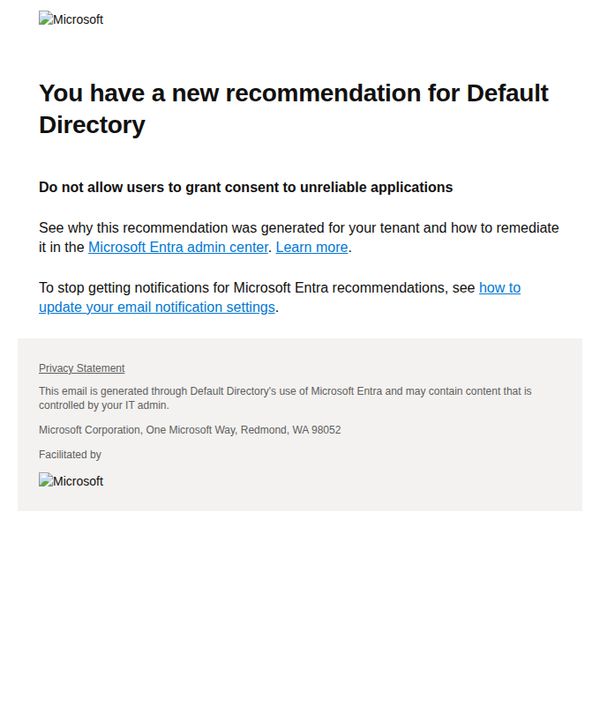
This email aims to alert Azure administrators about a new security recommendation for their Default Directory, guiding them to take action in the Microsoft Entra admin center to prevent users from granting consent to unreliable applications.
Why this works
The email immediately establishes urgency and ownership by naming the specific directory and framing the recommendation as a proactive security measure, which helps administrators prioritize action without confusion or delay.
How to implement
By linking directly to the Microsoft Entra admin center with a clear 'Learn more' CTA, the email reduces friction for technical users who need to remediate the issue quickly, aligning with enterprise IT workflows and decision-making speed.
Pro Tip
Add a visual indicator like a warning icon or color-coded banner near the recommendation to immediately signal severity and draw attention to the security risk, improving scanability for busy administrators. • Include a brief, one-sentence summary of the potential impact (e.g., 'This could expose your tenant to unauthorized app access') to strengthen the persuasive rationale and justify the urgency of the action.
5. Sign in to protect your data, devices, and identity
Objective
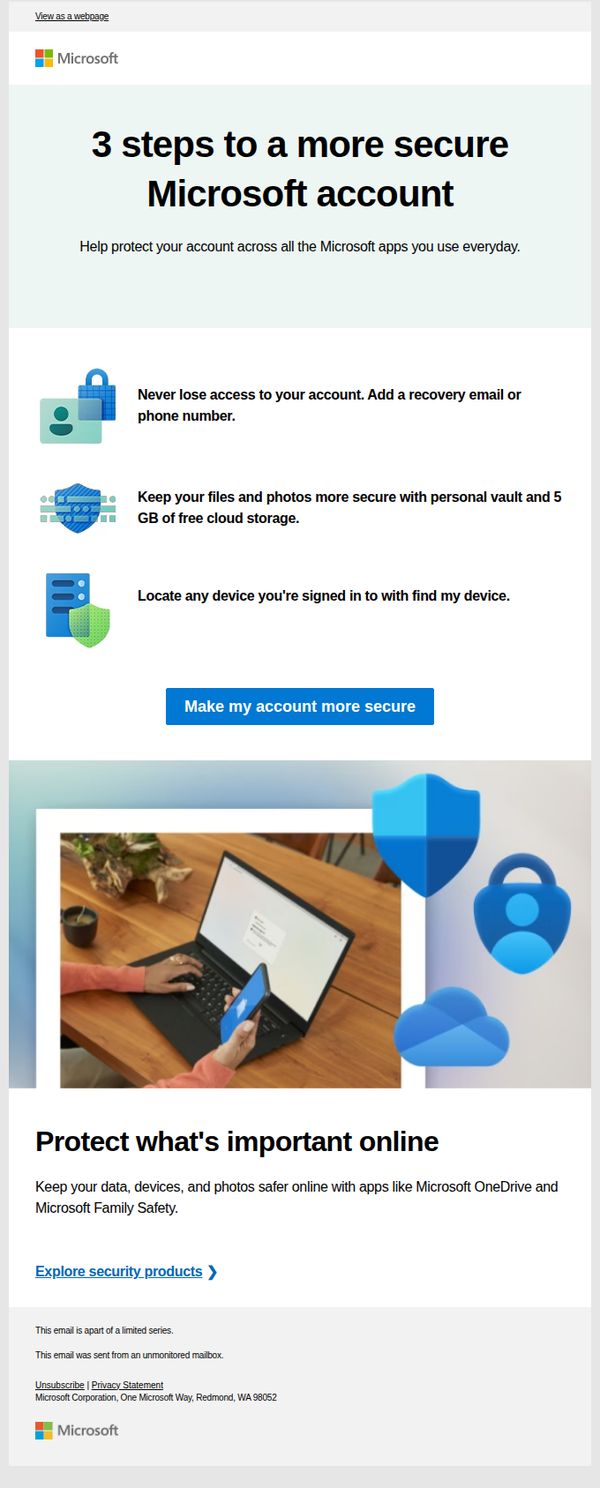
This email aims to guide Microsoft account holders through simple, actionable steps to enhance their account security while subtly promoting Microsoft’s security tools like OneDrive and Family Safety. It seeks to reduce account vulnerability by encouraging immediate user action through clear, benefit-driven instructions.
Why this works
The email masterfully simplifies security into three digestible, benefit-driven steps, recovery options, cloud storage, and device location, making complex protection feel accessible and urgent without overwhelming the reader.
How to implement
By anchoring each security tip to a tangible user benefit, like never losing access or keeping photos safe, the campaign transforms abstract cybersecurity into personal, emotional value that motivates immediate action.
Pro Tip
Add a subtle countdown timer or urgency indicator near the CTA to nudge procrastinators, for example, 'Complete in 2 minutes to lock down your account before your next login.' • Include a brief testimonial or trust signal near the CTA, such as 'Over 2M users secured their accounts last month,' to reinforce social proof and reduce perceived risk.