Square email examples & ideas from real campaigns
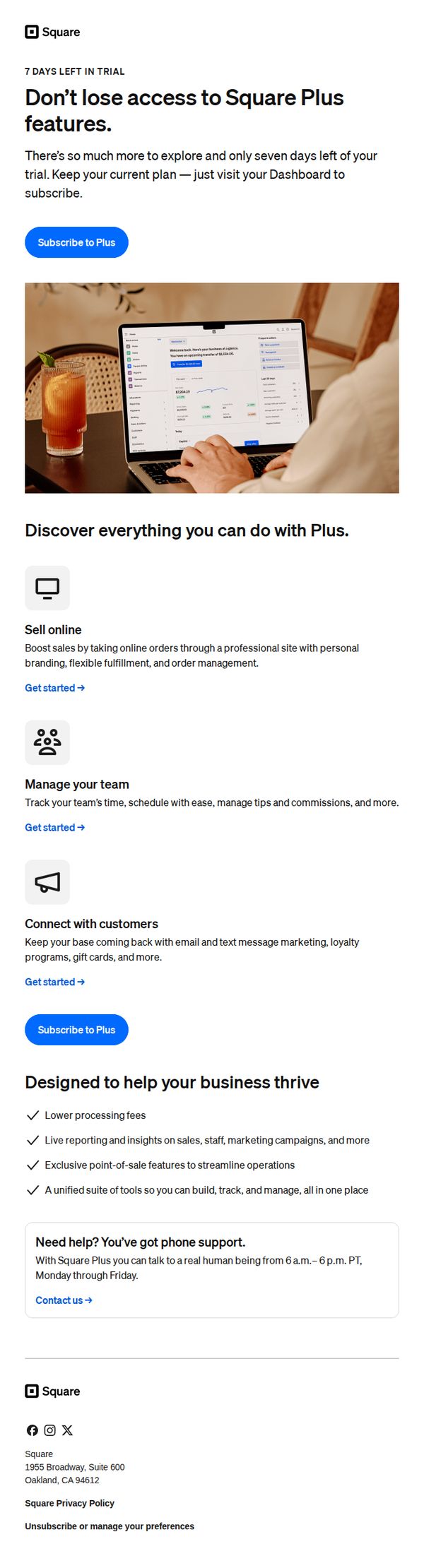
1. Your Square Plus trial ends in 7 days
Objective
This email aims to convert trial users into paying Square Plus subscribers by highlighting the value of premium features before their 7-day trial expires, encouraging immediate action to avoid losing access.
Why this works
The email creates urgency by front-loading the trial expiration date and pairing it with a clear consequence, losing access, which motivates immediate action without sounding pushy or alarmist.
How to implement
It strategically breaks down complex features into digestible, benefit-driven sections with icons and short explanations, helping users quickly visualize how each capability directly supports their business growth and operational efficiency.
Pro Tip
Add a countdown timer near the primary CTA to visually reinforce urgency and create psychological pressure to act before the trial ends, increasing conversion likelihood. • Include a customer testimonial or case study near the 'Designed to help your business thrive' section to provide social proof and demonstrate real-world results from upgrading to Square Plus.
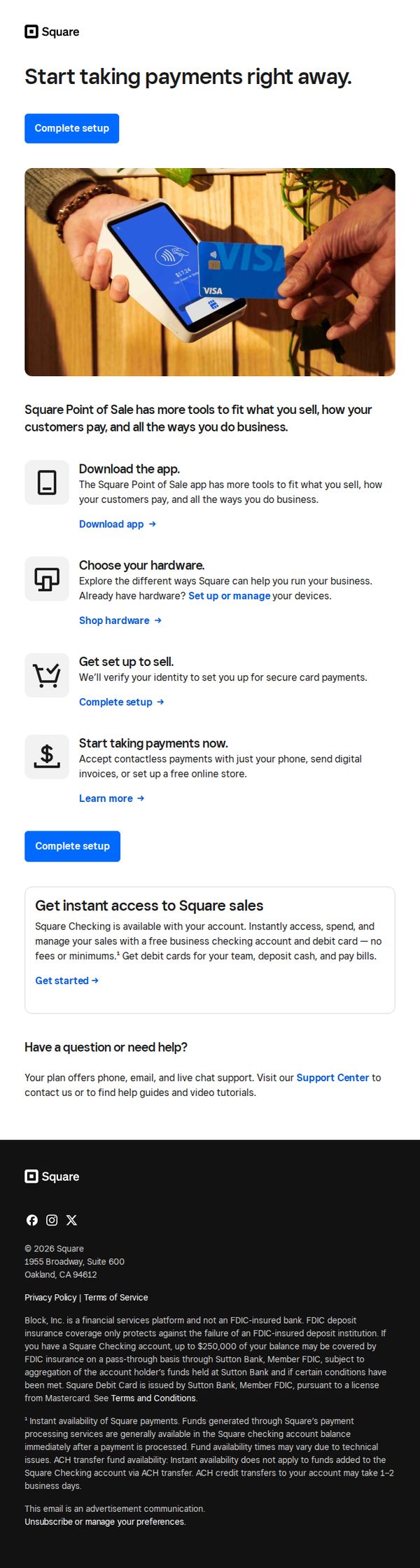
2. Set up your point of sale
Objective
This email aims to guide new or prospective users through the initial setup of Square’s point-of-sale system, encouraging immediate action by simplifying onboarding into payment acceptance, hardware selection, and business management tools.
Why this works
The email strategically breaks down onboarding into four digestible steps, download, choose hardware, set up, and start selling, making a complex process feel approachable and actionable for time-strapped business owners.
How to implement
By embedding the primary CTA 'Complete setup' both above and below the step-by-step guide, the email reinforces urgency and reduces friction, ensuring users never lose sight of the next action regardless of scroll depth.
Pro Tip
Add a visual progress indicator or checklist next to each setup step to give users a sense of momentum and completion, which can increase conversion by reducing perceived effort. • Include a short testimonial or trust badge near the 'Start taking payments now' section to alleviate security concerns, especially for users unfamiliar with contactless or digital invoicing.
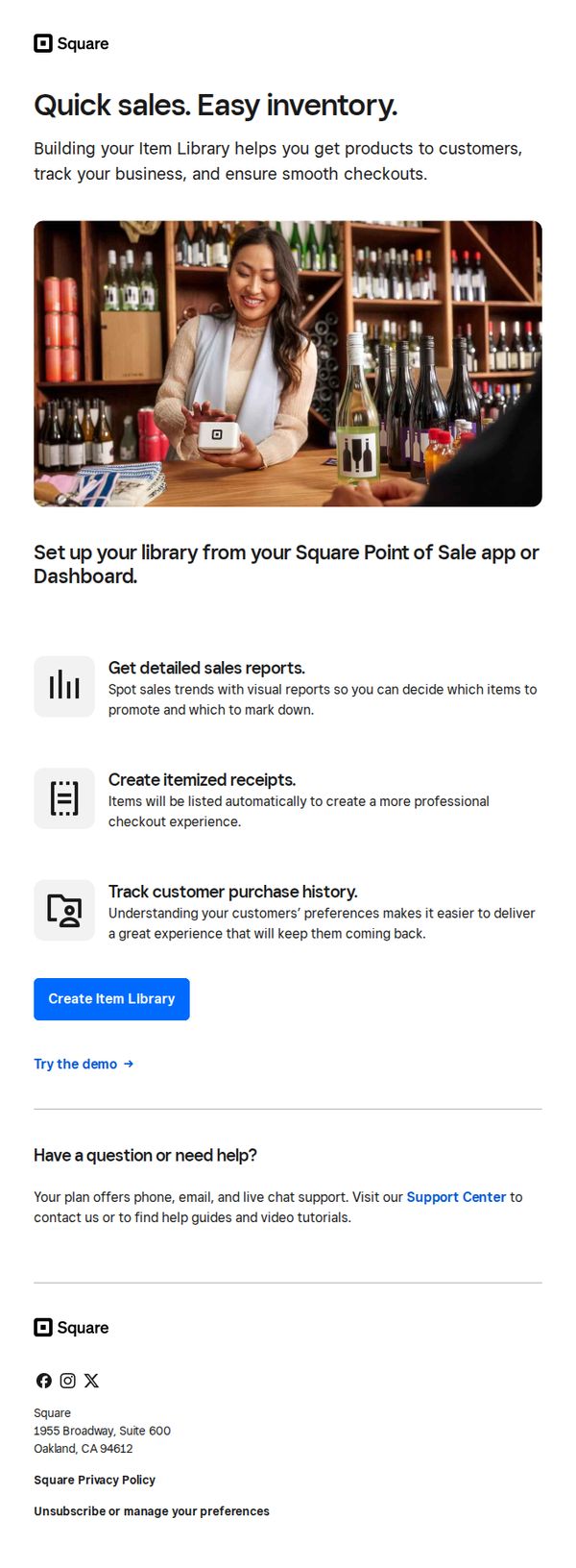
3. Build your library for faster sales
Objective
This email aims to encourage Square users to build and organize their item library within the Point of Sale app to streamline sales, improve inventory tracking, and enhance customer checkout experiences. It positions the feature as essential for smarter, faster business operations.
Why this works
The email smartly frames inventory management not as a chore but as a growth lever, tying item library setup to tangible outcomes like faster sales, better reports, and repeat customers, which speaks directly to business owners’ pain points.
How to implement
Using a real-world visual of a smiling merchant in a retail setting instantly builds relatability and trust, subtly signaling that this isn’t just software, it’s a tool that works seamlessly in actual small business environments.
Pro Tip
Add a subtle countdown timer or urgency trigger near the CTA to nudge procrastinators, since setting up an item library is a low-effort, high-impact task that benefits from timely action. • Include a short customer testimonial or stat (e.g., 'Merchants who set up their library see 20% faster checkouts') to reinforce social proof and validate the claimed benefits before the CTA.
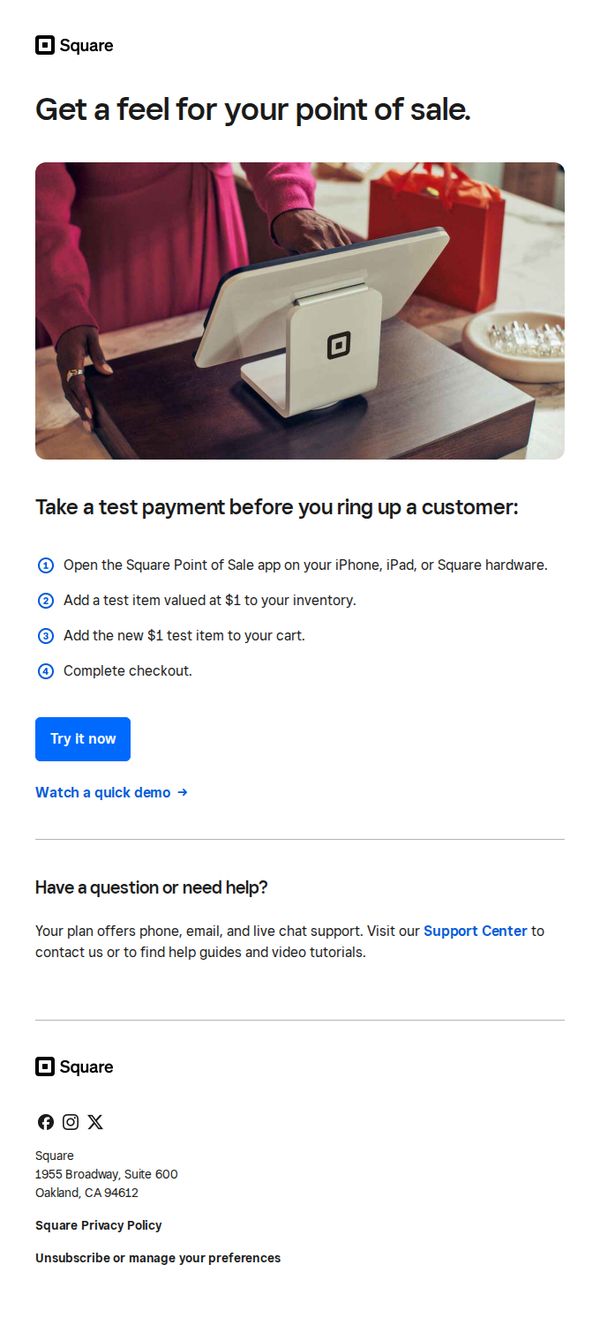
4. Try out your POS with a test payment
Objective
This email aims to encourage new users to experience Square’s point-of-sale system firsthand by simulating a real transaction, reducing hesitation through hands-on familiarity before committing to live use.
Why this works
The email brilliantly lowers the barrier to entry by inviting users to simulate a real transaction with a $1 test item, making the unfamiliar feel safe and intuitive without requiring financial risk or setup complexity.
How to implement
By visually anchoring the message with a warm, real-world photo of a customer interacting with the Square terminal, the email builds emotional trust and subtly positions the product as part of a natural retail experience, not just software.
Pro Tip
Add a subtle countdown or urgency cue near the CTA, like 'Start your test before [date]', to nudge procrastinators, since the current design lacks time-based motivation despite the low-friction offer. • Include a short testimonial or stat (e.g., '92% of users complete their first test payment within 5 minutes') near the steps to reinforce social proof and reduce perceived effort, making the action feel even more effortless and widely adopted.
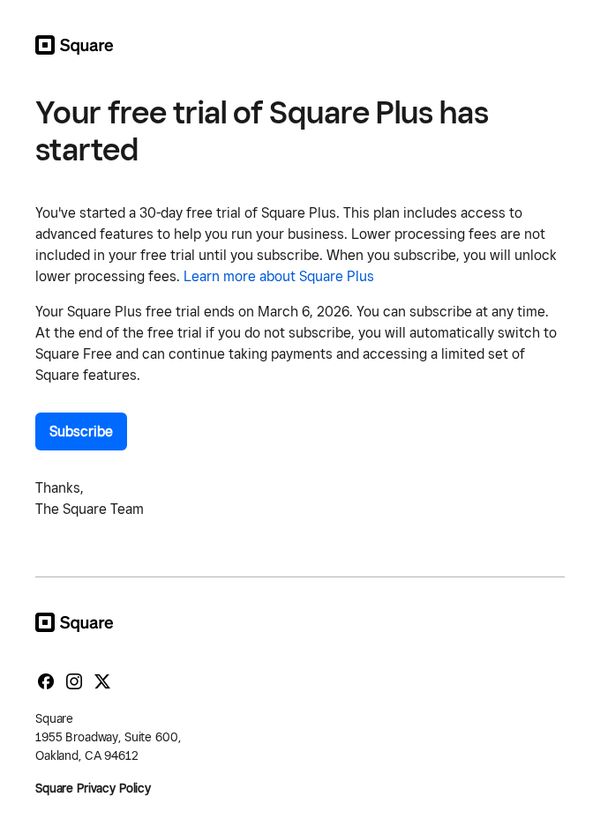
5. Your free trial of Square Plus has started
Objective
To inform the recipient that their 30-day free trial of Square Plus has officially begun and to encourage subscription before the trial ends, emphasizing the value of advanced features and lower processing fees available upon upgrading.
Why this works
The email immediately confirms trial activation with a clear subject line and headline, reducing user uncertainty and building trust by setting precise expectations around trial duration and next steps.
How to implement
It strategically separates the benefit of advanced features from the financial incentive of lower processing fees, allowing users to evaluate value both functionally and economically before committing to a subscription.
Pro Tip
Add a visual countdown timer near the CTA to create urgency and reinforce the March 6, 2026 deadline, helping users internalize the time-sensitive nature of the trial before it expires. • Include a brief bulleted list of 2–3 standout Square Plus features directly under the headline to immediately showcase value, reducing the need for users to click through to learn more before deciding to subscribe.
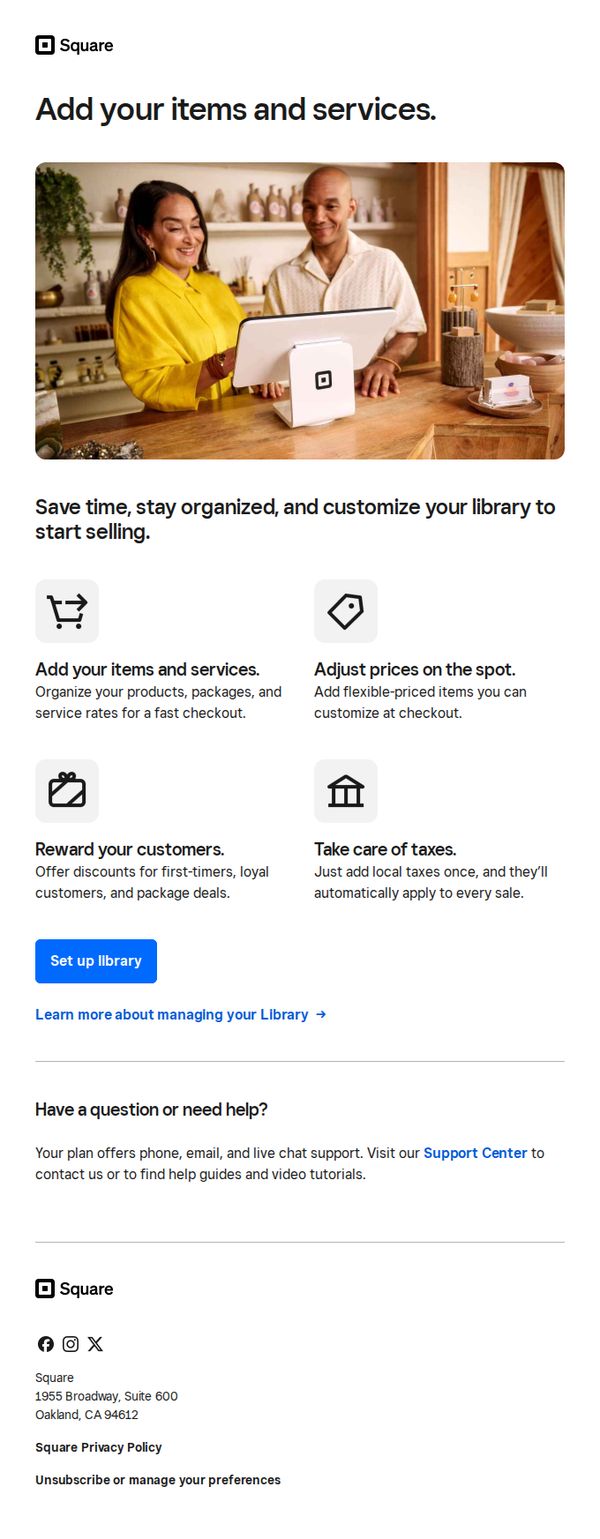
6. Set up your library to speed up sales
Objective
This email aims to guide new Square users to set up their item and service library to streamline sales operations, emphasizing time savings, organization, and customization for faster checkout experiences.
Why this works
The email effectively frames setup as a time-saving, organizational advantage rather than a technical chore, making the action feel immediately valuable to busy business owners.
How to implement
By visually pairing each benefit with a simple icon and concise explanation, the email reduces cognitive load and helps users quickly grasp how each feature directly improves their daily sales workflow.
Pro Tip
Add a progress bar or checklist after the CTA to show users how close they are to completing setup, which can increase completion rates by creating a sense of momentum and accomplishment. • Include a short customer testimonial or stat (e.g., 'Merchants who set up their library see 30% faster checkouts') to reinforce the value proposition with social proof and tangible outcomes.
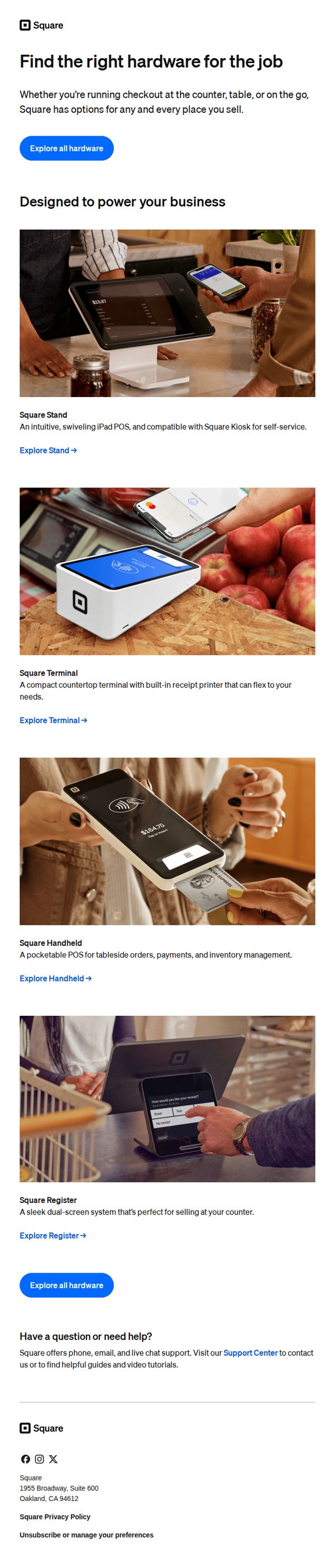
7. Hardware to get your business up and running
Objective
This email aims to guide new or growing small business owners toward selecting the right Square hardware for their specific point-of-sale needs, while reinforcing Square’s versatility across different sales environments like counters, tables, or mobile setups.
Why this works
The email brilliantly frames each hardware product around real-world usage scenarios, counter, table, on-the-go, making it easy for business owners to self-identify which solution fits their operational rhythm without feeling overwhelmed by choice.
How to implement
By pairing each device with a clear, benefit-driven description and a direct ‘Explore’ link, the email creates a frictionless path from awareness to consideration, turning visual engagement into actionable interest without requiring extra cognitive effort from the reader.
Pro Tip
Add a short customer testimonial or trust badge near the top to validate the hardware’s reliability, especially since new business owners may hesitate to invest without social proof, even if the product visuals are strong. • Include a subtle price range or starting price for each device (e.g., ‘Starting at $X’) to reduce hesitation and help users self-filter before clicking, which can improve conversion rates by setting clear expectations upfront.
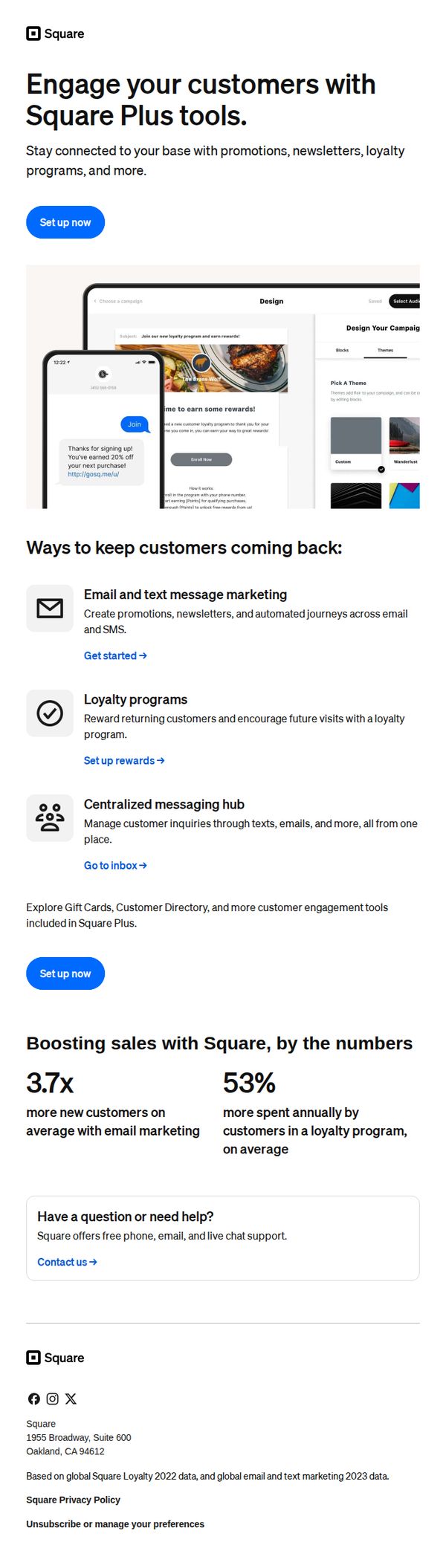
8. Build lasting relationships with your customers
Objective
This email aims to encourage existing Square users to upgrade to Square Plus by showcasing tools that help build customer loyalty and drive repeat business through email, SMS, and rewards programs. It positions Square Plus as essential for growing revenue and deepening customer relationships.
Why this works
The email smartly frames customer retention as a growth lever by tying Square Plus features directly to measurable outcomes like 3.7x more new customers and 53% higher annual spend, making the ROI instantly tangible for small business owners.
How to implement
By visually embedding a mobile mockup of a real loyalty message in the hero section, the email creates immediate context and emotional resonance, helping users visualize how the tool works in their own business without needing to read lengthy explanations.
Pro Tip
Add a brief testimonial or case study snippet near the stats section to humanize the 3.7x and 53% claims, social proof would strengthen credibility and make the numbers feel more attainable for skeptical readers. • Include a small visual indicator (like a progress bar or badge) next to the 'Set up now' buttons to imply ease or speed of setup, reducing perceived friction for users who may hesitate due to time or complexity concerns.
9. Start taking payments — just verify your identity
Objective
This email aims to guide new Square users to complete identity verification so they can begin accepting payments securely and without delay. It emphasizes simplicity and urgency to reduce friction in the onboarding process.
Why this works
The email frames identity verification not as a bureaucratic hurdle but as a quick, essential step to unlock payment capabilities, turning a compliance requirement into a gateway for business growth.
How to implement
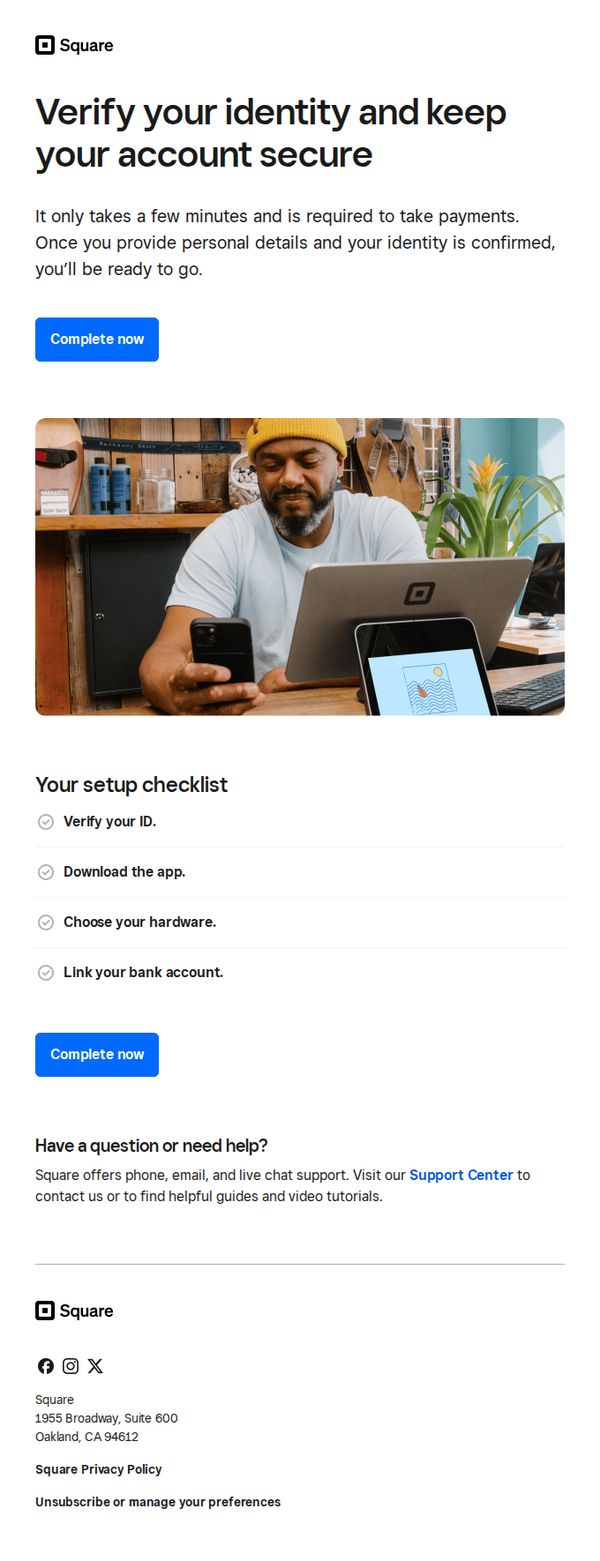
Including a visual checklist with completed tasks reassures users they’re close to finishing setup, reducing abandonment by making progress tangible and psychologically rewarding.
Pro Tip
Add a subtle countdown or time-sensitive language near the CTA (e.g., 'Complete within 24 hours to unlock instant payment processing') to increase urgency without being pushy. • Replace the generic hero image with a screenshot of the actual verification interface or a progress bar to visually mirror the user’s current step and reduce cognitive load.
10. Let’s set up your point of sale
Objective
This email aims to guide new Square users through the essential steps to configure their point-of-sale system, encouraging immediate action by simplifying setup into digestible tasks while reinforcing the platform’s flexibility for diverse business needs.
Why this works
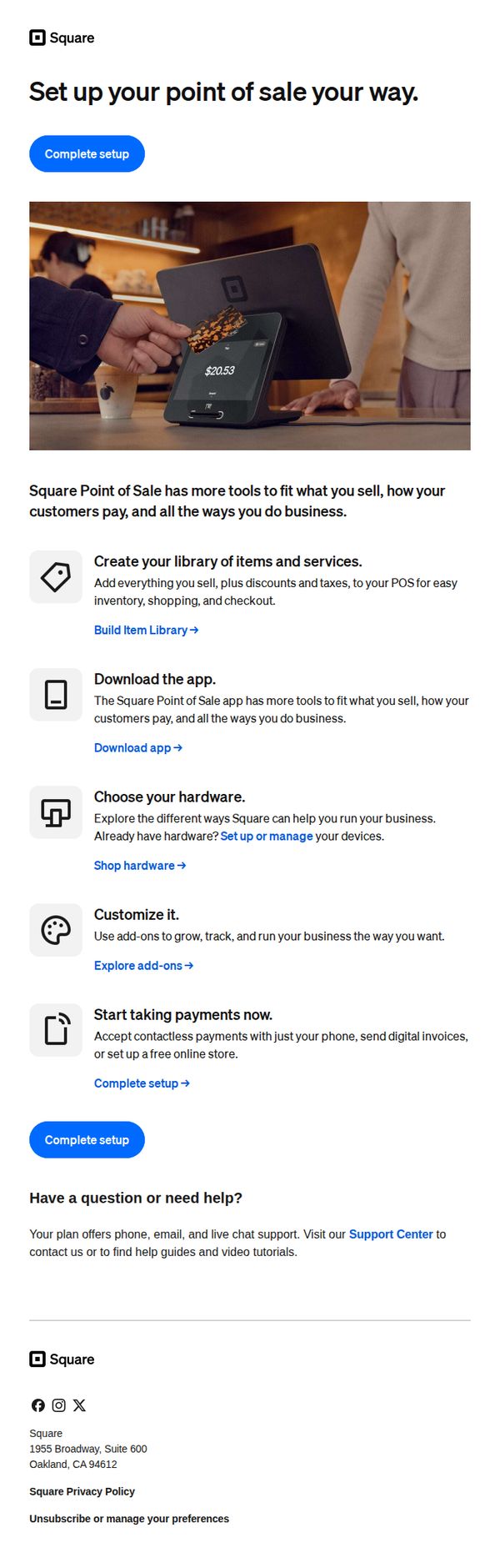
The email breaks down a potentially overwhelming setup process into five clear, benefit-driven steps, each paired with a relevant icon and actionable link, making onboarding feel approachable and goal-oriented rather than technical or intimidating.
How to implement
By emphasizing customization and flexibility, 'set up your point of sale your way', the message positions Square not as a rigid system but as a tailored solution, which resonates deeply with small business owners seeking control over their operations and customer experience.
Pro Tip
Add a progress indicator or checklist next to each setup step to visually reinforce completion status, helping users track their progress and reducing abandonment by making the process feel more tangible and rewarding. • Include a short testimonial or social proof near the 'Start taking payments now' section to build trust, e.g., '92% of new users complete setup in under 10 minutes', to alleviate hesitation and validate the ease of use.