Descript email gallery from real brands

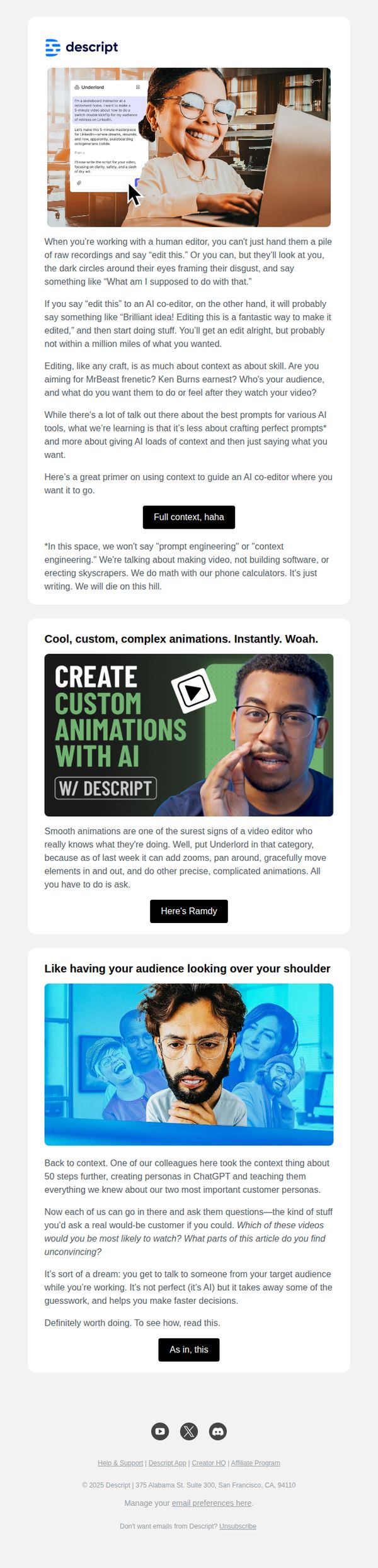

1. In the AI age, what is craft? Here's what we know.
Objective
This email aims to position Descript’s AI editor, Underlord, as a creative collaborator rather than a replacement for human craft, while driving engagement with educational content and new product features. It seeks to reassure users that AI enhances, not erases, professional skill in video editing and content creation.
Why this works
The email brilliantly reframes AI not as a threat to creativity but as a co-pilot that amplifies human intent, by showing real user prompts and Underlord’s thoughtful responses, it builds trust through relatable, conversational examples that feel less like tech demos and more like creative partnerships.
How to implement
Instead of leading with features, it leads with philosophy, asking 'what is craft?', which emotionally anchors the reader before introducing tools, making the product feel like a natural extension of the user’s creative identity rather than just another software upgrade.
Pro Tip
The CTA 'Get the knowledge' is vague and doesn’t reflect the urgency or value of the content; replacing it with something like 'Read the Craft of AI Editing' or 'See How Pros Use Underlord' would better align with the educational intent and increase click-through rates. • The email lacks visual hierarchy between sections, adding subtle dividers, consistent spacing, or a progress indicator (e.g., 'Section 1 of 5') would help users mentally navigate the long-form content and reduce scroll fatigue, especially since the email blends education, product updates, and thought leadership.
2. Why context matters more than perfect prompts
Objective
To educate users on the importance of context over perfect prompts when working with AI co-editors, and to showcase Descript’s advanced editing capabilities through real-world examples and relatable analogies.
Why this works
The email brilliantly reframes AI editing as a collaborative conversation rather than a technical prompt-fitting exercise, making the tool feel more intuitive and human-centered for creators who value storytelling over syntax.
How to implement
By using vivid analogies, like comparing AI editing to working with a human editor who needs context, the campaign transforms abstract AI concepts into emotionally resonant, real-world scenarios that users instantly recognize and relate to.
Pro Tip
Add a subtle visual cue or icon next to each CTA button to reinforce action, like a small arrow or play symbol, to increase click-through by guiding the eye and reducing cognitive friction in decision-making. • Include a short, bolded takeaway sentence at the end of each section summarizing the core insight, helping skimmers retain value even if they don’t read the full paragraph, especially useful for busy creators.
3. Live demo: Learn the basics of video editing with Descript
Objective
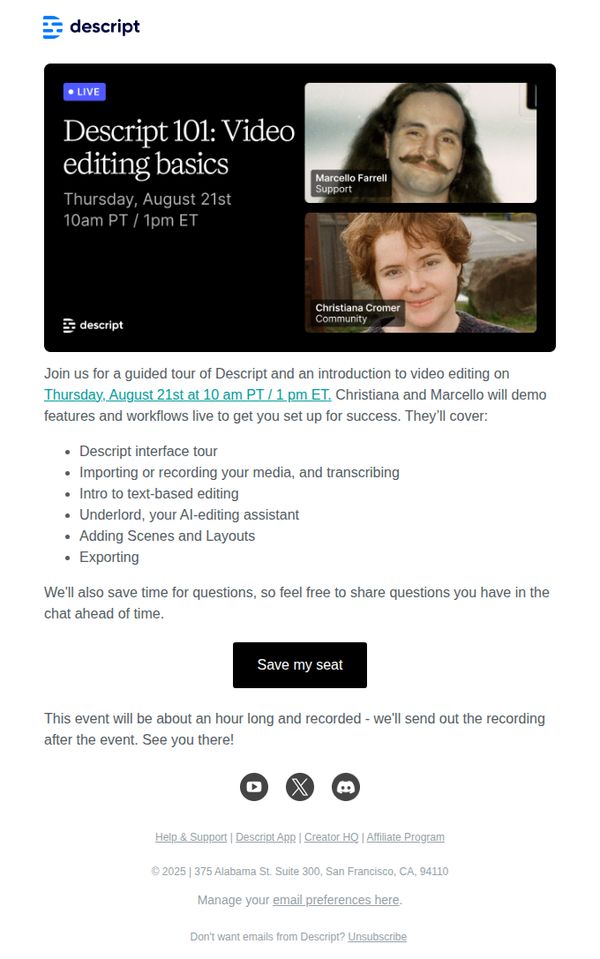
This email aims to drive registrations for a live, educational demo that introduces new users to Descript’s video editing tools through a guided walkthrough led by product experts, while also positioning the platform as approachable and supportive for beginners.
Why this works
The email smartly frames the live demo as a beginner-friendly ‘101’ session, lowering the barrier to entry by signaling it’s designed for those new to video editing, which builds trust and reduces intimidation for potential users.
How to implement
By naming the presenters and their roles, Support and Community, it humanizes the brand and subtly reassures recipients they’ll get real, relatable guidance rather than a generic sales pitch, increasing perceived value and attendance likelihood.
Pro Tip
Add a countdown timer or urgency indicator near the CTA to nudge procrastinators, since the event is time-bound, visual scarcity would reinforce FOMO and boost registration conversions. • Include a short testimonial or social proof snippet from a past attendee (e.g., ‘92% of attendees said they felt confident editing after this session’) to validate the session’s effectiveness and reduce skepticism.
4. New generative media tools, Brand Studio upgrades, Rooms invite links and more
Objective
This email aims to inform existing users about Descript’s October product updates while encouraging immediate engagement with new features like generative video tools, Brand Studio permissions, and Rooms invite links. It also primes users for upcoming November releases and community participation.
Why this works
The email brilliantly balances feature depth with user-friendly framing by explaining complex tools like Sora 2 and VEO 3.1 through real-world use cases, cinematic quality, fast iteration, or realistic physics, so users instantly grasp value without technical overload.
How to implement
By embedding role-based permissions directly into the Brand Studio update, Descript turns a functional upgrade into a strategic advantage for teams, subtly appealing to enterprise decision-makers who care about governance, compliance, and scalable workflows across hundreds of creators.
Pro Tip
Add a visual progress bar or checklist under the October update section to help users track which features they’ve tried, increasing perceived value and encouraging exploration across multiple tools. • Replace the generic 'Learn more' CTA under the keyframe capture section with a benefit-driven version like 'Save 10 minutes per video, capture frames now' to align with the time-saving message and drive higher click-through.
5. How to get links in ChatGPT & other AI search
Objective
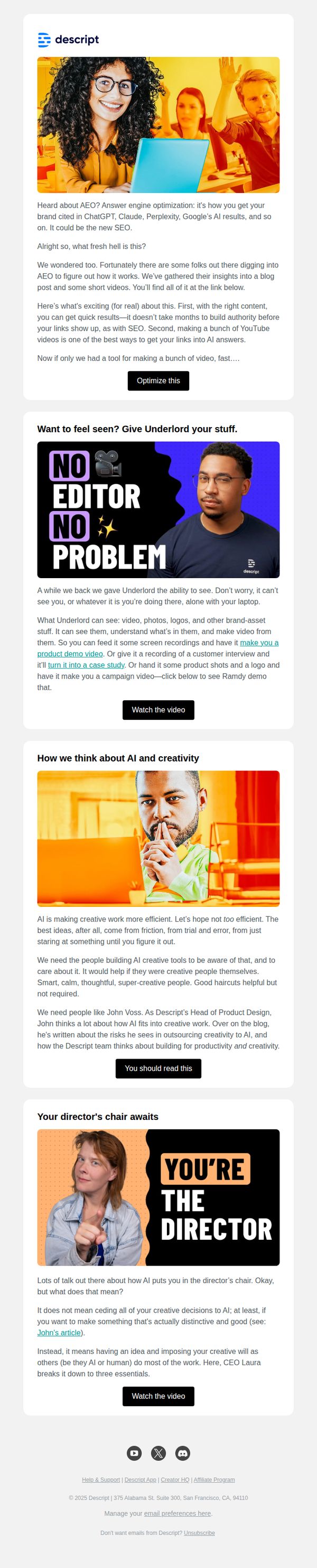
This email aims to educate readers on Answer Engine Optimization (AEO) and position Descript as a valuable tool for creators looking to get their content featured in AI search results like ChatGPT and Perplexity. It also promotes internal thought leadership and product capabilities through curated content and video demos.
Why this works
The email brilliantly frames AEO as the next frontier of visibility, not just SEO, making it feel urgent and relevant to creators who want their content surfaced by AI, a smart pivot that aligns with current tech trends and audience anxieties.
How to implement
By embedding real team voices, like John Voss and CEO Laura, the email builds trust through internal authority, subtly reinforcing that Descript isn’t just selling software but is deeply invested in the creative process and ethical AI integration.
Pro Tip
The primary CTA 'Optimize this' is vague and doesn’t clearly signal what action the user will take, consider rephrasing to 'Get Your Guide to AEO' or 'Watch the AEO Breakdown' to better align with the educational intent and reduce friction. • The email lacks a visual hierarchy that guides the eye from the main value proposition to the CTA, adding subtle dividers, bold subheadings, or directional arrows could improve flow and increase click-through rates on key sections.
6. 🎬 You’re in—time to collaborate with your team
Objective
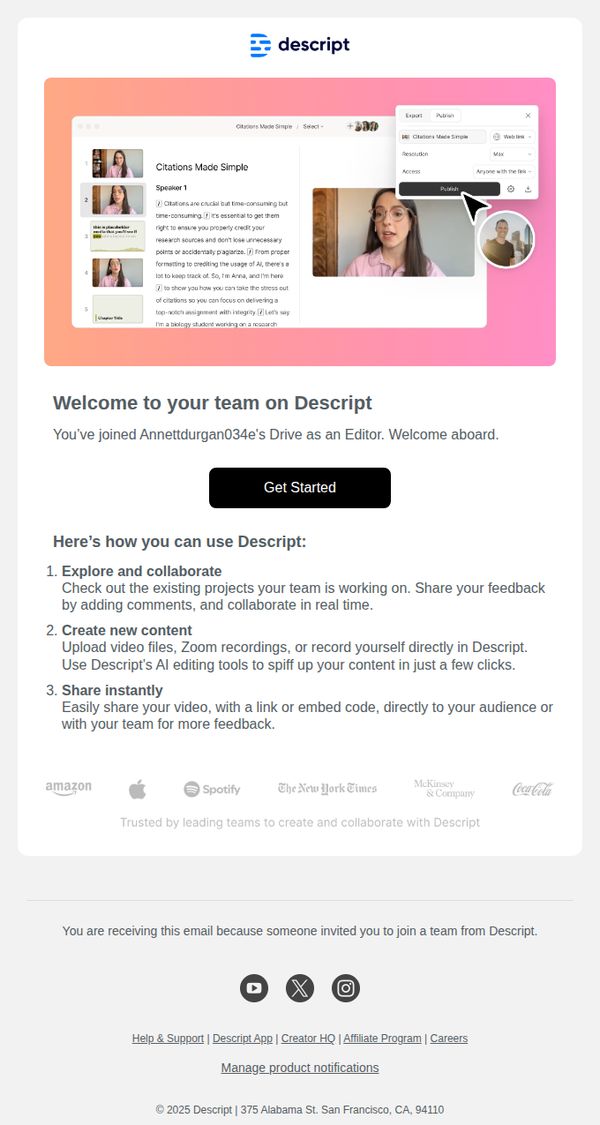
This email welcomes new team members to Descript and guides them toward immediate engagement by highlighting core collaboration features and prompting them to begin using the platform. It aims to reduce onboarding friction and accelerate time-to-value for invited editors.
Why this works
The email immediately validates the user’s new role by naming their team and position, which builds psychological ownership and reduces the cognitive load of figuring out where they fit in the workflow.
How to implement
By breaking down platform usage into three simple, action-oriented steps, explore, create, share, the email transforms overwhelming software into digestible, goal-driven behaviors that feel instantly achievable.
Pro Tip
Add a visual cue or micro-animation near the 'Get Started' button to draw attention, currently, it’s visually buried between text blocks and lacks urgency or directional guidance. • Include a short video or GIF demonstrating the 'collaborate in real time' feature mentioned in step one, since visual proof of collaboration reduces skepticism and increases perceived ease of use.
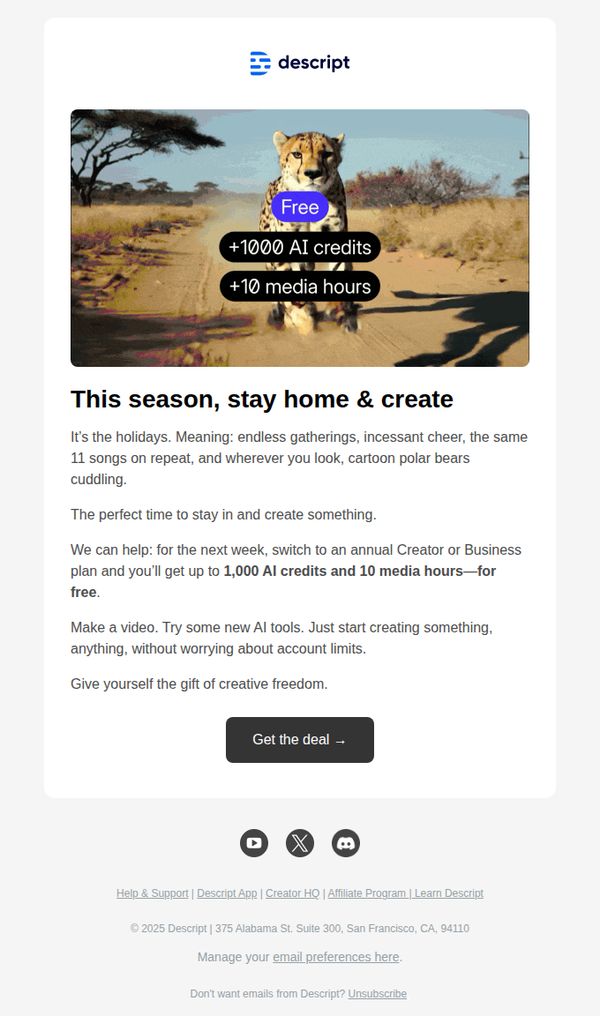
7. Free AI credits + media hours—this week only
Objective
The email aims to drive annual plan upgrades by offering limited-time free AI credits and media hours, encouraging users to create more during the holiday season while framing the offer as a gift of creative freedom.
Why this works
The email brilliantly ties the promotional offer to seasonal emotion, positioning creative work as a joyful holiday escape, which transforms a transactional upgrade into a feel-good gift the user deserves.
How to implement
By anchoring the offer to a time-sensitive window and pairing it with concrete, high-value metrics (1,000 AI credits + 10 media hours), the email creates urgency without sounding pushy, making the deal feel exclusive and generous.
Pro Tip
Add a brief testimonial or social proof near the CTA to reinforce trust, e.g., 'Join 50,000+ creators who unlocked their next project with this offer', to reduce hesitation before clicking. • Include a small visual indicator like a countdown timer or 'Offer expires in 72 hours' beneath the CTA to amplify urgency and prevent users from delaying action.
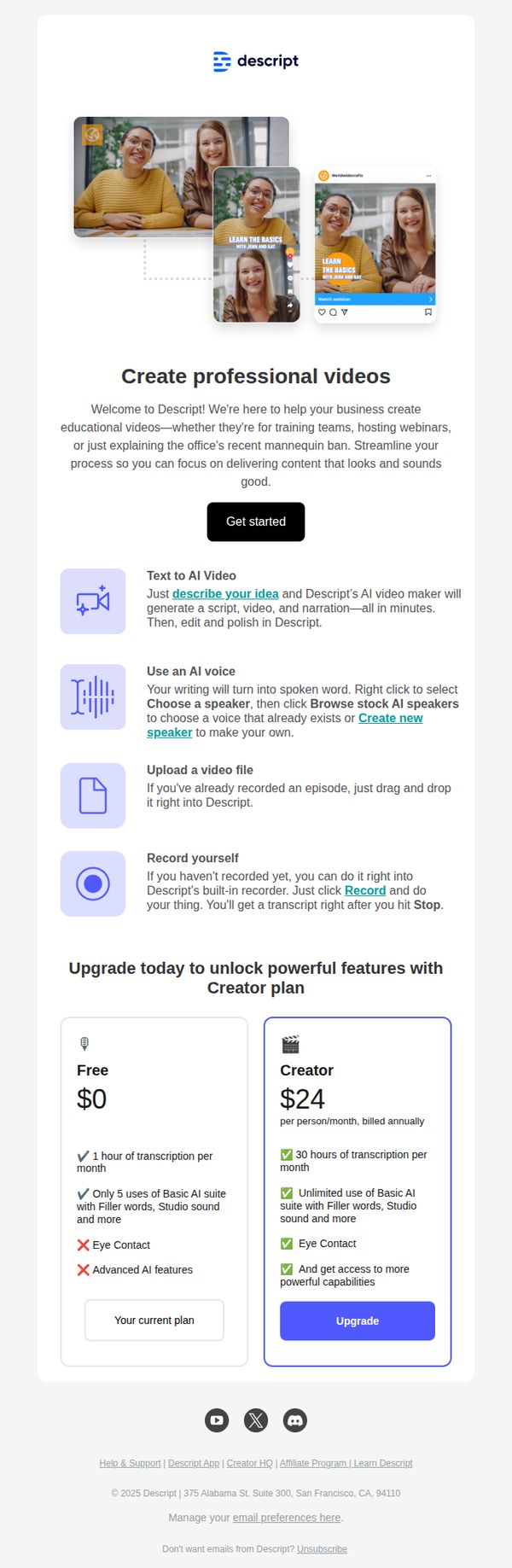
8. Welcome to Descript. Let AI do the heavy lifting.
Objective
This email aims to onboard new users by introducing Descript’s AI-powered video creation tools and guiding them toward immediate action with a clear 'Get started' CTA. It also encourages upgrading to the Creator plan by highlighting feature differentiators and value.
Why this works
The email brilliantly frames AI as a productivity partner by positioning it to handle the 'heavy lifting' of video creation, which immediately reduces user intimidation and aligns with the pain points of busy professionals.
How to implement
By breaking down the creation process into four simple, icon-led steps, from idea to recording, the email demystifies complex workflows and makes the tool feel instantly approachable for beginners without oversimplifying its power.
Pro Tip
Add a short video demo or animated GIF in the hero section to visually demonstrate the AI video creation process, this would reinforce the 'Let AI do the heavy lifting' promise and increase engagement for visual learners. • Include a testimonial or user quote near the plan comparison to build social proof around upgrading, for example, 'Upgrading to Creator saved me 10 hours/month on editing' would strengthen perceived value.
9. Turn images into video + new AI models in Descript's September releases

Objective
To inform existing users about Descript’s September product updates, especially the new image-to-video feature and AI models, and encourage immediate exploration through clear CTAs and visual demos. The goal is to drive feature adoption and reinforce Descript as an innovation leader in creative AI tools.
Why this works
The email opens with a bold, benefit-driven headline paired with a dynamic hero image and embedded video play button, instantly communicating the core update while inviting immediate interaction without overwhelming the reader.
How to implement
Each new feature is explained with a clean visual demo, concise copy, and a contextual CTA, this structure reduces cognitive load and guides users from understanding to action without requiring them to hunt for next steps.
Pro Tip
Add a visual progress indicator or feature checklist near the top to help users track which updates they’ve explored, increasing engagement depth and reducing drop-off before the end of the email. • Include a short testimonial or user quote next to the ‘Turn images into video’ section to build social proof and credibility around the new feature’s real-world impact.
10. Now in Descript: Underlord turned loose, mobile uploads, Brand Studio

Objective
This email aims to inform existing Descript users about the latest product updates released in July 2025, encouraging them to explore new features like Underlord beta, Brand Studio, and mobile uploads while driving engagement through demos, trials, and community interaction.
Why this works
The email brilliantly frames each new feature as a narrative milestone, like 'Underlord turned loose', making technical updates feel like exciting plot twists in a product story, which keeps users emotionally invested in the platform’s evolution.
How to implement
By embedding direct CTAs like 'Try it now' and 'Register here' immediately after explaining each feature’s value, the email creates frictionless pathways for users to act, turning curiosity into immediate engagement without requiring extra navigation or decision fatigue.
Pro Tip
Add a visual progress bar or checklist near the top indicating how many new features the user has tried, to gamify exploration and nudge users toward completing all feature trials. • Include a short testimonial or user quote under each major feature section to build social proof and reduce perceived risk for users hesitant to adopt beta tools like Underlord or Control Room.