Trusted Tech Team email designs from top brands
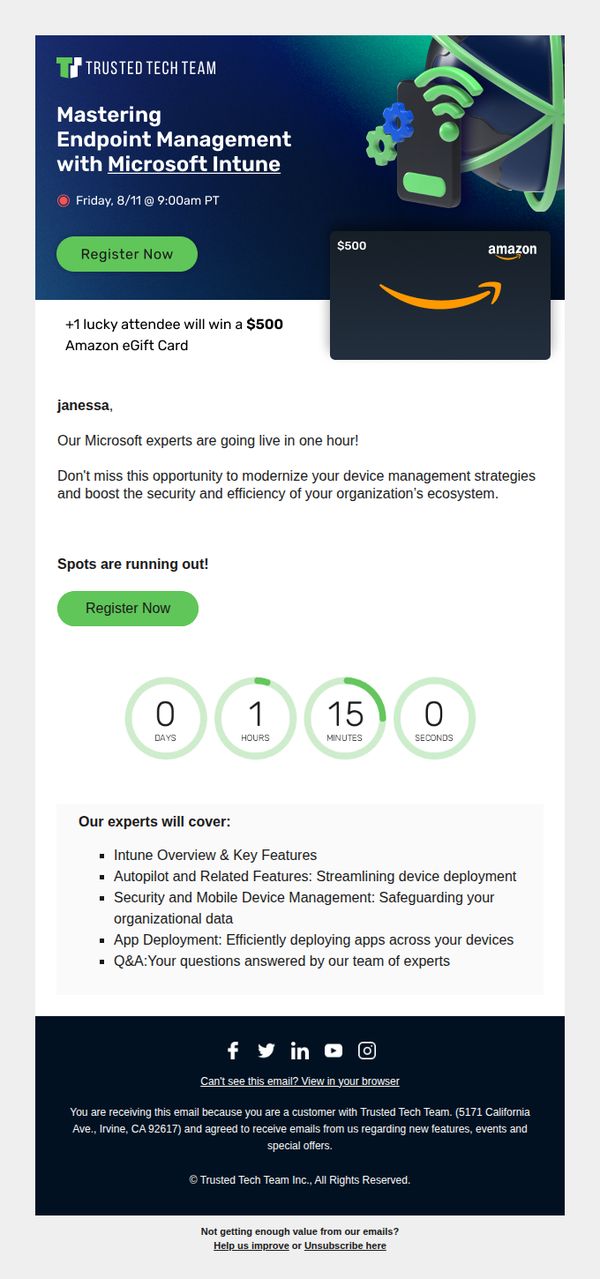
1. Tune in for Intune 🧠 We are going live in one hour ⌛
Objective
This email aims to drive last-minute registrations for a live webinar on Microsoft Intune by emphasizing urgency, expert-led value, and a tangible incentive, a $500 Amazon eGift card for one lucky attendee, to convert recipients into active participants before the event begins.
Why this works
The email masterfully combines urgency with reward by announcing a live event in one hour and immediately following it with a high-value incentive, a $500 Amazon gift card, which transforms passive readers into motivated registrants.
How to implement
By personalizing the greeting with the recipient’s name and framing the webinar as a strategic opportunity to modernize device management, the email positions the event not as a generic demo but as a mission-critical upgrade for the reader’s organization.
Pro Tip
Add a brief testimonial or quote from a past attendee near the countdown timer to build social proof and reduce hesitation, for example, '92% of past attendees said this session helped them cut deployment time by half.' • Reposition the second 'Register Now' button above the countdown timer, not below, so users don’t have to scroll past urgency cues to take action, improving conversion flow and reducing drop-off.
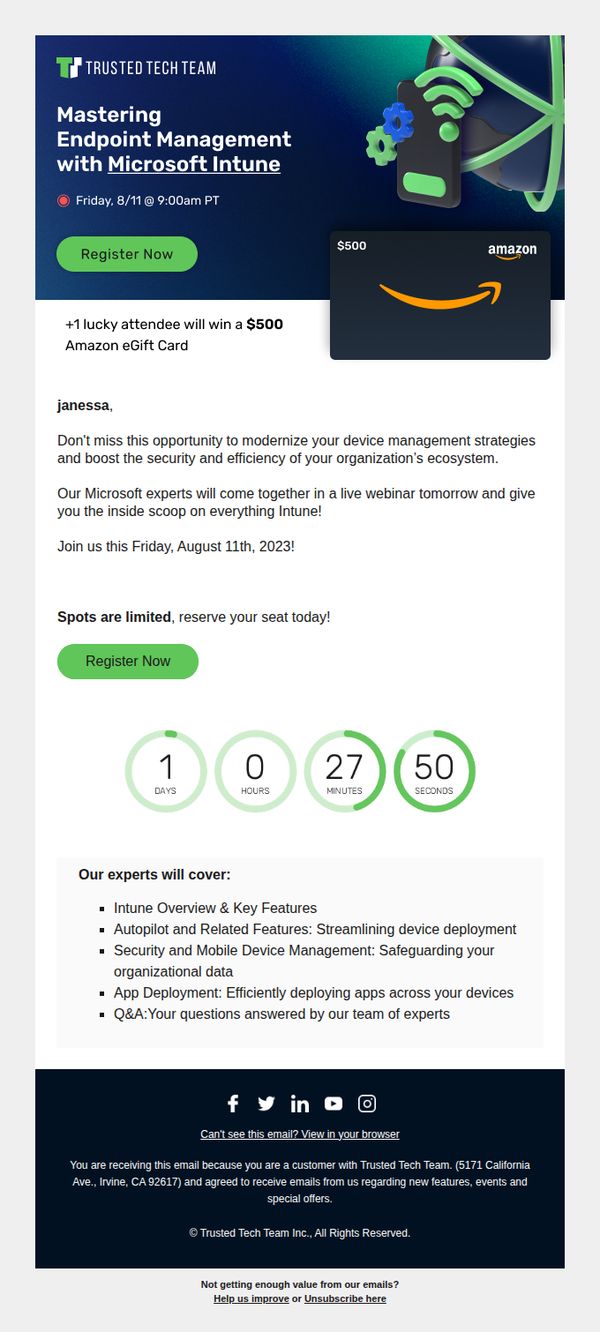
2. One Day Left to Sign up to Meet our Microsoft Experts 🧠 Learn the Ins and Outs of Intune
Objective
This email aims to drive last-minute registrations for a live webinar on Microsoft Intune by emphasizing urgency, expert access, and a high-value incentive, a $500 Amazon eGift card for one lucky attendee. It targets existing customers seeking to modernize device management and boost security through Intune.
Why this works
The email brilliantly combines urgency with a high-value incentive, a $500 Amazon eGift card, to motivate immediate action from a targeted audience already familiar with the brand’s offerings.
How to implement
By personalizing the message with the recipient’s name and positioning the webinar as an exclusive opportunity to learn from Microsoft experts, the email builds credibility and fosters a sense of privileged access.
Pro Tip
Add a brief testimonial or quote from a past attendee to reinforce social proof and reduce perceived risk, especially since the audience is being asked to invest time in a live session. • Include a short bullet or icon next to the countdown timer indicating what happens after registration (e.g., 'Get calendar invite + pre-read materials'), to clarify the next step and increase perceived value.
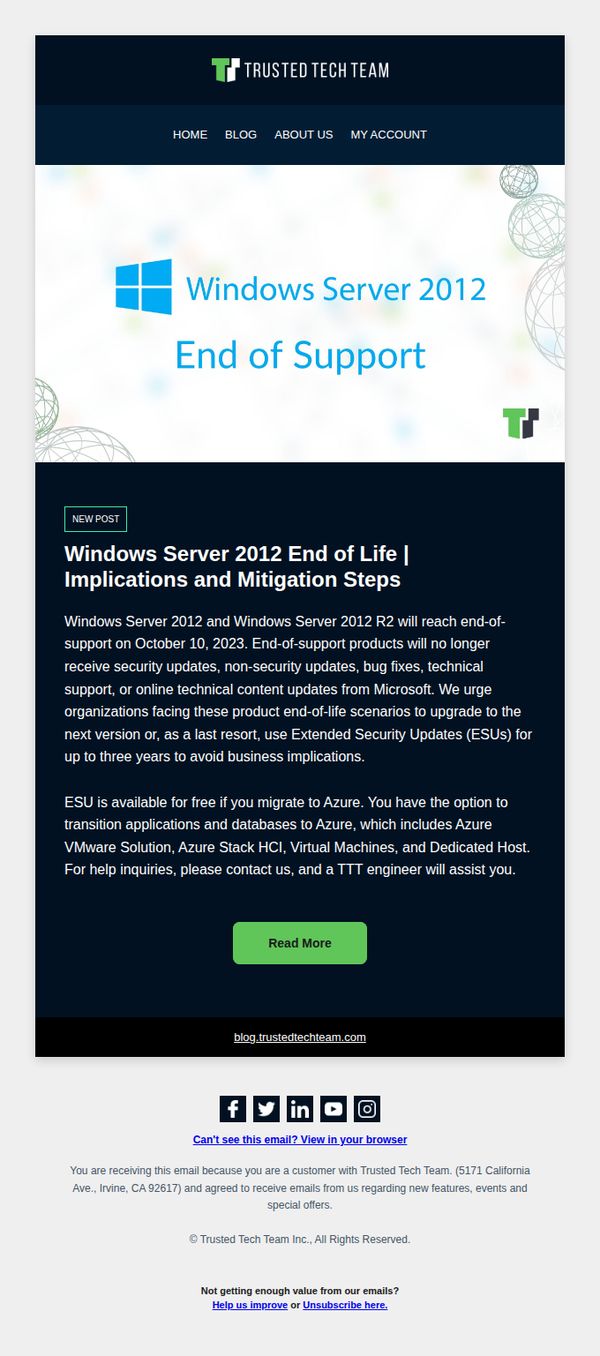
3. Windows Server 2012 End of Life | Implications and Mitigation Steps
Objective
This email aims to alert enterprise customers about the Windows Server 2012 end-of-support deadline and guide them toward proactive mitigation, including migration to Azure or purchasing Extended Security Updates, to avoid security and operational risks.
Why this works
The email effectively leverages urgency by clearly stating the October 10, 2023 deadline, which compels IT decision-makers to act before their systems become vulnerable to unpatched security threats.
How to implement
By offering a dual-path solution, migration to Azure or purchasing ESUs, the campaign respects organizational flexibility while positioning Trusted Tech Team as a trusted advisor rather than a pushy vendor.
Pro Tip
Add a countdown timer near the hero section to visually reinforce urgency and encourage immediate action before the October 10 deadline. • Include a brief customer testimonial or case study snippet from a company that successfully migrated or adopted ESUs to build social proof and reduce perceived risk.
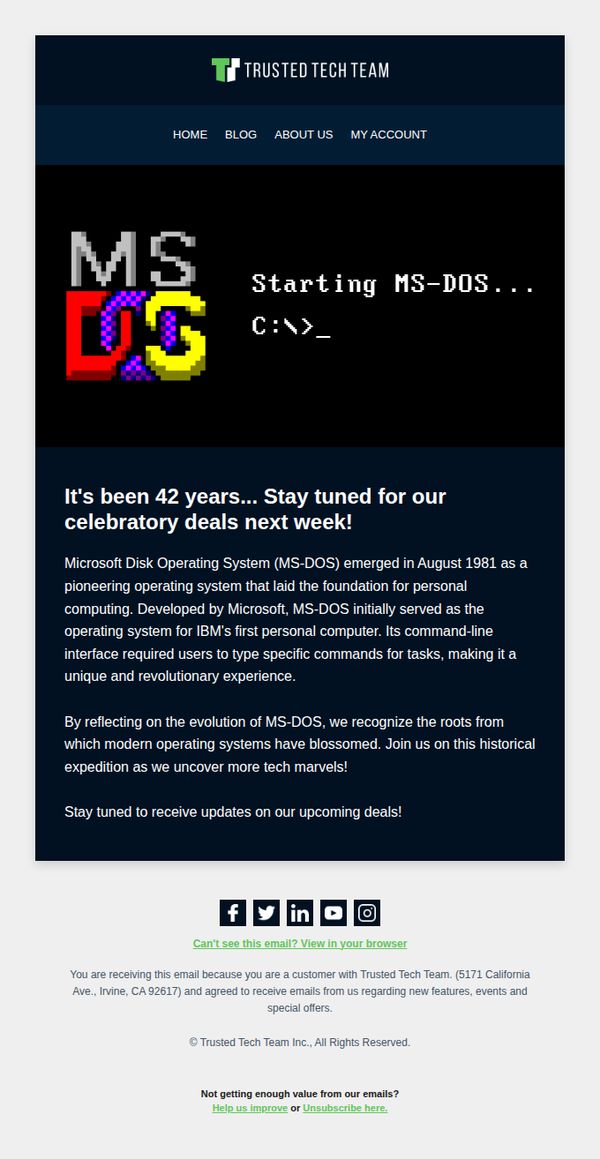
4. Remember MS-DOS? So do we! We're celebrating next week with something special 🎁
Objective
To build anticipation and excitement for an upcoming promotional event by tapping into nostalgia for MS-DOS, while reinforcing brand identity as a tech-savvy, history-aware company that values its audience’s shared tech heritage.
Why this works
The email brilliantly leverages retro tech nostalgia by spotlighting MS-DOS’s 42nd anniversary, instantly resonating with longtime tech users and creating emotional connection before even revealing the offer.
How to implement
By framing the promotion as a 'historical expedition' rather than just a sale, the brand elevates the campaign into a storytelling experience that invites customers to participate in tech history rather than just consume products.
Pro Tip
Add a subtle countdown timer or 'deal reveal date' in the hero section to create urgency and give subscribers a concrete reason to return, rather than relying solely on passive 'stay tuned' messaging. • Include a micro-CTA button like 'Notify Me When Deals Drop' below the main text to capture intent early and segment engaged users for targeted follow-ups before the event launches.
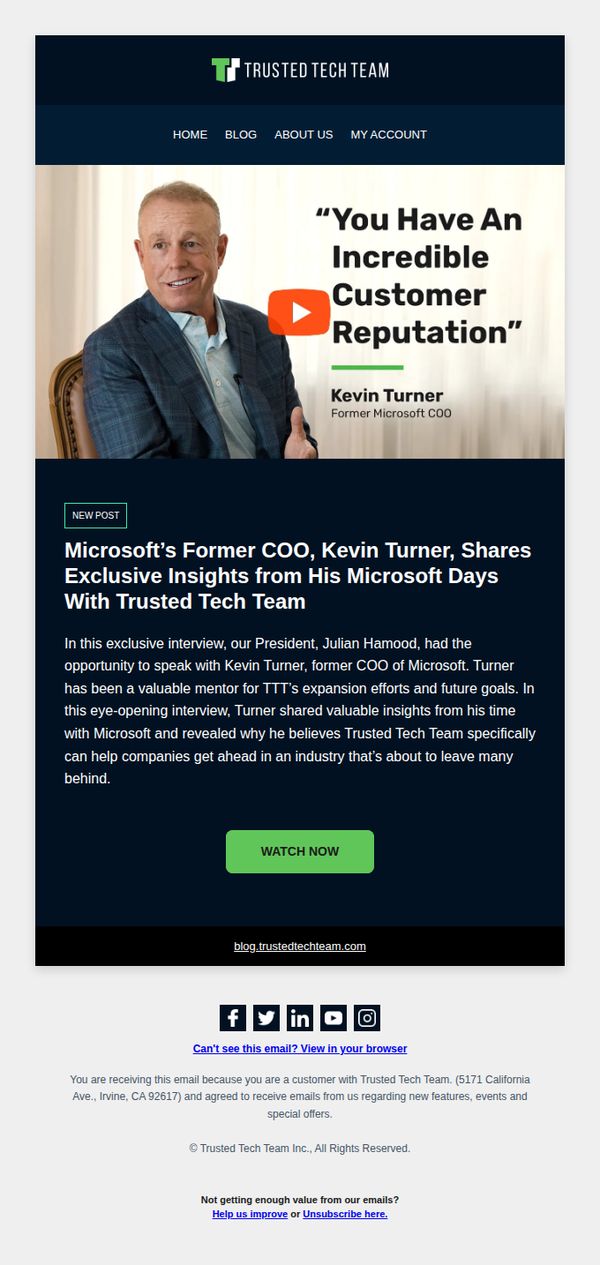
5. Microsoft’s Former COO, Kevin Turner, Shares Exclusive Insights From His Microsoft Days With Trusted Tech Team
Objective
This email aims to position Trusted Tech Team as a credible, industry-insider partner by leveraging Kevin Turner’s authority as Microsoft’s former COO, encouraging recipients to watch the exclusive interview and deepen their trust in the brand’s strategic value.
Why this works
Leveraging a high-profile executive’s endorsement as social proof immediately elevates brand credibility, especially when the executive is tied to a household-name company like Microsoft, making the audience more receptive to the message.
How to implement
Positioning the content as an ‘exclusive interview’ with a former industry titan creates urgency and perceived value, making recipients feel they’re gaining insider access rather than just consuming generic marketing content.
Pro Tip
Add a short video preview or transcript snippet beneath the CTA to reduce friction, many recipients may skip watching without knowing what specific insights or takeaways they’ll gain from the interview. • Include a secondary CTA or link to a related case study or customer success story to capitalize on the momentum of trust built by Kevin Turner’s endorsement, guiding readers toward a tangible next step.
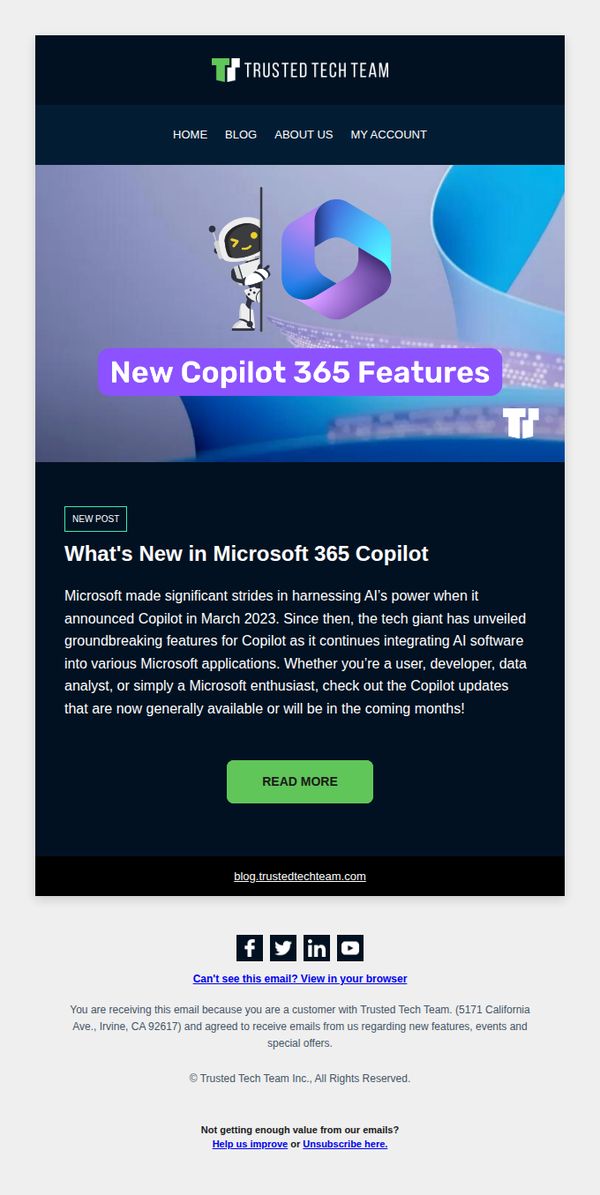
6. What's New in Microsoft 365 Copilot
Objective
To inform existing customers about the latest Microsoft 365 Copilot updates and drive engagement by encouraging them to read the full blog post for deeper insights into new AI-powered features.
Why this works
The email opens with a bold, benefit-driven headline that immediately signals value to Microsoft users, positioning Copilot as a transformative tool rather than just another update, which helps capture attention in a crowded inbox.
How to implement
By clearly identifying the audience, users, developers, and data analysts, the message creates personal relevance, making recipients feel the update applies directly to their workflow, which increases the likelihood of clicking through.
Pro Tip
Add a brief bullet list of 2–3 key new features directly in the email body to give immediate value and reduce the friction of clicking through, increasing the chance readers will engage even if they don’t visit the blog. • Include a customer testimonial or use case snippet near the CTA to build social proof and demonstrate real-world impact, which can strengthen the persuasive power of the email and motivate action.
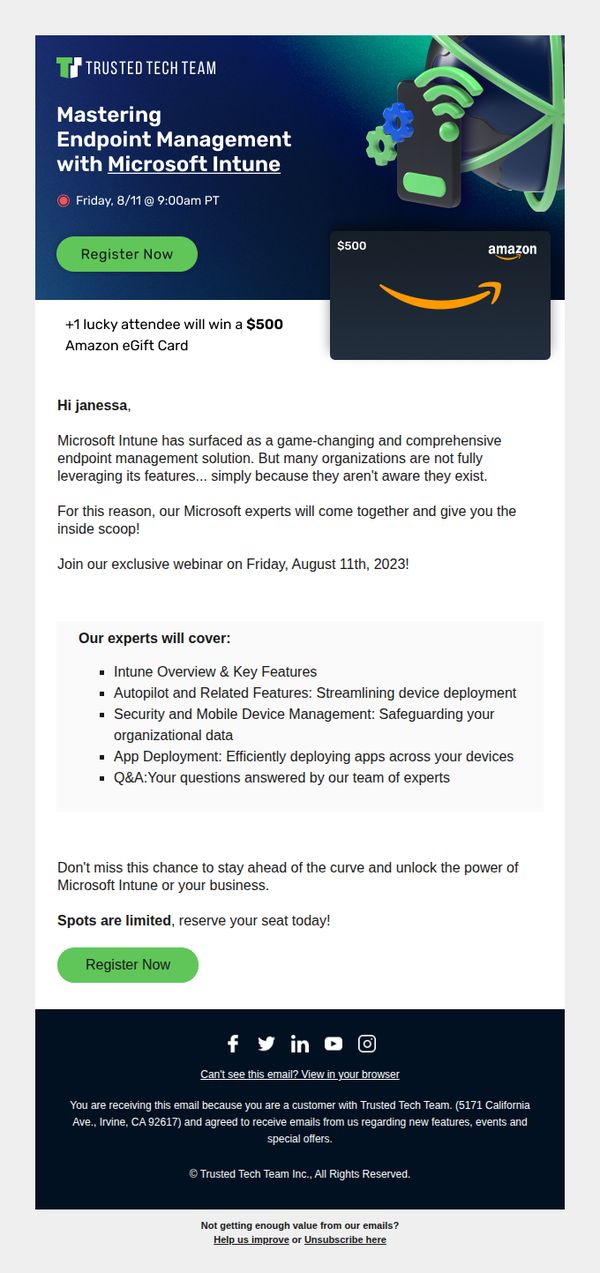
7. Meet our Microsoft Experts 🧠 and Learn the Ins and Outs of Intune
Objective
This email aims to drive registrations for a webinar on Microsoft Intune by positioning Trusted Tech Team as the authority on endpoint management, while incentivizing attendance with a $500 Amazon eGift card giveaway to create urgency and perceived value.
Why this works
The email smartly frames Microsoft Intune not just as a tool, but as a game-changing solution many organizations overlook, creating instant curiosity and positioning the webinar as essential insider knowledge for forward-thinking IT leaders.
How to implement
By featuring a high-value $500 Amazon eGift card as a random giveaway, the campaign transforms a routine educational event into a compelling, gamified experience that boosts registration rates without diluting the professional tone of the content.
Pro Tip
Add a countdown timer near the CTA to visually reinforce urgency, since 'spots are limited' is mentioned but not emphasized with dynamic visual cues that trigger immediate action. • Include a short video thumbnail or headshot of one of the Microsoft experts with a 10-second teaser to humanize the event and build trust before the registration click, especially since the audience is enterprise IT decision-makers.
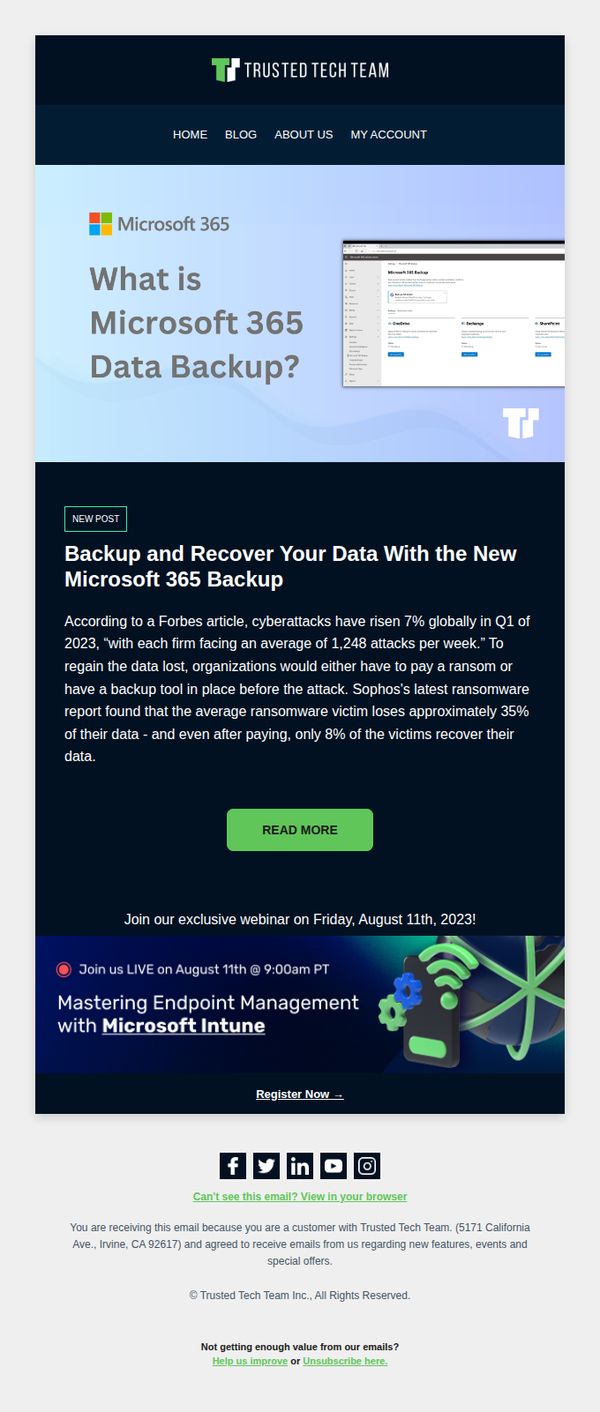
8. Even after paying, only 8% of ransomware victims recover their data!🧯How Microsoft 365 Data Backup can help!💡
Objective
To educate recipients on the critical risks of ransomware and position Microsoft 365 Data Backup as a necessary solution, while driving attendance to a live webinar that demonstrates endpoint management with Microsoft Intune.
Why this works
The email opens with a startling statistic about ransomware recovery rates to immediately grab attention and establish urgency, making the reader feel the need for proactive data protection before they even finish the first paragraph.
How to implement
By anchoring the message in credible third-party data from Forbes and Sophos, the campaign builds trust and authority, positioning Trusted Tech Team not just as a vendor but as a knowledgeable advisor helping businesses mitigate real, documented threats.
Pro Tip
Add a visual countdown timer next to the webinar registration CTA to reinforce urgency and increase conversion, especially since the event date is specific and time-bound. • Include a short customer testimonial or case study snippet under the ransomware statistic to humanize the data and strengthen emotional resonance before directing users to the webinar.
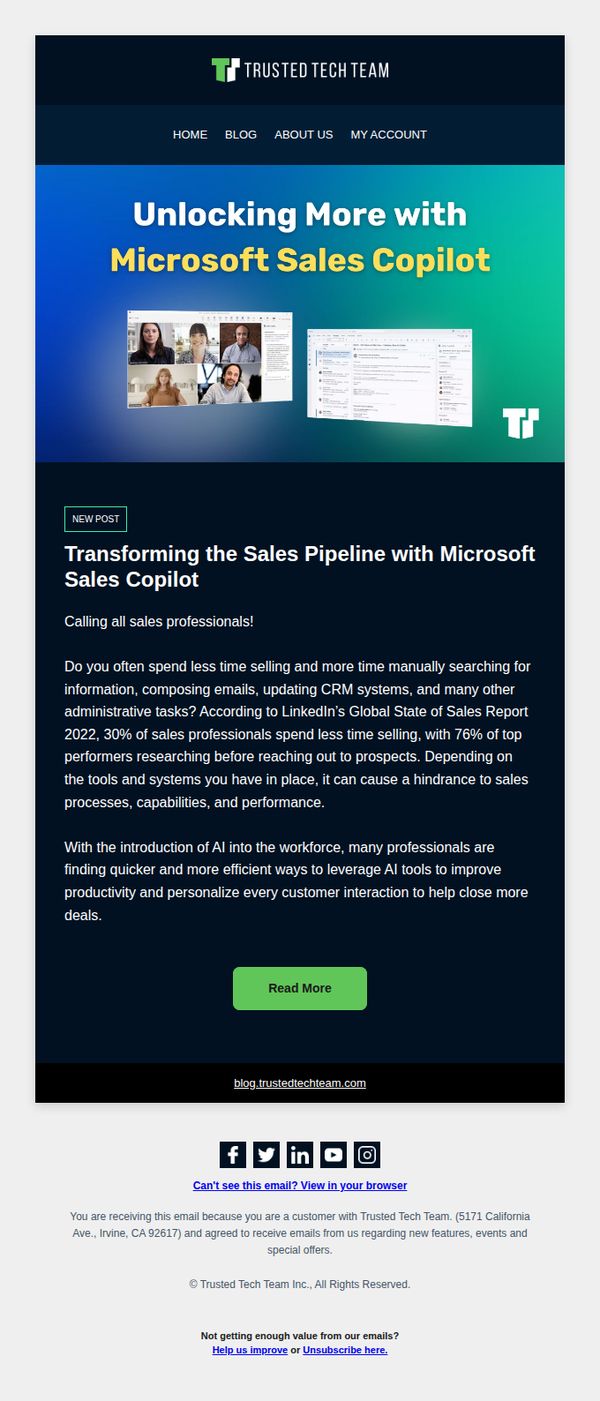
9. Transforming the Sales Pipeline With Microsoft Sales Copilot
Objective
This email aims to position Trusted Tech Team as a thought leader by highlighting how Microsoft Sales Copilot can streamline sales workflows and improve productivity, encouraging sales professionals to engage with the content and explore AI-driven sales solutions.
Why this works
The email opens with a bold, benefit-driven headline that immediately connects Microsoft Sales Copilot to a universal sales pain point, time wasted on admin tasks, making the value proposition instantly relatable to its target audience.
How to implement
By citing LinkedIn’s Global State of Sales Report, the email builds credibility and urgency, subtly positioning AI adoption not as optional but as a strategic differentiator separating top performers from the rest of the field.
Pro Tip
Add a brief testimonial or customer quote near the CTA to reinforce social proof and reduce perceived risk, helping readers feel more confident about investing time in reading the full post. • Include a secondary, low-friction CTA like 'Download the Sales Copilot Quick Start Guide' to capture leads who aren’t ready to read a full article but want actionable takeaways.
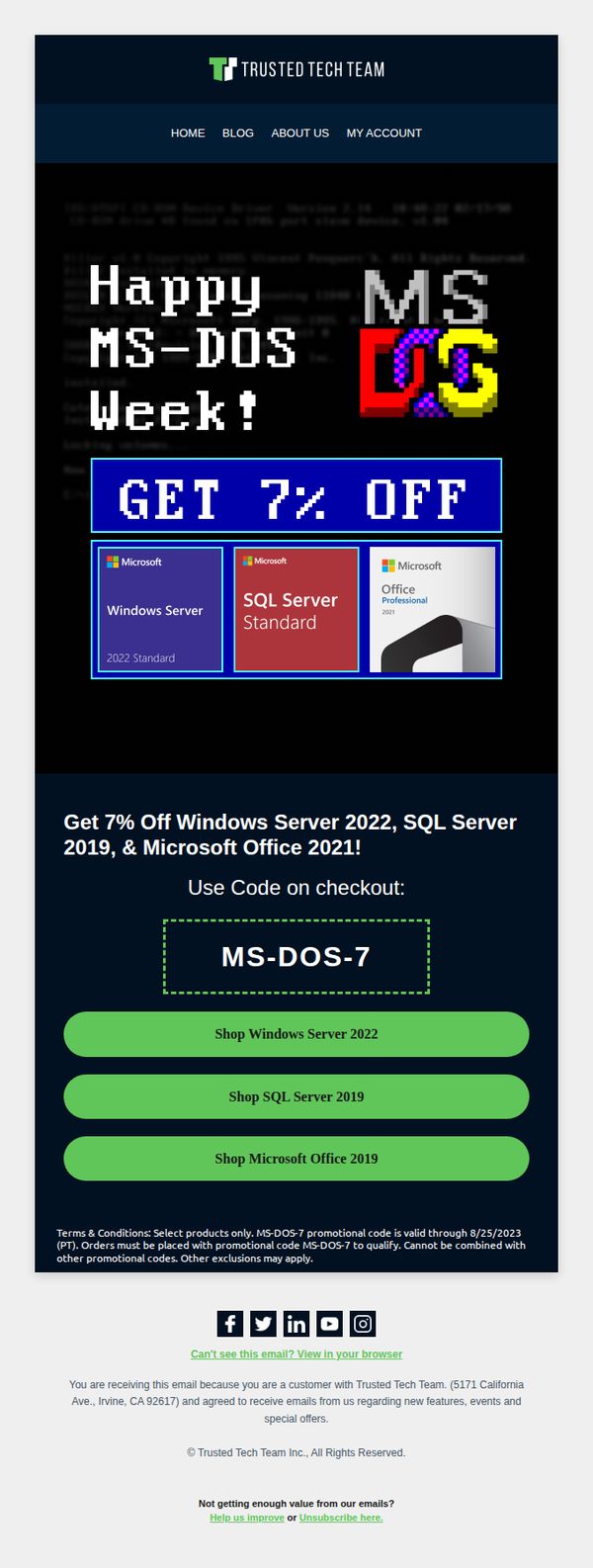
10. We're celebrating MS-DOS week with 7% OFF our top products 🎁
Objective
The email aims to drive immediate sales by leveraging nostalgia around MS-DOS Week to promote discounted Microsoft products, encouraging recipients to use a promo code before the offer expires.
Why this works
The campaign brilliantly taps into retro tech nostalgia with MS-DOS Week, creating emotional resonance that transforms a simple discount into a memorable, themed event worth participating in.
How to implement
By featuring only three high-value Microsoft products with clear visuals and direct CTAs, the email reduces decision fatigue and funnels users toward immediate, high-intent purchases.
Pro Tip
Add a countdown timer near the promo code to visually reinforce urgency and encourage faster conversions before the 8/25/2023 deadline. • Include a short testimonial or trust badge near the product grid to alleviate purchase hesitation, especially for enterprise software buyers who value social proof.